Short answer: Motioneed Motion now has 18 AI narrator voices for marketing videos, up from 8. Paste your website URL, open Settings, turn on Narration and click any voice to hear a five-second preview; each voice speaks all 15 narration languages. Narration costs no extra credits. Free includes the first voice, Corporate Narrator; every paid plan gets all 18.
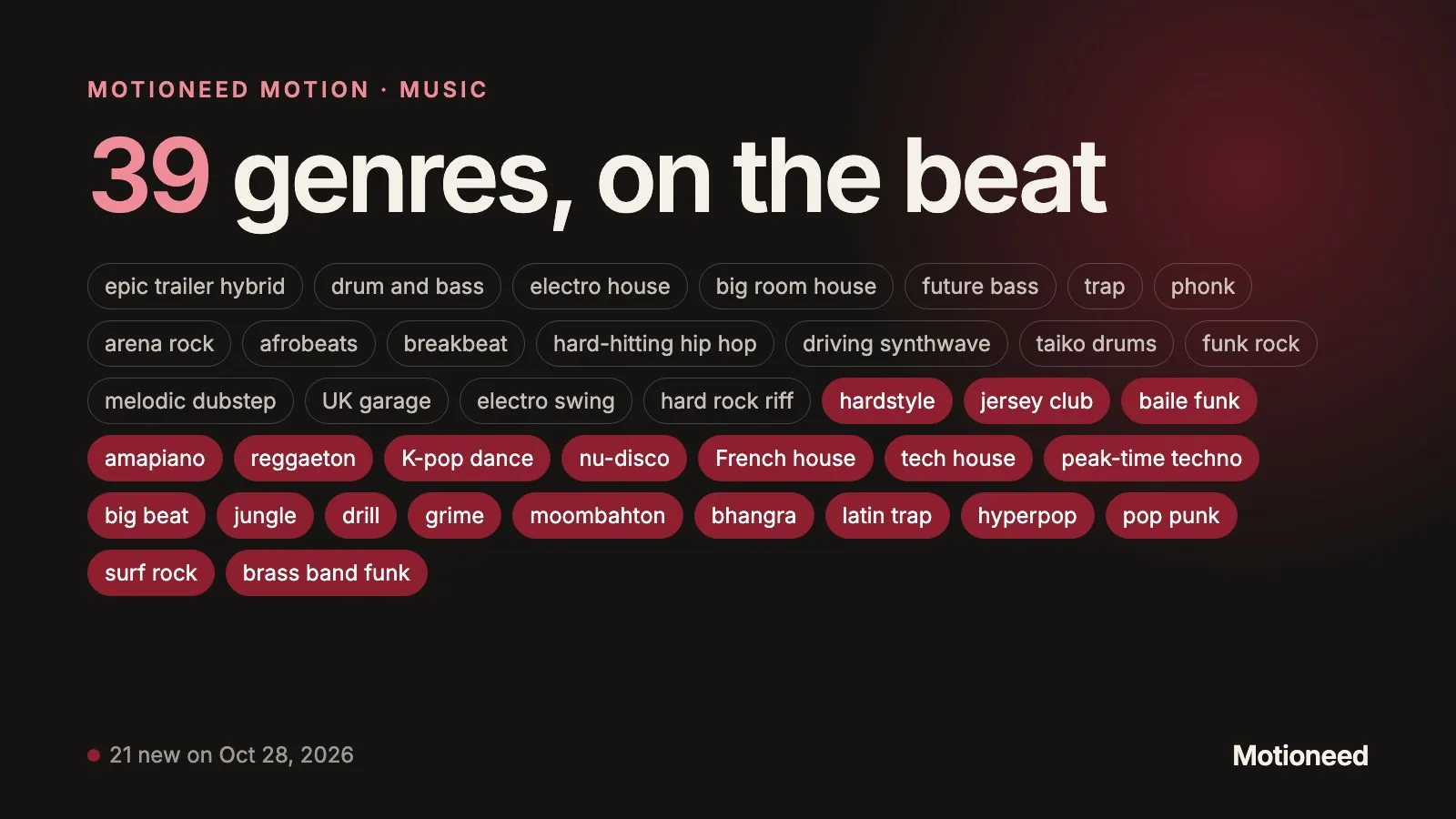
The voice is the part of a marketing video people remember without noticing. The same script reads as a bank, a startup or a game studio depending on who says it. Ten new voices, added on October 28, 2026, fill the gaps the first eight left: two British women, a gender-neutral voice, an Australian, a news anchor, a podcast host and a gravelly veteran.
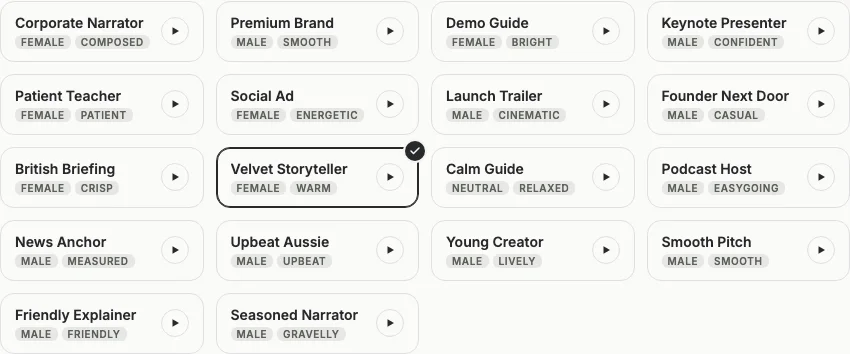
All 18 voices at a glance
| Voice | Gender | Tone | Best for |
|---|---|---|---|
| Corporate Narrator | Female | Composed | B2B software, finance, explainers for buyers |
| Premium Brand | Male | Smooth | Luxury, design, premium consumer products |
| Demo Guide | Female | Bright | Product demos and onboarding videos |
| Keynote Presenter | Male | Confident | Launches and feature announcements |
| Patient Teacher | Female | Patient | Tutorials, education, docs walkthroughs |
| Social Ad | Female | Energetic | Short social ads, 10 to 15 seconds |
| Launch Trailer | Male | Cinematic | Teasers and launch trailers |
| Founder Next Door | Male | Casual | Founder-led videos, indie products |
| British Briefing (new) | Female | Crisp | UK audiences, fintech, clear feature lists |
| Velvet Storyteller (new) | Female | Warm | Brand stories, wellness, lifestyle |
| Calm Guide (new) | Neutral | Relaxed | Mindful products, health, any brand that avoids a gendered voice |
| Podcast Host (new) | Male | Easygoing | Conversational explainers, media and creator tools |
| News Anchor (new) | Male | Measured | Announcements, reports, trust-heavy products |
| Upbeat Aussie (new) | Male | Upbeat | Australian audiences, playful consumer apps |
| Young Creator (new) | Male | Lively | Gen Z products, social-first launches |
| Smooth Pitch (new) | Male | Smooth | Sales videos and landing-page heroes |
| Friendly Explainer (new) | Male | Friendly | How-it-works videos and help-center clips |
| Seasoned Narrator (new) | Male | Gravelly | Developer tools, outdoor and industrial brands, trailers |
Every voice reads the same preview line, "Paste one link, and your website becomes a scored marketing video in minutes", so you can compare them fairly.
How to choose a voice for your video
Match the voice to the viewer, not to your own taste:
- Who is watching? A procurement team trusts Corporate Narrator or News Anchor; a creator audience scrolls past them and stops for Young Creator or Social Ad.
- How long is the video? In a 10 or 15 second ad an energetic voice keeps up with fast cuts. Calm voices such as Calm Guide and Velvet Storyteller need 30 seconds or more to land.
- Where is the audience? British Briefing, Velvet Storyteller, News Anchor and Premium Brand have British accents; Upbeat Aussie is Australian; Launch Trailer is transatlantic; the other 12 are American.
- What does the music do? A cinematic score suits Launch Trailer or Seasoned Narrator. A light, plucky score suits Demo Guide or Friendly Explainer.
- Does the brand have a face? If a founder appears in your other videos, Founder Next Door or Podcast Host keeps the same informal tone.
When in doubt, play three previews back to back with your eyes closed and pick the one you would believe on a call.
How to add narration in Motioneed, step by step
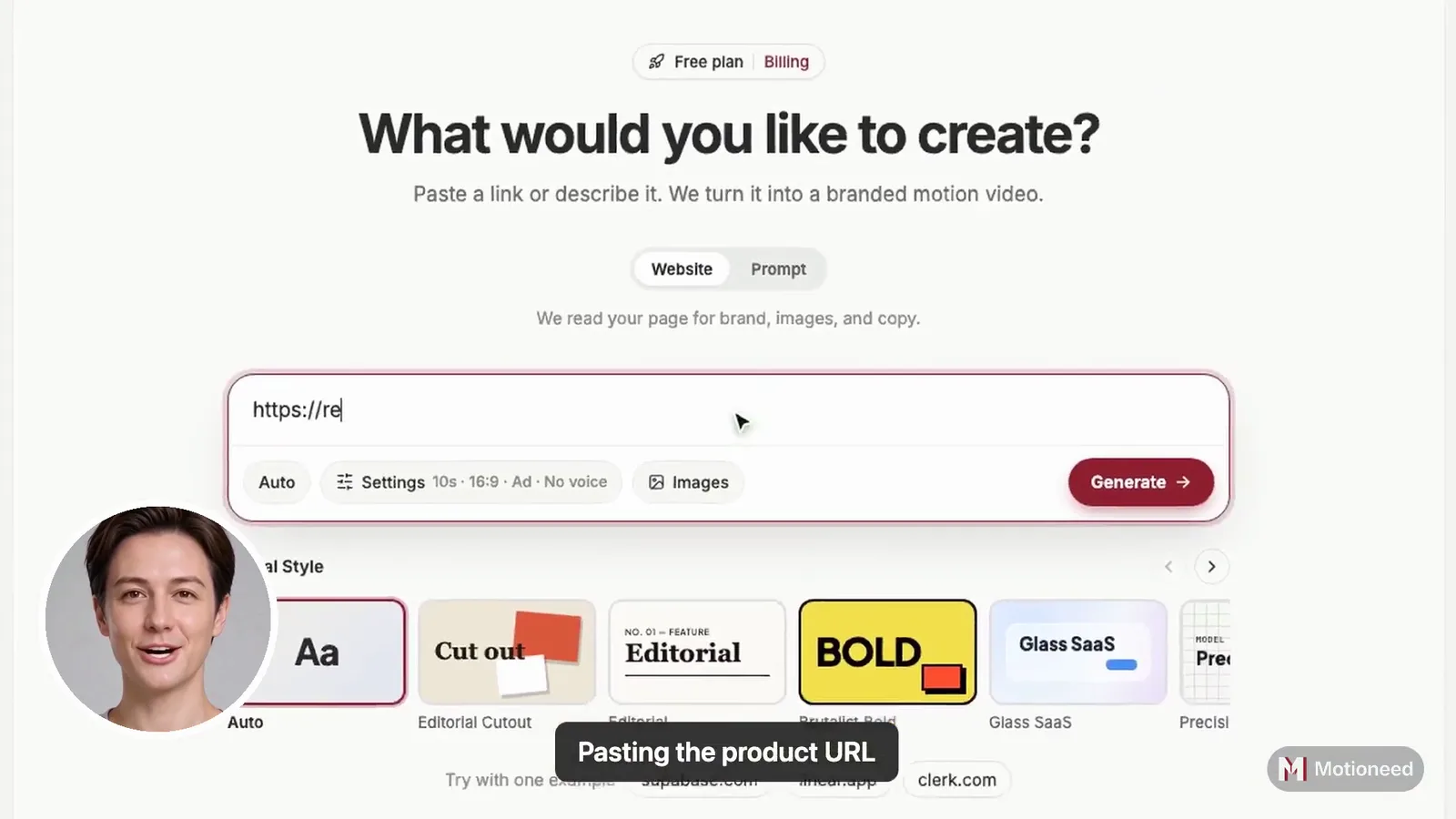
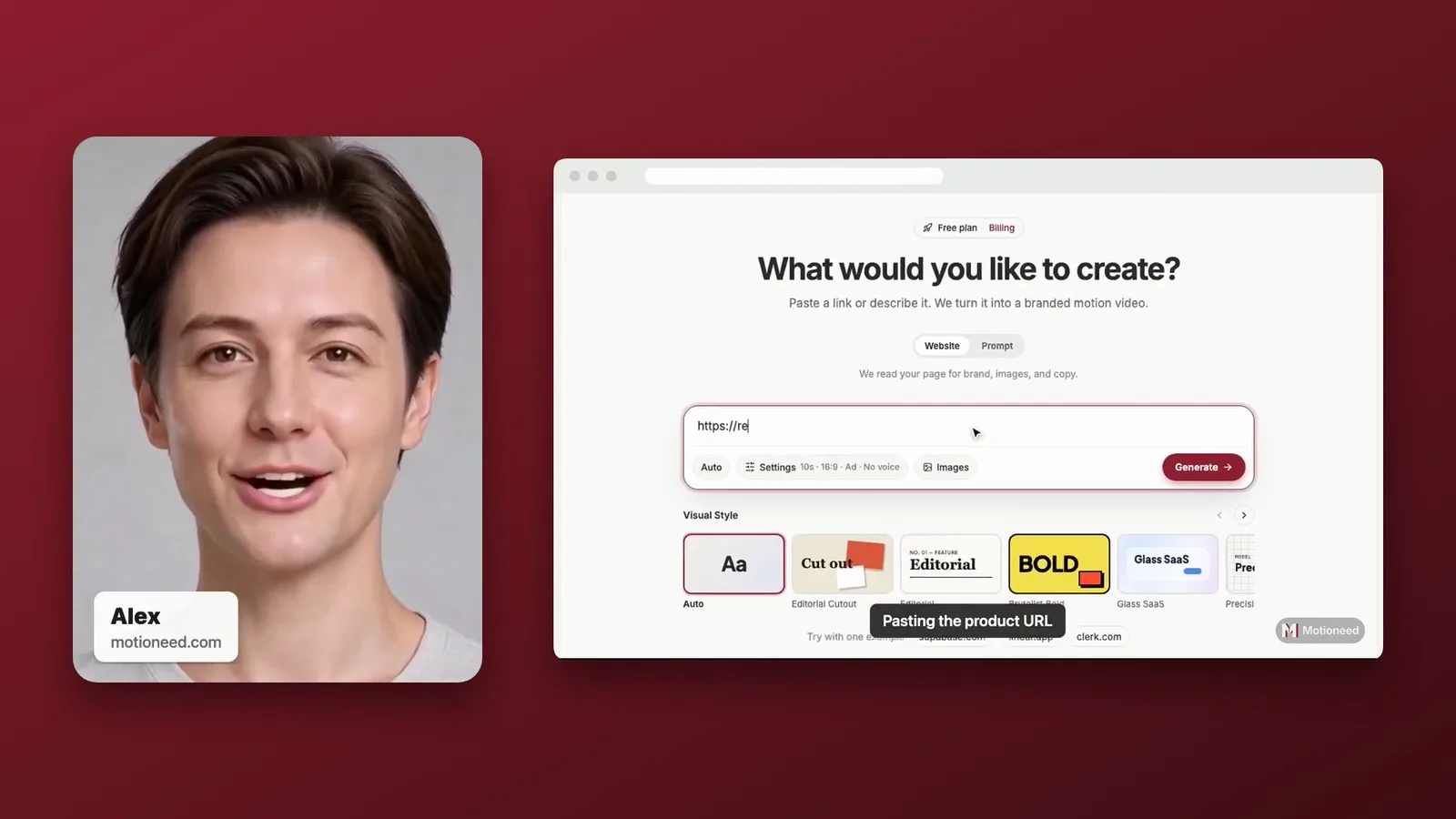
- Paste your website URL into the box on the Motion page. Motioneed reads your logo, colors, copy and screenshots from the live page.
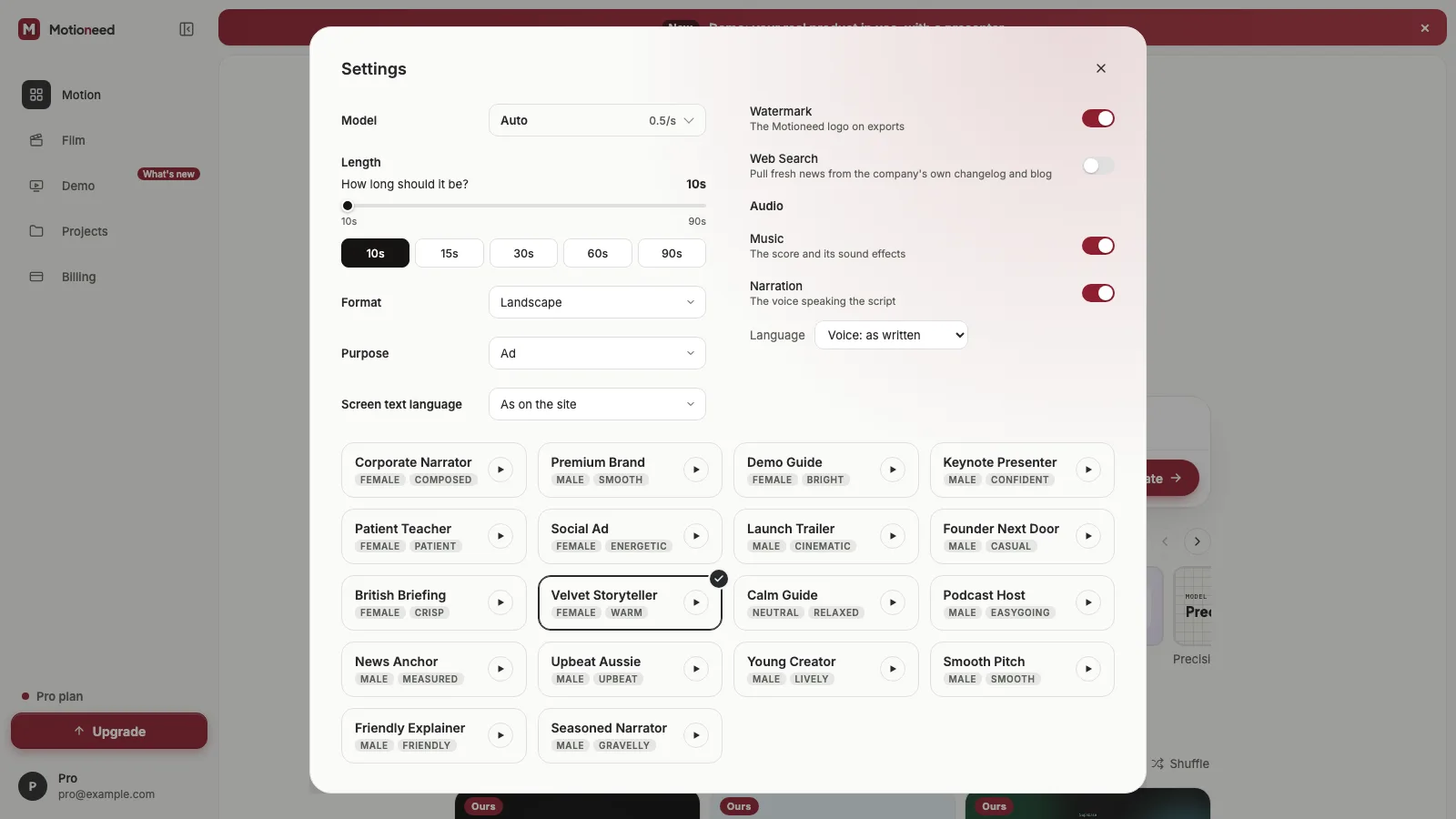
- Open Settings next to the link box.
- Turn on Narration under Audio. The voice cards appear under the settings.
- Pick a language, or keep "Voice: as written" to narrate in the language of the script.
- Play and pick a voice. Click the play button on any card to hear it, then click the card to choose it.
- Generate. The script is written from your page and timed to the length you set; the narration is mixed over the score.
Languages
Each of the 18 voices can narrate in English, Chinese (Simplified and Traditional), Japanese, Korean, Spanish, French, German, Portuguese (Brazil), Italian, Russian, Hindi, Greek, Arabic and Indonesian. The voice keeps its character in every language, with a light trace of its accent. Set the screen text language separately in Settings if the words on screen should be in another language.
What narration costs
Narration is included in the price of a Motion video. You pay per second of video by the writing model you pick, for example 0.5 credits a second on Auto, with or without a voice. The Free plan narrates with Corporate Narrator only; the other 17 voices are marked PRO and come with any paid plan.
FAQ
How many AI voices does Motioneed have?
Motioneed Motion has 18 narration voices: 6 female, 11 male and 1 gender-neutral, after 10 were added on October 28, 2026.
Can I hear a voice before I generate a video?
Yes. Every voice card in Settings has a play button with a five-second preview of the same line, so you can compare voices side by side.
Does adding narration cost extra credits?
No. A Motion video costs the same per second with or without narration.
Which voices have a British or Australian accent?
British Briefing, Velvet Storyteller, News Anchor and Premium Brand are British. Upbeat Aussie is Australian and Launch Trailer is transatlantic. The other 12 voices are American.
Can the narrator speak a different language from my website?
Yes. Pick one of 15 narration languages in Settings, or keep "Voice: as written" to narrate in the script's own language.
Is there a gender-neutral voice?
Yes. Calm Guide is a relaxed, gender-neutral voice, useful for brands that prefer not to use a male or female narrator.
Can I use my own voice?
Not in Motion narration. In Motioneed Demo a presenter made from your photo speaks with a voice you pick from the presenter voices.