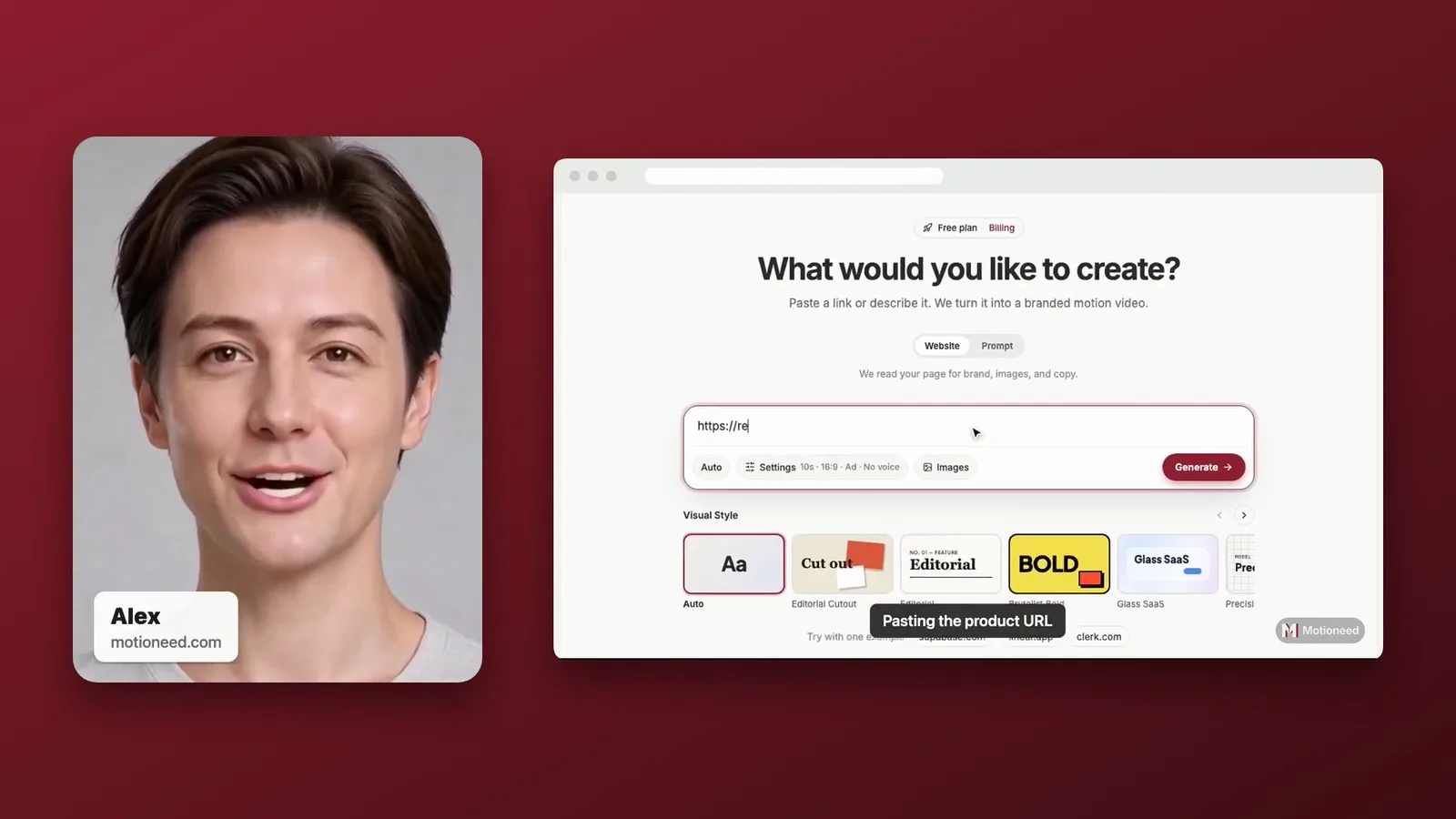
Short answer: A split-screen product demo video puts the presenter and the product side by side, so viewers see a face and the real product at the same time without one covering the other. In Motioneed Demo this is the Studio style: the presenter on a card with a name tag on the left, your page in a browser window on the right, both on your brand color, then Motion cards to close. Paste your URL, add a presenter, pick Studio and Generate. A 60 second Studio Demo with a 30 second recording costs 39 credits on Auto.
Most demo videos make you choose: a talking head that hides the product, or a screen recording with a small face covering a corner of it. Split screen gives each its own space. It is the format of a polished product page or a sales video, and it usually takes an editor to build. Here is how to make one from a link.
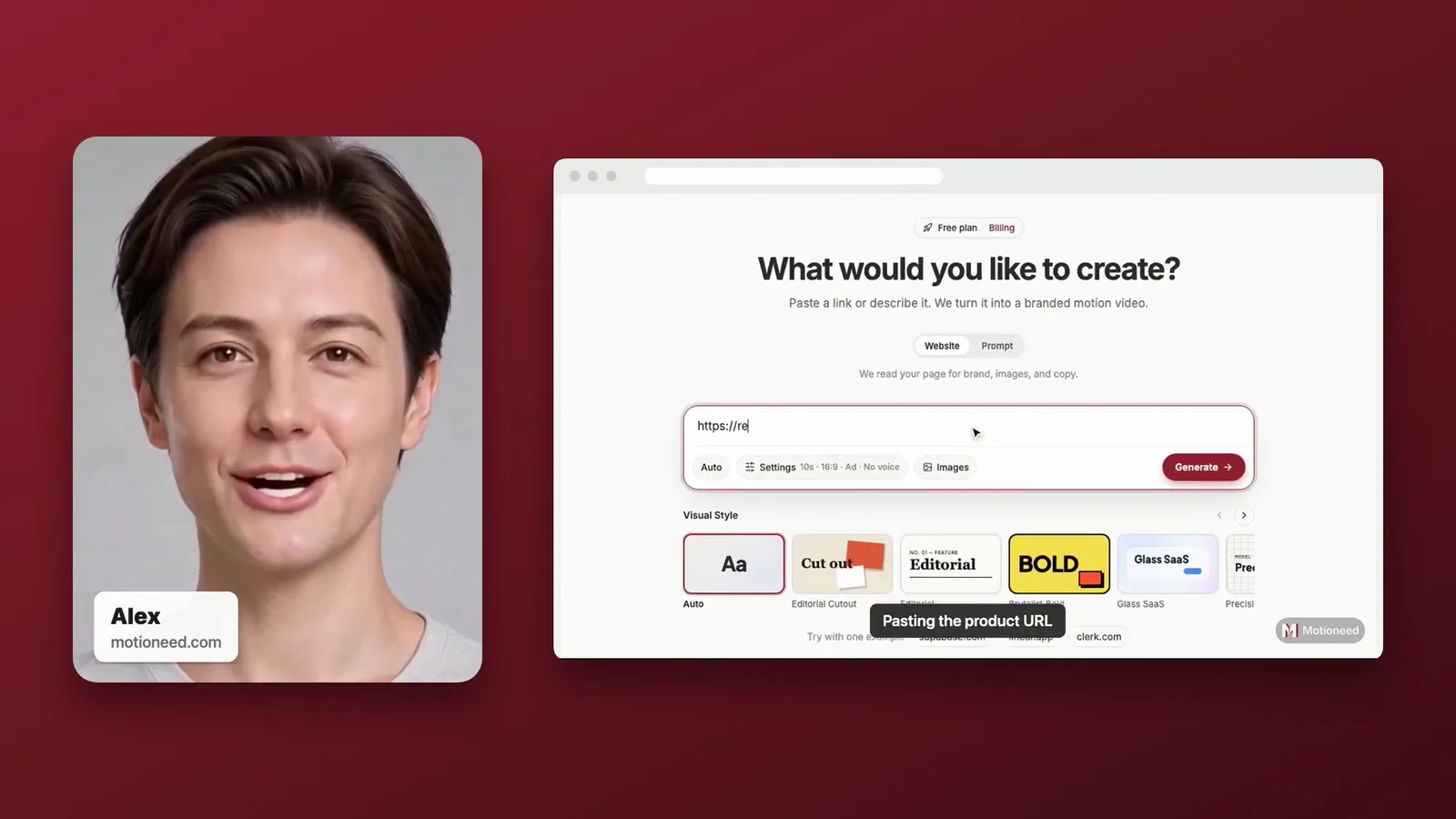
What the Studio style looks like
| Part | What viewers see |
|---|---|
| Presenter | A tall rounded card on the left, with a name tag: the presenter's name and your domain |
| Recording | Your real page in a browser window on the right, used by a real browser, with step captions |
| Background | A gradient in the accent color read from your own page, so it matches your brand, not ours |
| Captions | None beyond the step captions; the name tag introduces the speaker |
| Closing cards | Motion cards in the Editorial style, made from your page, full screen |
| Shape | 16:9, 30, 60 or 90 seconds |
The presenter talks while the recording plays, and then the cards take the full frame. If the recording runs longer than the presenter's clip, the presenter holds their last frame until the page is done.
When split screen is the right choice
Pick Studio when you want the person and the product to have equal weight:
- Homepage hero videos, where a clean, branded frame matters more than speed.
- Outbound sales emails and LinkedIn messages, where the name tag says who is talking.
- Investor and partner updates that should look produced, not recorded.
- Busy pages where a corner face would hide buttons or text the viewer needs to see.
If the product should fill the whole frame, choose Walkthrough. For a launch with a dramatic opening, choose Keynote.
How to make a split-screen demo
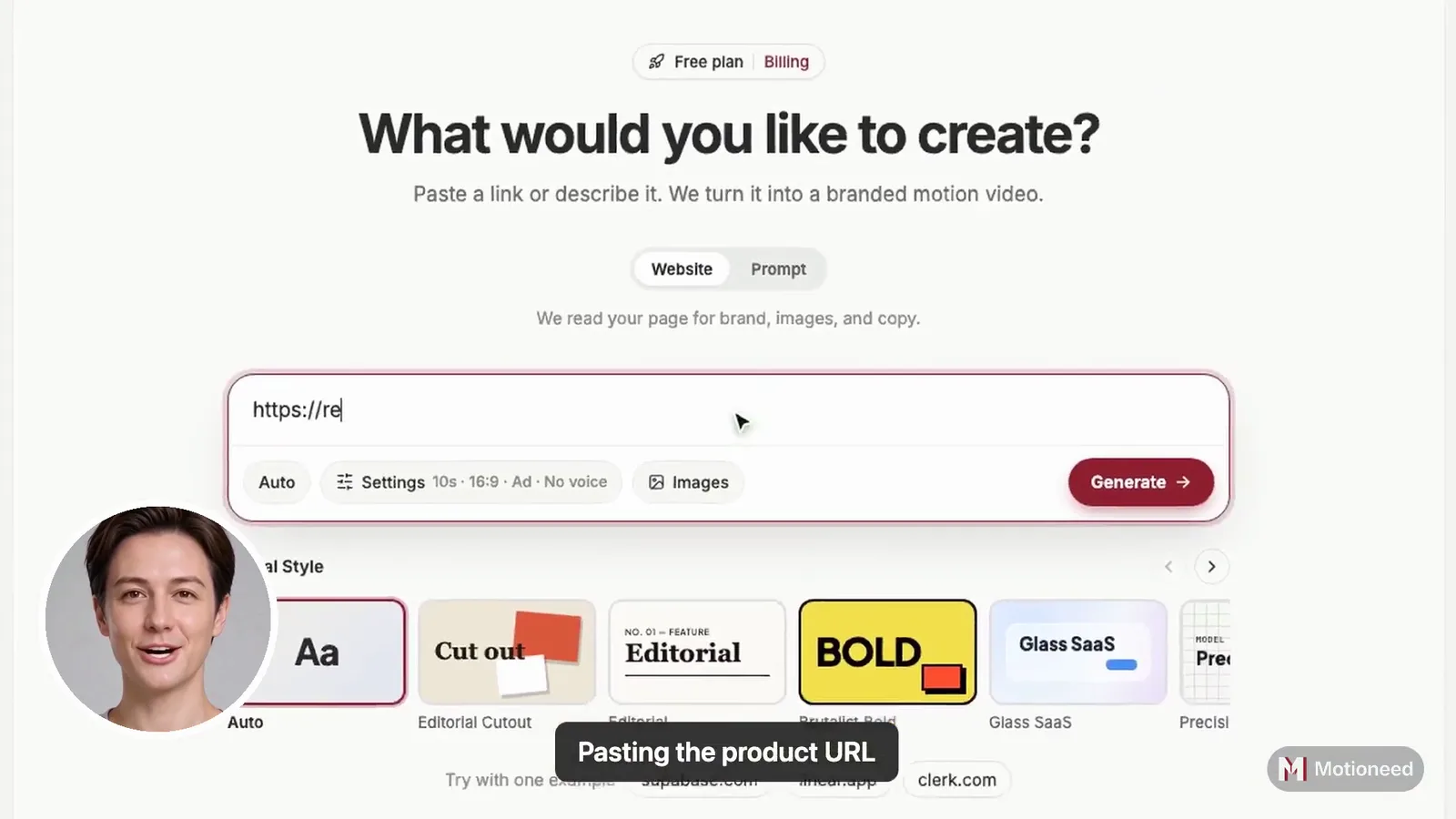
- Paste the page to show. A public page: your app's home page, a pricing page or a feature page. Pages behind a login can't be recorded.
- Describe the task (optional). For example "type an email address and click Subscribe". Leave it empty and Demo picks the page's main action.
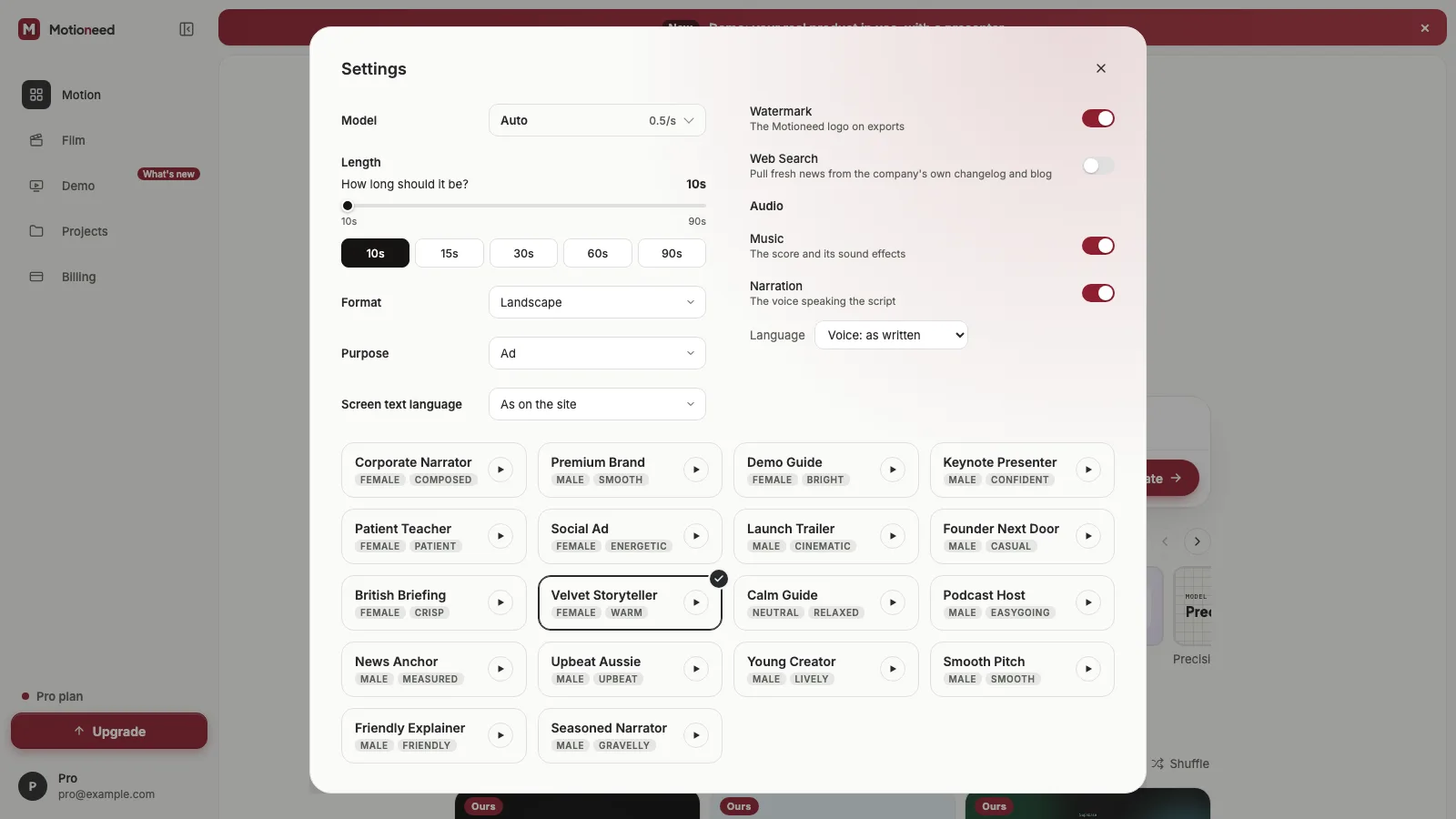
- Add a presenter. A photo of yourself, or of someone who agreed, and a voice. The name you give the presenter is the name on the tag.
- Pick Studio in the Style row under the link box. Hover it first to watch it large.
- Pick a length and Generate. The presenter's script is written from your page and covers what the recording shows, step by step.
Your page's accent color sets the background. If your site is mostly gray, the background follows that; there is no separate color setting.
Writing for a presenter beside the product
In Studio the presenter only talks while the recording plays, so the script is short and tied to what is on screen:
- Say what the viewer is looking at, in order: "This is the dashboard. We add a teammate here."
- One idea a sentence. Viewers are reading the page at the same time.
- Stop when the recording stops. The cards carry the call to action.
At about 2.4 words a second, a 30 second recording takes about 70 words.
What it costs
Three parts: 3 credits for the recording, 0.7 credits for each second the presenter is on screen, and the cards at Motion's rate, 0.5 credits a second on Auto. The presenter is only on screen beside the recording, which makes Studio the lowest-cost style with a presenter.
| 60 second Demo, 30 s recording, Auto | Credits |
|---|---|
| Recording | 3 |
| Presenter, 30 s beside the page | 21 |
| Cards, 30 s | 15 |
| Total | 39 |
The most it could cost is held before it starts and shown next to Generate; what wasn't used goes back.
How Studio compares with the other styles
| Style | Presenter | Product | Best for |
|---|---|---|---|
| Studio | Card on the left, name tag | Browser window on the right | Homepage hero, outbound sales |
| Walkthrough | Round, bottom-left, all through | Full screen | Feature walkthroughs, support |
| Keynote | Large on a stage, then a square | Floating window | Launches |
| Creator | Full screen, then the corner | Full screen, captions | Social and ads |
FAQ
Can I change the background color?
The background comes from the accent color on your page, so it matches your brand without a setting. To change it, record a different page or pick another style.
What does the name tag say?
The presenter's name, as you saved it, and your site's domain.
What happens without a presenter?
Studio still frames the page: it sits alone in a browser window, centered on your brand color, before the cards. A 60 second Demo with a 30 second recording then costs 18 credits on Auto.
Is split screen better than a face in the corner?
Neither is better; they do different jobs. Split screen keeps the whole product visible and looks produced. A face in the corner keeps the product as large as possible and feels more personal. See face in the corner.
Is the presenter a real person?
The presenter is made by AI from a photo. Only use a photo of yourself or of someone who agreed, and mark the video as altered or synthetic where the platform asks.
Make a Studio Demo from your own page, or read Introducing Motioneed Demo for how the three parts are made.