Short answer: A talking-head product video with captions opens on a presenter full screen, puts what they say on screen as big captions, then shows the product in use with the presenter in the corner. It is made for feeds, where most people watch without sound. In Motioneed Demo this is the Creator style: six seconds full screen, then your real page with the presenter bottom-right, captions word by word, and Motion cards in the Brutalist Bold style. Paste your URL, add a presenter, pick Creator and Generate. A 60 second Creator Demo with a 30 second recording costs 57 credits on Auto.
Creator-style videos are the ones that stop the scroll: a face talking straight to camera, bold words on screen, quick cuts to the product. Brands pay creators to make them because they feel like a recommendation, not an ad. Making one yourself usually means filming, cutting and captioning by hand. This guide shows how to get that format from a link.
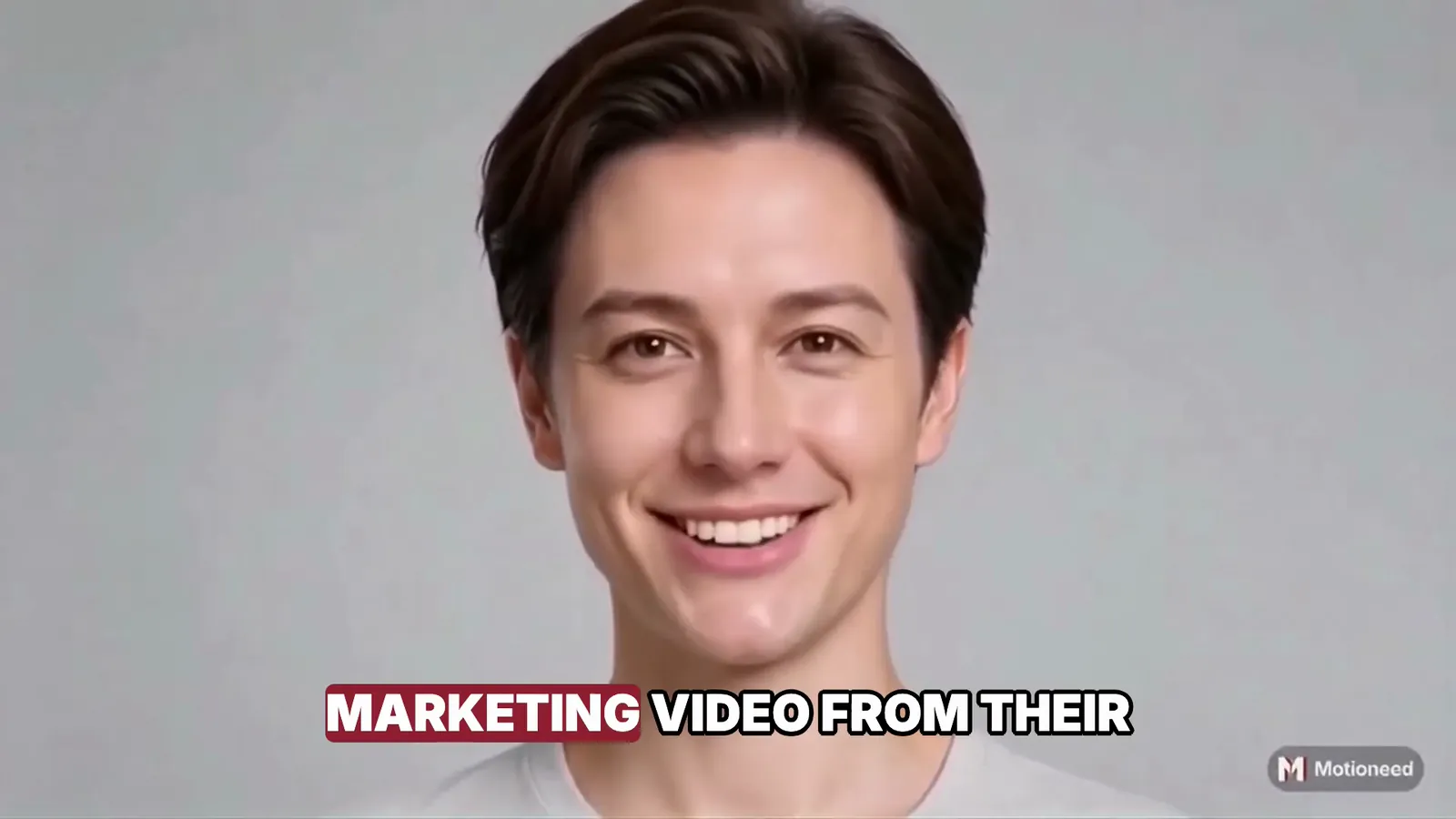
What the Creator style looks like
| Part | What viewers see |
|---|---|
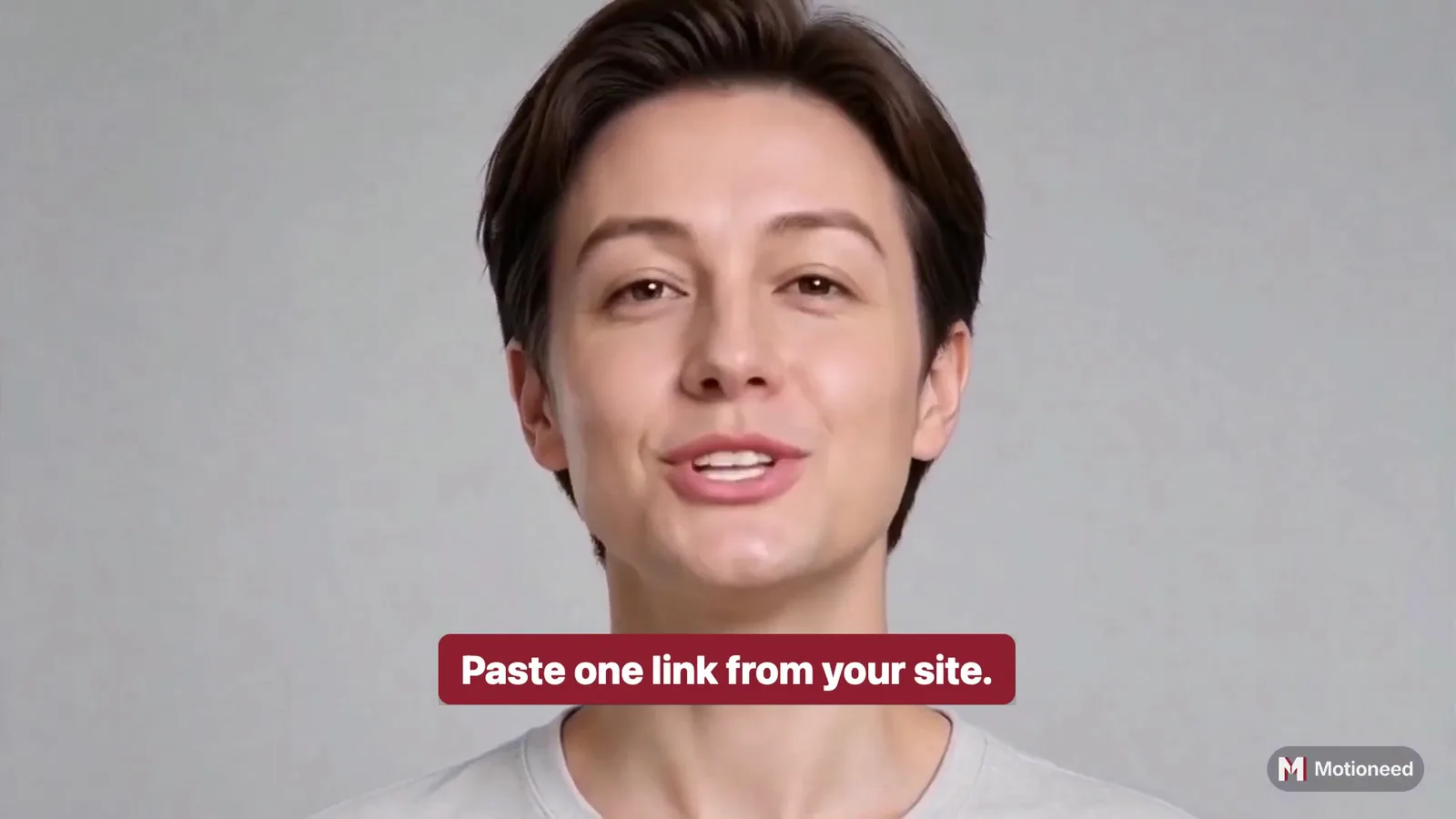
| Opening, 6 seconds | The presenter full screen, talking to camera |
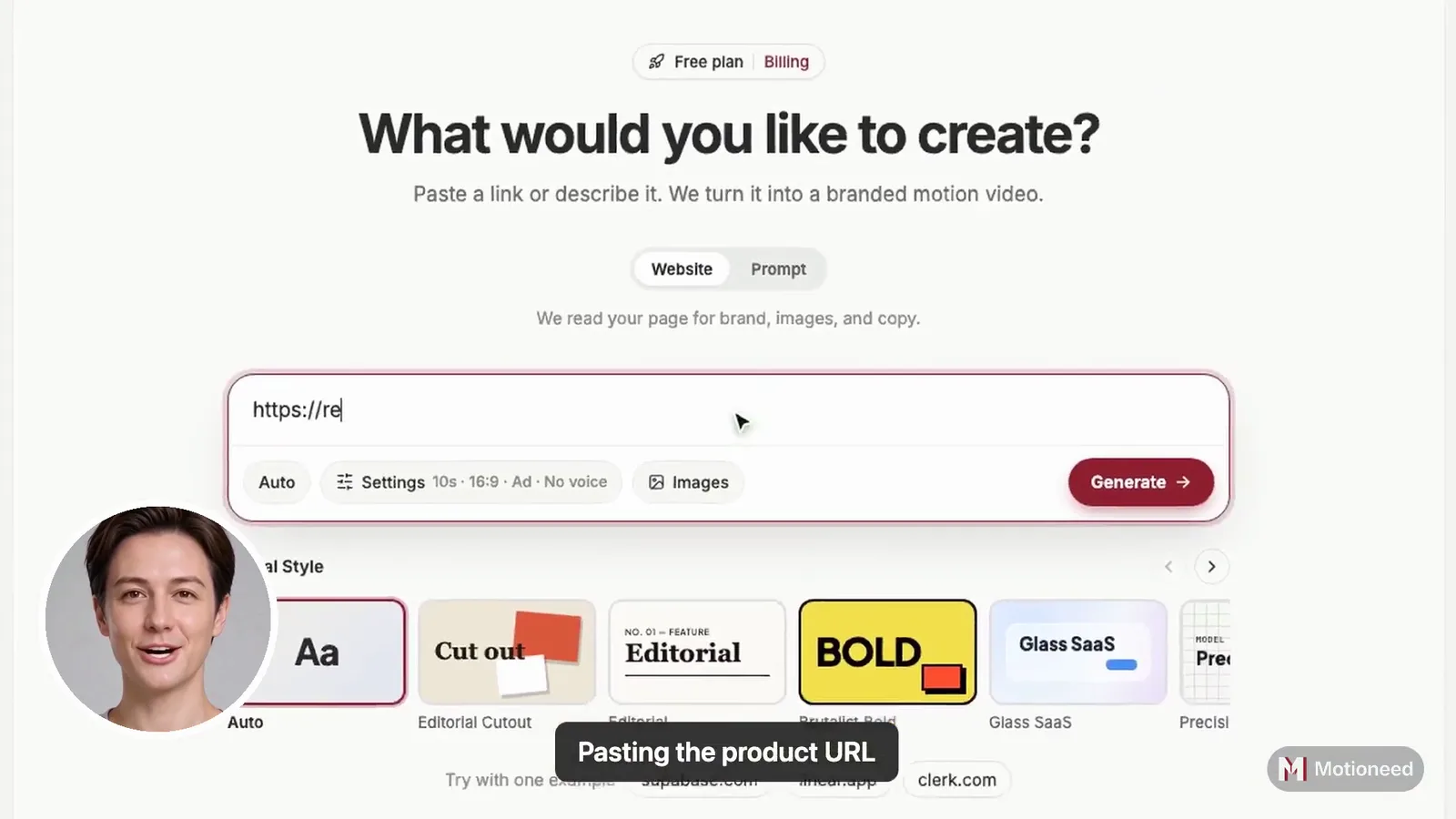
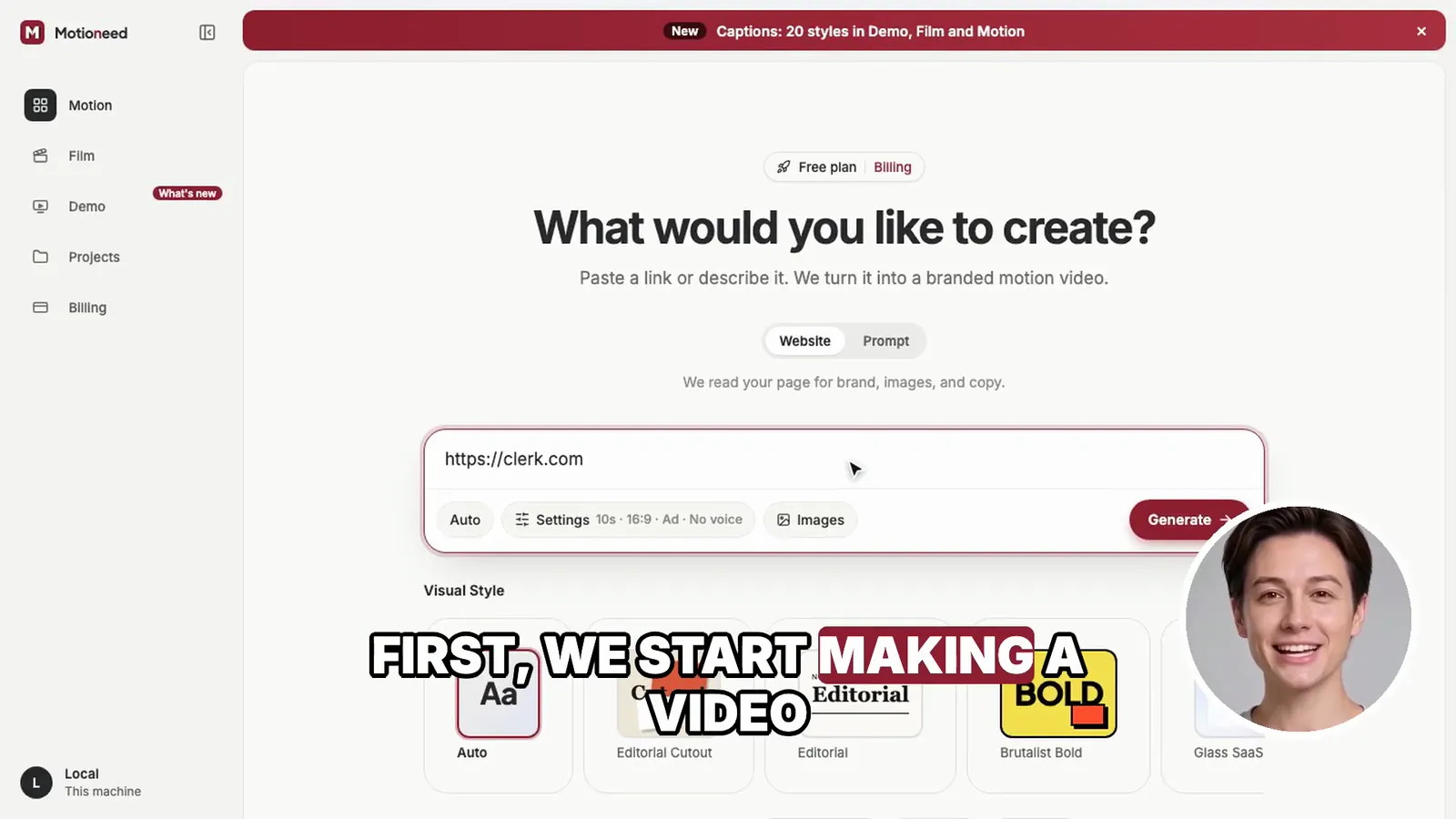
| Recording | Your real page full screen, used by a real browser and zooming in where it clicks; the presenter in a round frame in the bottom-right corner |
| Captions | What the presenter says, line by line at the bottom of the frame, on your page's accent color |
| Closing cards | Motion cards in the Brutalist Bold style; the presenter stays in the corner |
| Shape | 16:9, 30, 60 or 90 seconds |
Captions come from the presenter's script and change sentence by sentence as they speak; long sentences are split so each line stays short enough to read at a glance. Captions come in 20 styles; Highlight, the default, marks each word in your brand color as it is spoken, and they keep clear of the presenter's face and the corner.
When to choose a creator-style video
- Social posts on LinkedIn, X and YouTube, where videos autoplay muted.
- Paid ads that need a face and a hook in the first seconds.
- Launch day clips that should feel like a person, not a press release.
- Accessible versions of a demo for people who watch without sound.
For a quieter walkthrough on a docs page, choose Walkthrough. For a launch with a staged opening, choose Keynote.
How to make a talking-head video with captions
- Paste the page to show. A public page; the recording uses a real browser and can't log in.
- Describe one task (optional). Short is better for social: "paste a link and press Generate".
- Add a presenter. A photo of yourself, or of someone who agreed, looking at the camera, and a voice.
- Pick Creator in the Style row under the link box. Hover it first to see the captions.
- Pick a length and Generate. 30 seconds suits most feeds; 60 seconds suits a pinned post or an ad with a longer story.
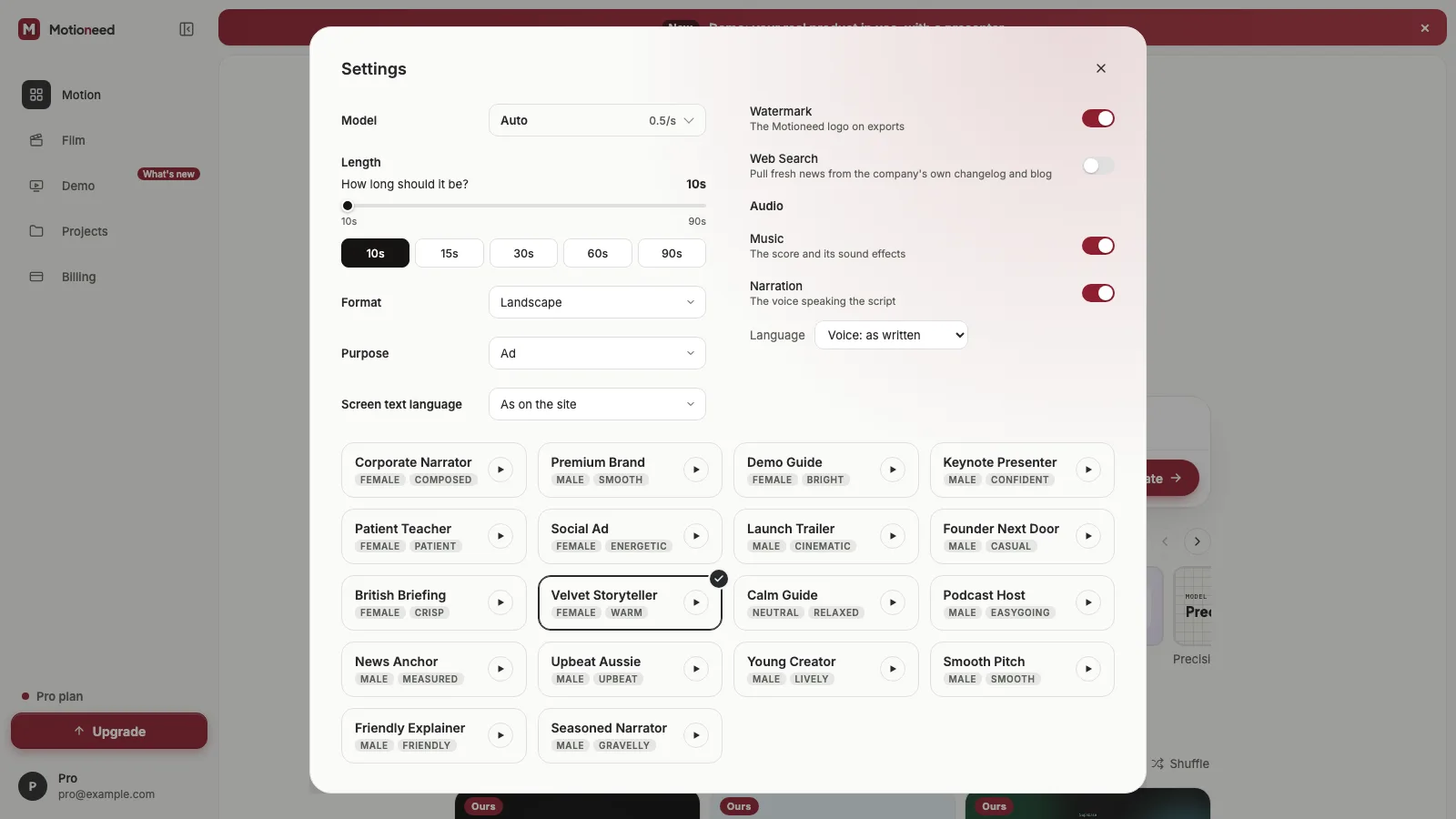
Leave the script empty and it is written from your page; write your own in the presenter dialog to control every caption. Pick a screen text language in Settings and the presenter speaks it, and the captions follow.
Writing for captions
Every sentence becomes a caption, so write for reading as much as for listening:
- Hook in the first line, under eight words: "Your website already has a video in it."
- Short sentences. Long ones are split, but a sentence that reads well on its own makes a better caption.
- Avoid numbers you can't show. Say what the page says, nothing more.
- Close with one action: "Paste your link and try it free."
At about 2.4 words a second, a 30 second Creator video is about 70 words, roughly eight captions.
What it costs
Three parts: 3 credits for the recording, 0.7 credits for each second the presenter is on screen, and the cards at Motion's rate, 0.5 credits a second on Auto. In Creator the presenter is on screen from the opening to the end.
| 60 second Demo, 30 s recording, Auto | Credits |
|---|---|
| Recording | 3 |
| Presenter, 60 s on screen | 42 |
| Cards, 24 s | 12 |
| Total | 57 |
The most it could cost is held before it starts and shown next to Generate; the rest goes back. A 30 second Creator video costs much less, since the presenter is on screen for half the time.
How Creator compares with the other styles
| Style | Opening | Captions | Best for |
|---|---|---|---|
| Creator | Presenter full screen | What the presenter says, line by line | Social posts and ads |
| Keynote | Presenter large on a dark stage | Step captions only | Launches |
| Walkthrough | Straight into the product | Step captions only | Walkthroughs, support |
| Studio | Presenter beside the page | Name tag | Homepage, sales |
FAQ
Are the captions word by word?
No, line by line. Each sentence, or part of a long one, shows while it is spoken, timed to the length of the line. Word-by-word highlighting would need word timings the presenter clip doesn't give.
Can I edit the captions?
Yes, by writing the script yourself in the presenter dialog. The captions are the script.
Can I make a vertical 9:16 version?
Yes. Pick 9:16 (or 3:4) under Format in the Demo settings: the page is recorded at a phone's width, and the presenter and cards are laid out for a tall frame. For vertical ads without a recording, see vertical video ad from website.
What happens without a presenter?
Without a presenter there is no one to caption: Creator shows the recording full screen and the cards, 18 credits for a 60 second Demo with a 30 second recording on Auto.
Do I need to say it is an AI presenter?
Mark it where the platform asks; ad platforms and YouTube have rules for realistic synthetic people. Only use a face you have the right to use.
Make a Creator Demo from your page and post it today.