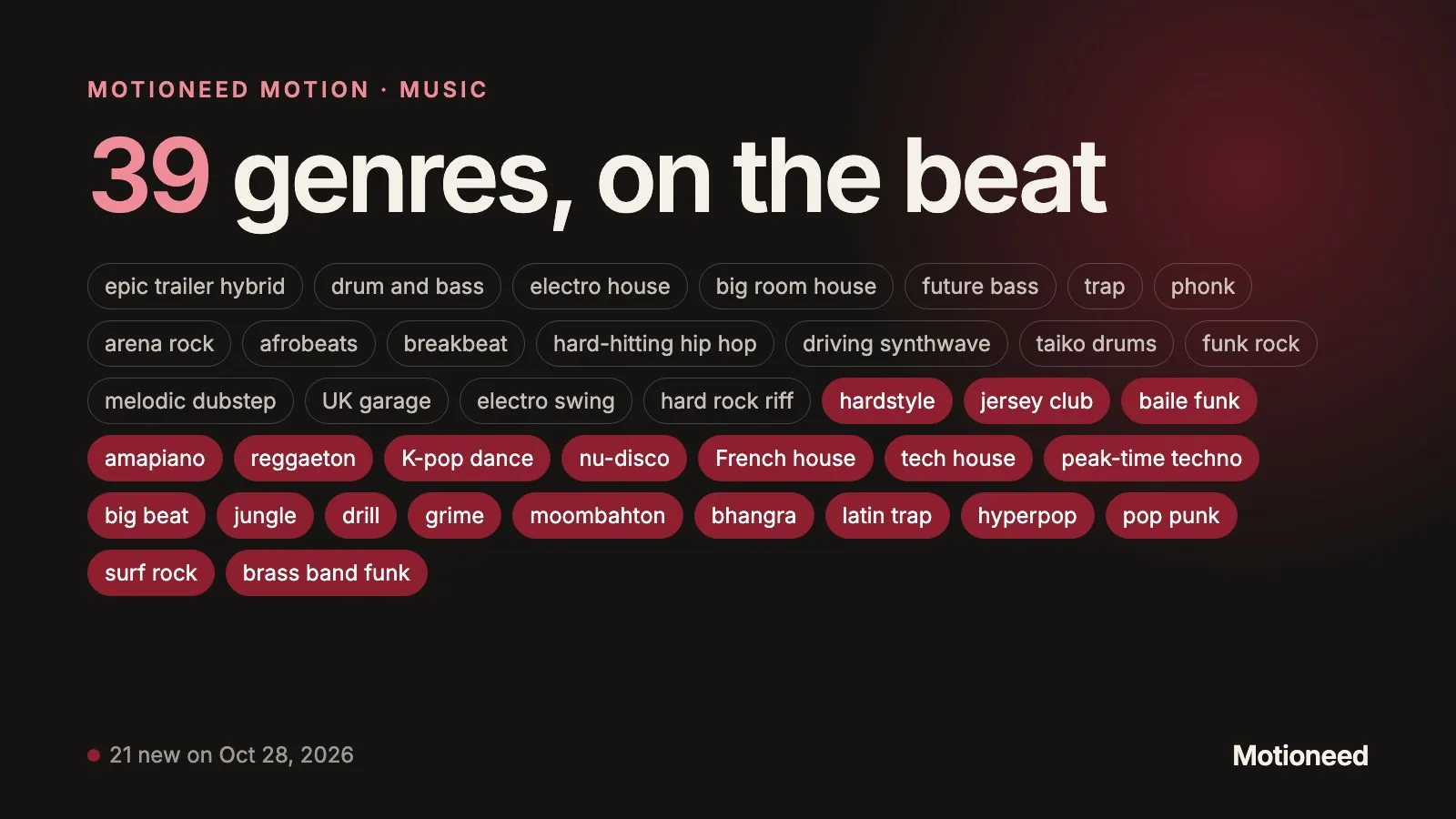
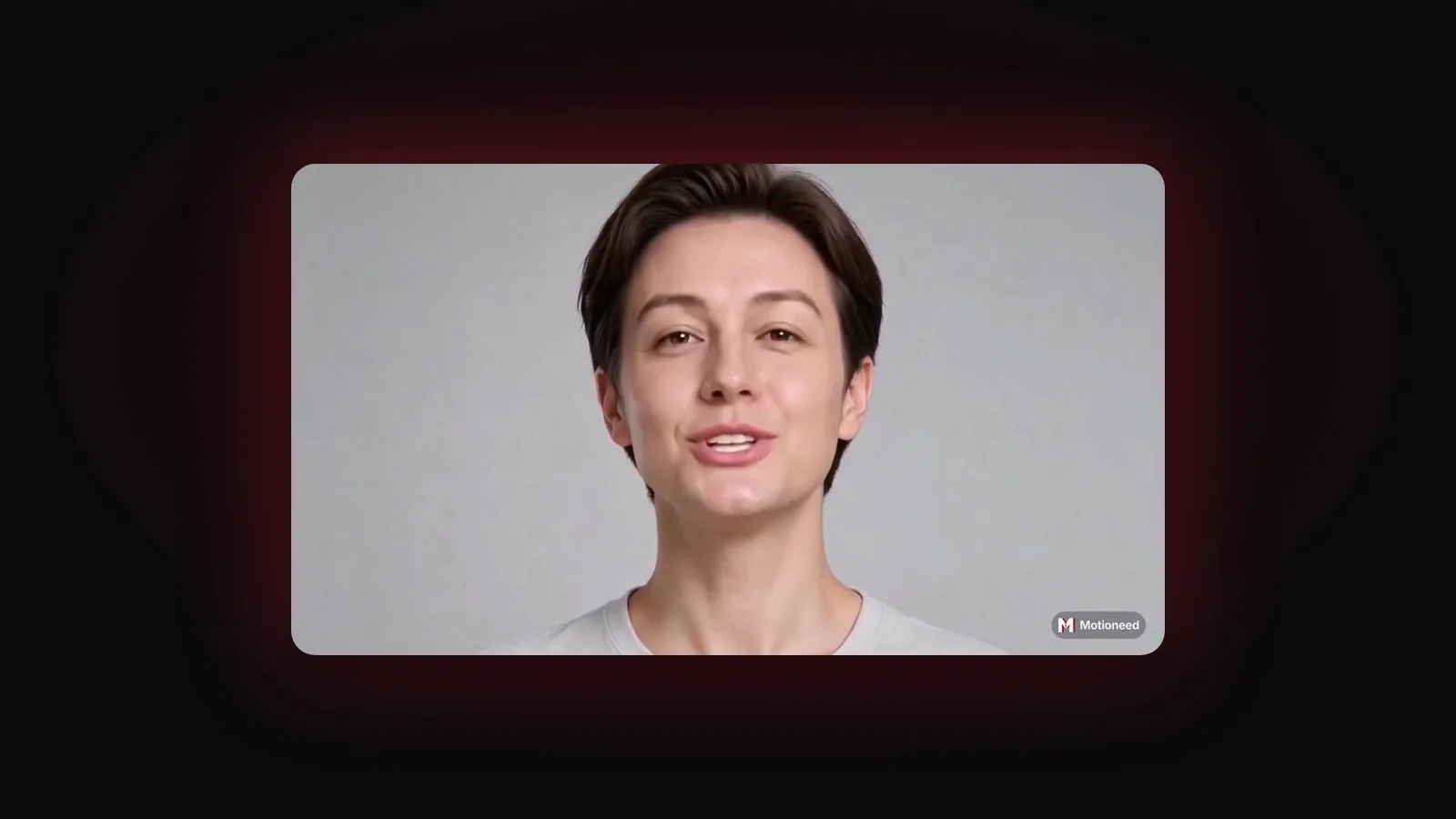
Short answer: A keynote-style product launch video opens on a presenter large on a dark stage, then shows the product in a floating window with the presenter small in the corner, and closes on bold title cards. In Motioneed Demo this is the Keynote style: six seconds on stage, then your real page in use, then Motion cards in the Retro Future style. Paste your URL, add a presenter, pick Keynote and Generate. A 60 second Keynote with a 30 second recording costs 40.2 credits on Auto.
Launch videos borrow from the big stage events: a dark room, one person in the light, then the product, large. That look usually means a studio, a lighting setup and an editor, and a launch rarely leaves time for any of that. This guide shows how to get the keynote feel from your live page in a few minutes.
What the Keynote style looks like
| Part | What viewers see |
|---|---|
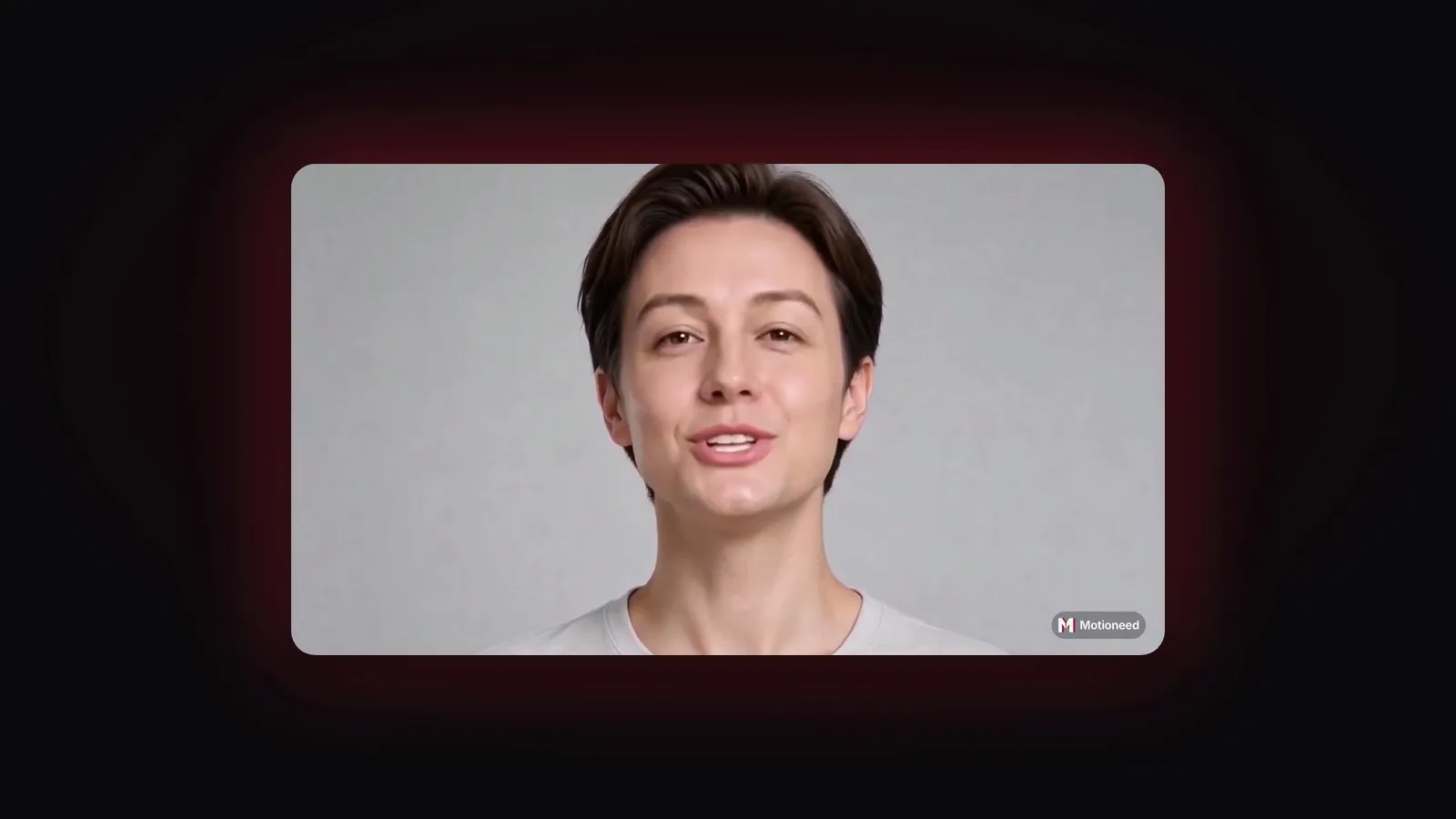
| Opening, 6 seconds | The presenter in a large rounded frame on a dark stage, with a soft glow in your page's accent color |
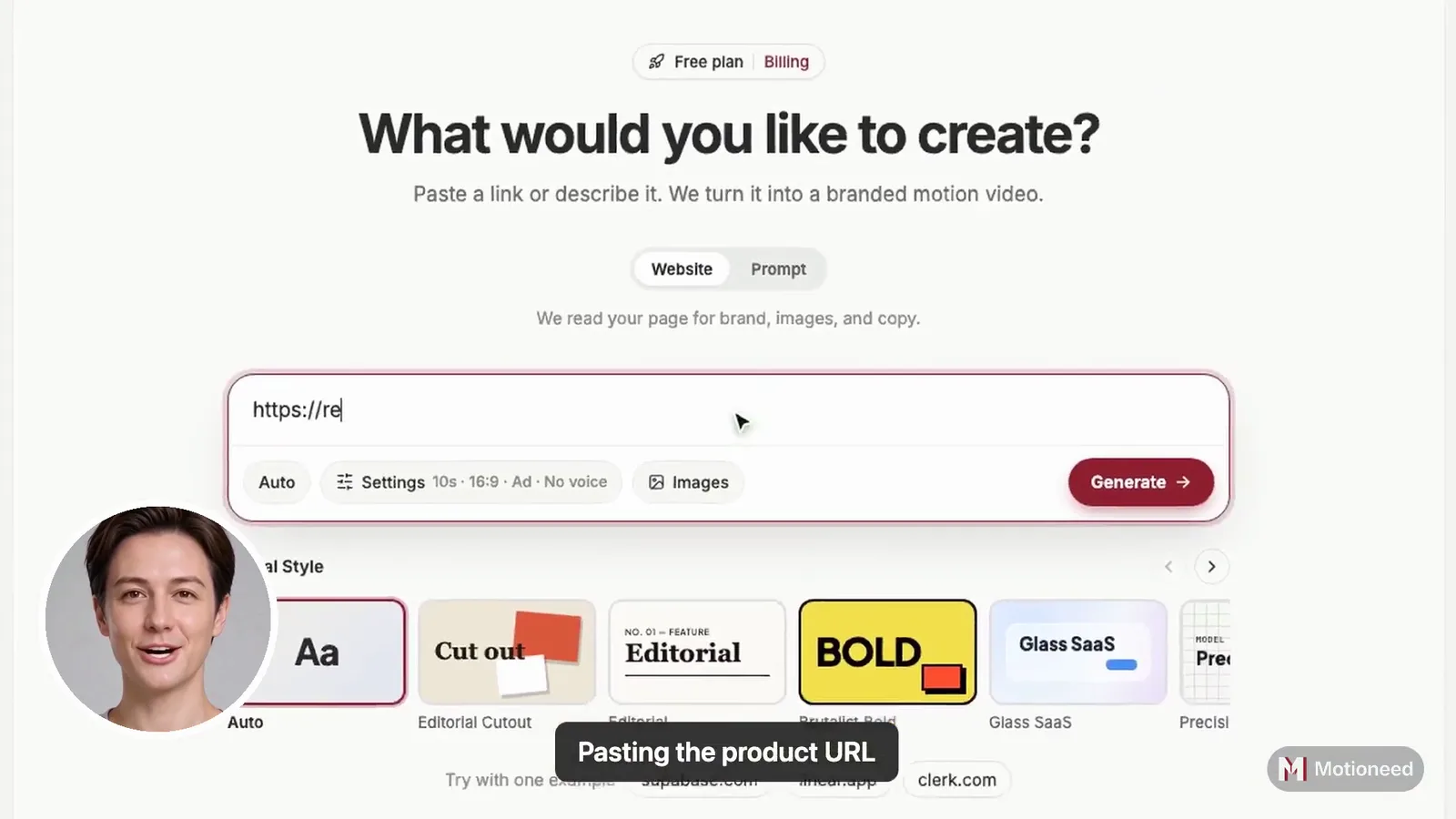
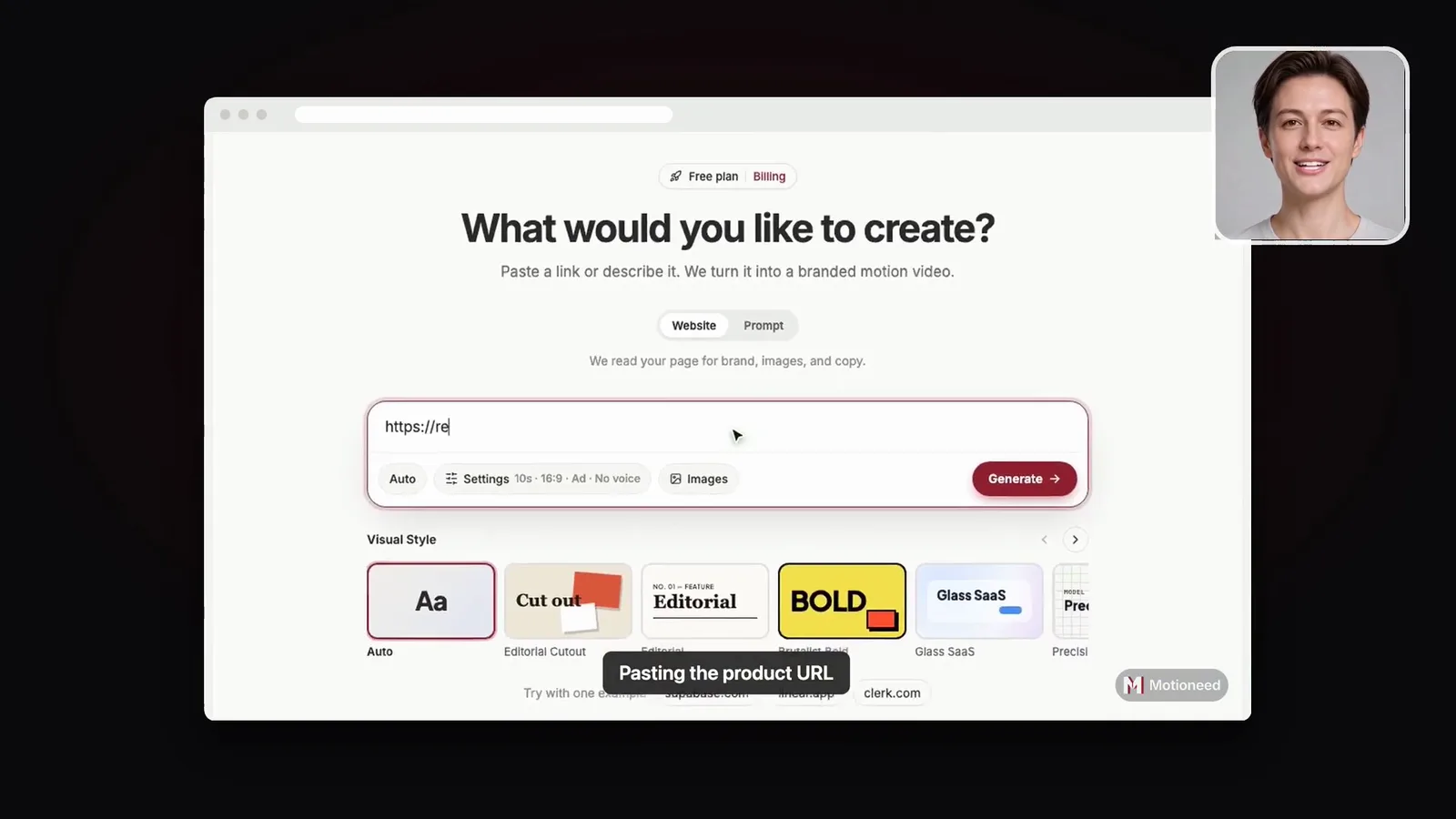
| Recording | Your real page in a floating browser window on the dark stage; the presenter keeps talking from a square in the top-right corner |
| Captions | Step captions on the recording; no spoken captions |
| Closing cards | Full-screen Motion cards in the Retro Future style, made from your page |
| Shape | 16:9, 30, 60 or 90 seconds |
The first six seconds are the hook: who it is for and what it does, said to camera. Then the presenter steps aside and the product takes the stage.
When to use a keynote-style video
- Product launches on Product Hunt, X or LinkedIn, where the first seconds decide whether people keep watching.
- Big releases and new features that deserve more than a changelog line.
- Fundraising and pitch decks, as a 60 second video that shows the product working.
- Event and webinar openers.
For an everyday walkthrough, Walkthrough is calmer. For a feed, where captions matter more than the stage, choose Creator.
How to make a keynote-style launch video
- Paste the page to launch. The new feature's page, or your home page. It must be public: the recording uses a real browser and can't log in.
- Say what to do on the page (optional). Show the one action the launch is about, for example "click Try it and paste a URL".
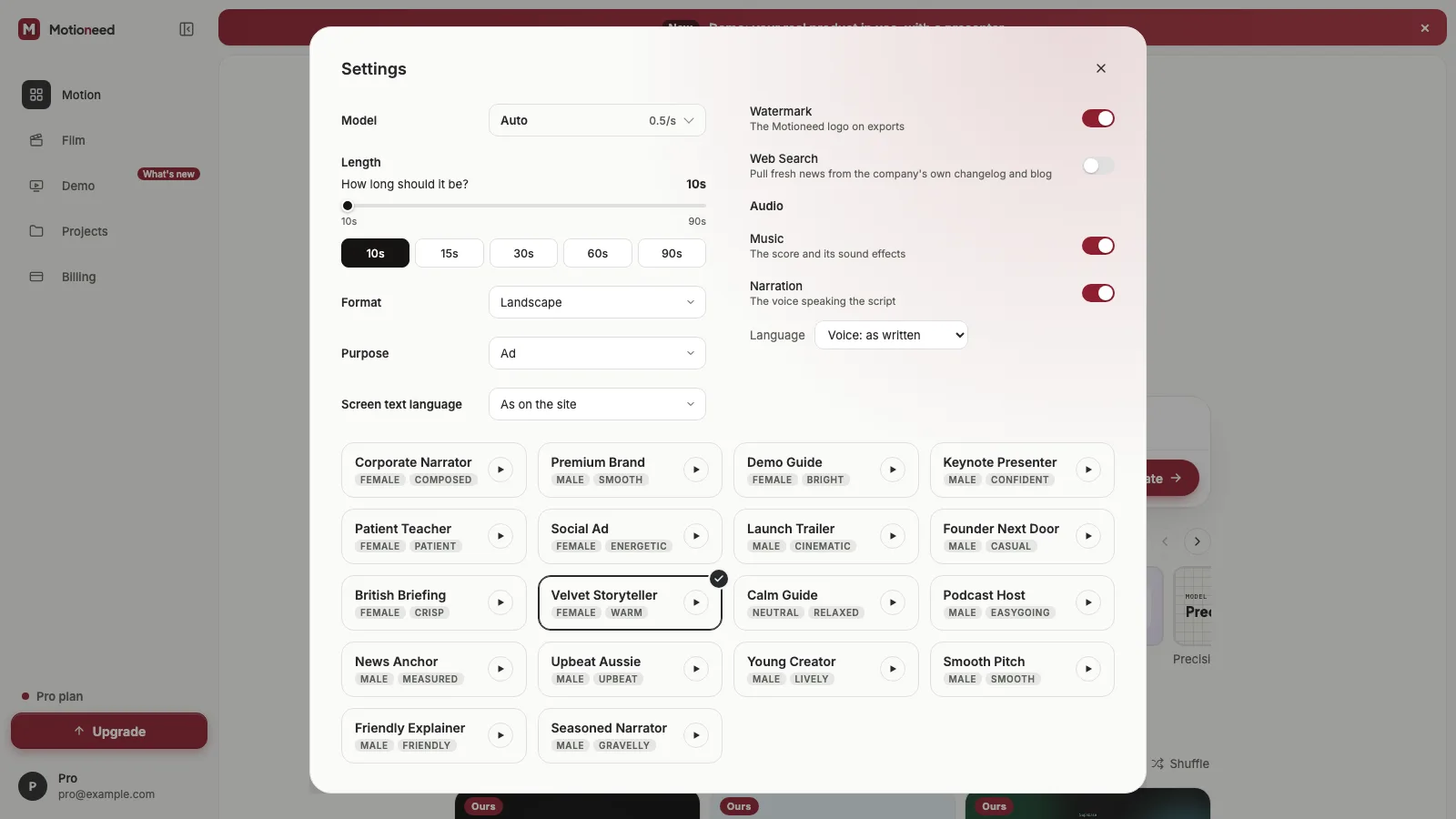
- Add a presenter. A photo of the founder, or of someone who agreed, and a voice.
- Pick Keynote in the Style row under the link box. Hover it to watch the stage open.
- Choose 60 seconds for most launches, then Generate. The script opens with the hook for the stage and then walks through what the recording shows.
Pick a screen text language in Settings and the presenter speaks it, so the same launch can go out in each market's language.
Writing the six seconds on stage
At about 2.4 words a second, six seconds is roughly 14 words. Spend them on one sentence:
- "Motioneed Demo turns your live page into a product video. Here it is."
- "Today we ship Workflows: your team's routine work, done in one click."
Don't open with a greeting or the date. Say who it is for and what changed, then let the product show it.
What it costs
Three parts: 3 credits for the recording, 0.7 credits for each second the presenter is on screen (the six seconds on stage plus the recording), and the cards at Motion's rate, 0.5 credits a second on Auto.
| 60 second Demo, 30 s recording, Auto | Credits |
|---|---|
| Recording | 3 |
| Presenter, 6 s on stage + 30 s over the page | 25.2 |
| Cards, 24 s | 12 |
| Total | 40.2 |
The most it could cost is held before it starts and shown next to Generate; you pay for what was made.
How Keynote compares with the other styles
| Style | Opening | Product | Best for |
|---|---|---|---|
| Keynote | Presenter large on a dark stage | Floating window, presenter in a square | Launches, big releases |
| Creator | Presenter full screen with captions | Full screen, presenter in the corner | Social and ads |
| Studio | Presenter beside the page | Browser window on the brand color | Homepage, sales |
| Walkthrough | Straight into the product | Full screen, presenter in the corner | Walkthroughs, support |
FAQ
How long is the stage opening?
Six seconds, at the start of every Keynote video. The rest of the length goes to the recording and the cards.
Does the stage use my brand color?
Yes. The glow around the presenter takes the accent color read from your page; the stage itself stays dark.
Can I make a keynote-style video without a presenter?
Yes. Without a presenter there is no stage opening: the page plays in the floating window on the dark stage, then the cards. That costs 18 credits for a 60 second Demo with a 30 second recording on Auto.
Which length works best for a launch?
60 seconds: six on stage, about 30 for the recording, and the rest for the cards with your call to action. A 30 second Keynote works for a post that autoplays without sound.
Can I use it on Product Hunt?
Yes. Download the MP4 and post it to YouTube, then add the link to your launch. For how the three parts of a Demo are made, see Introducing Motioneed Demo.
Make a Keynote Demo for your next launch.