Short answer: Motioneed Demo turns one URL into a 30, 60 or 90 second product video in three parts: a recording of your real page being used, your own presenter in the frame, and Motion cards made from the same page. It is on every paid plan and credit pack, it records public pages only, and it is charged in three parts: the recording, the seconds your presenter is on screen, and the seconds of cards.
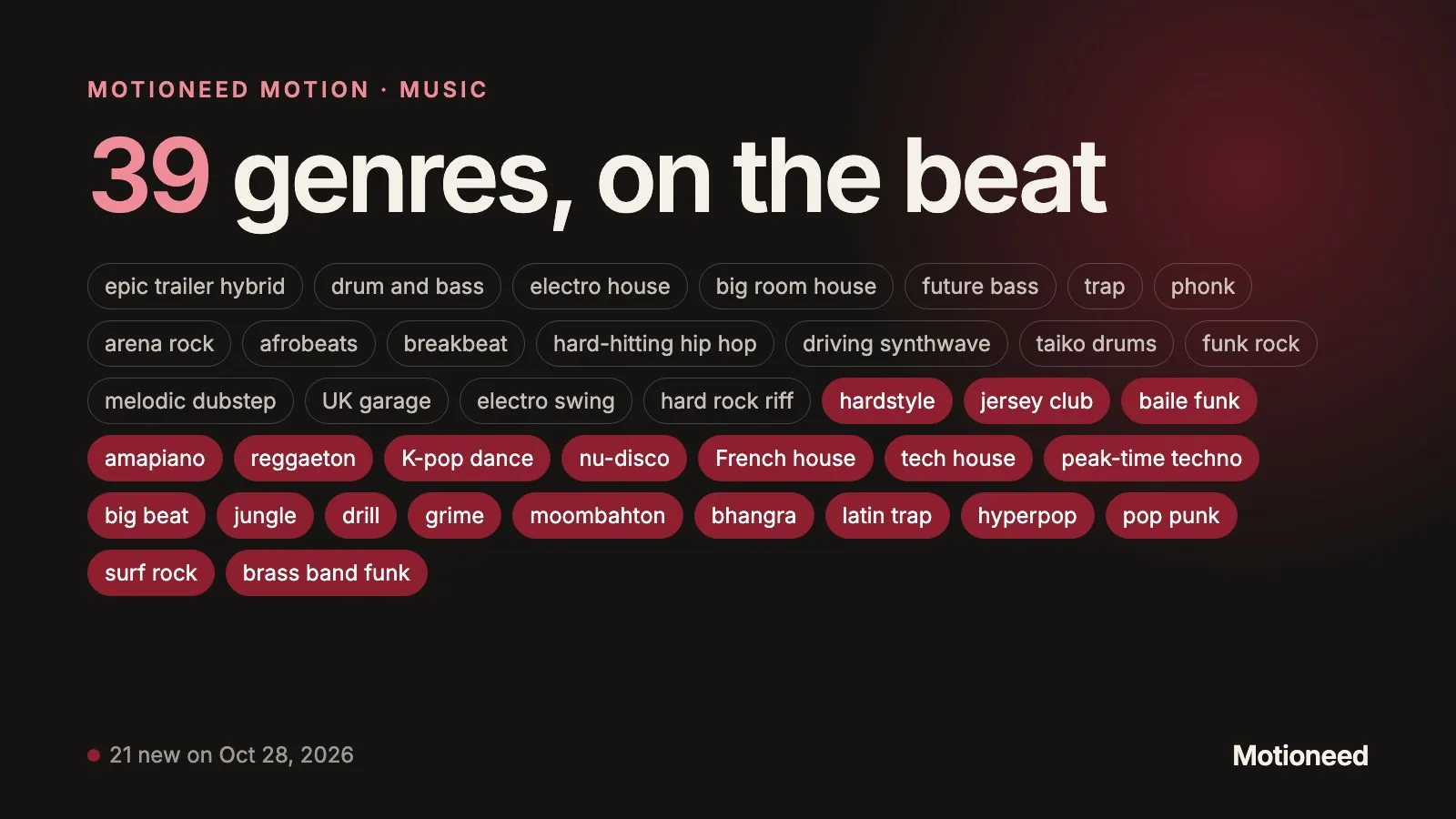
Update, Oct 28, 2026: the four layouts below are now four styles, Walkthrough, Studio, Keynote and Creator, each also setting how the page is framed and how the video closes.
Until now Motioneed made two kinds of video. Motion rebuilds your real interface as motion graphics. Film plans and renders a live-action brand ad. Both are good at showing what a product is. Neither showed someone actually using it, and that is what most people mean when they ask for a demo.
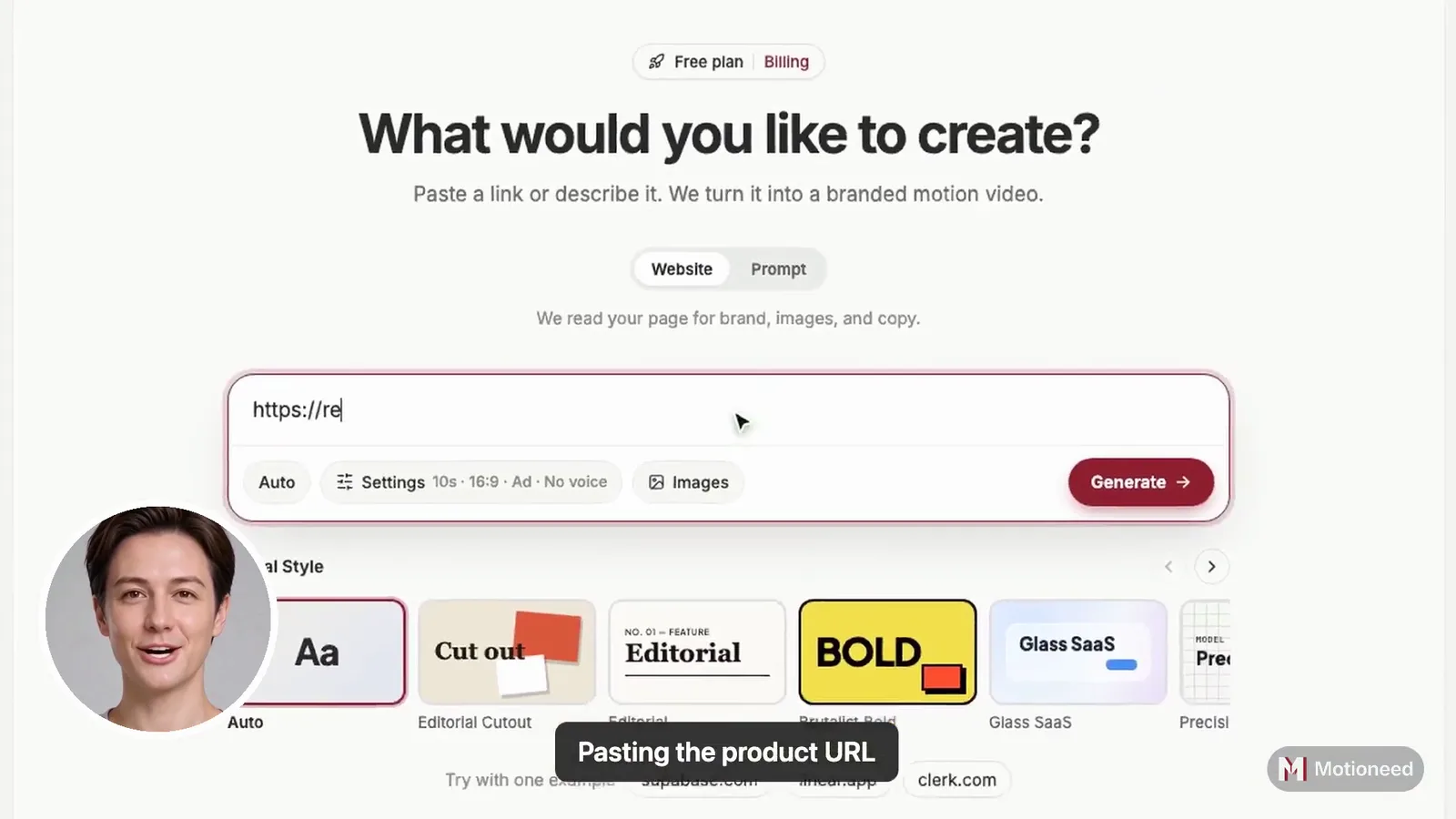
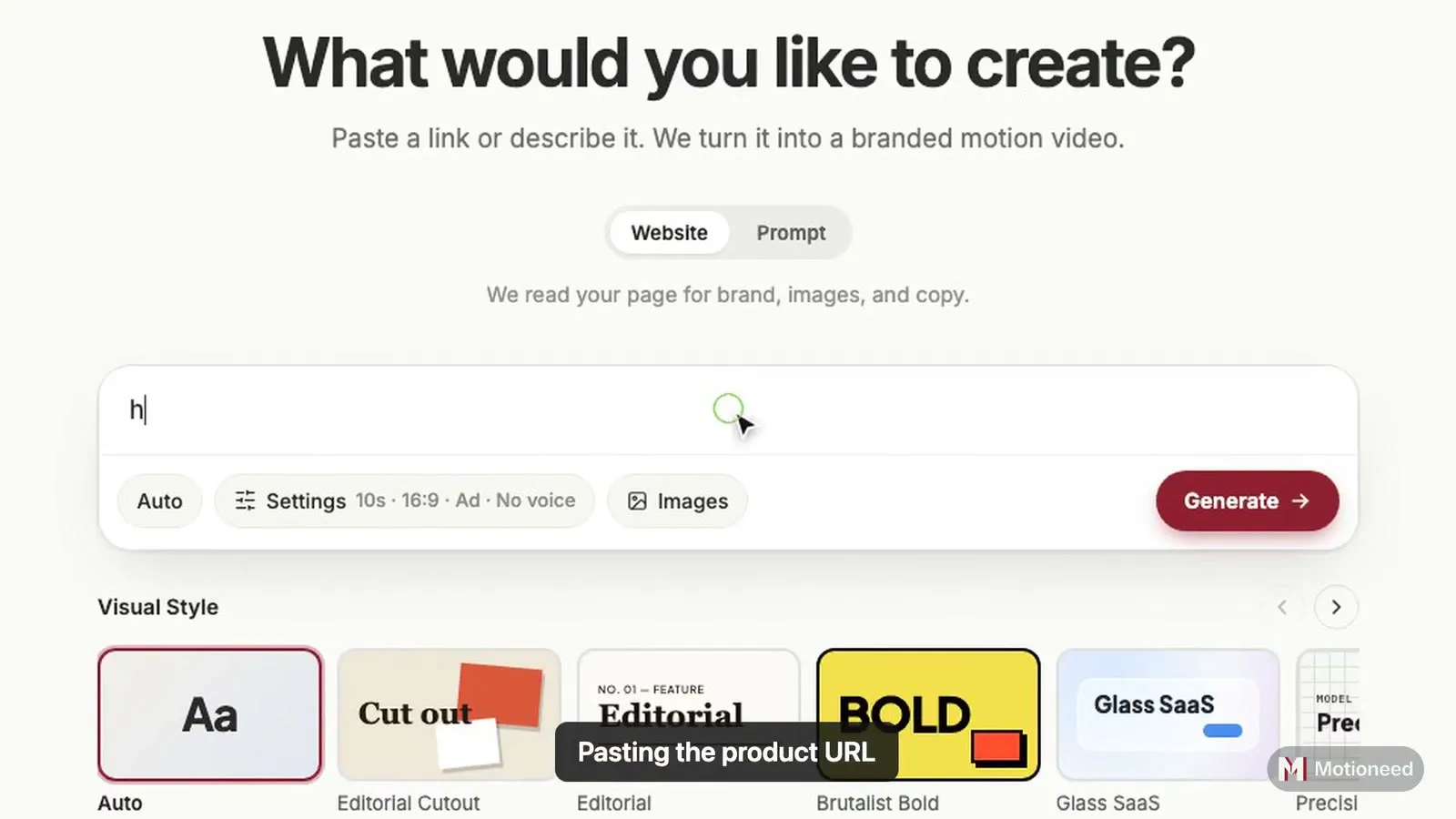
Demo is the third kind. You paste a link, and a real browser opens the page and does what you asked, with a visible cursor and short captions. Then a presenter you chose explains it, and Motion cards close the video with your logo, your words and a call to action.
What a Demo is made of
Every Demo has the same three parts, put together in one cut in the frame you pick (16:9, 9:16, 4:3 or 3:4):
- The recording. A real browser opens your public page at 1080p and performs the steps: scroll to a section, paste a link into a box, click the main button. A cursor moves between the actions and a caption names each one, so a viewer with the sound off can still follow. If you leave the steps empty, Demo picks the main action on the page.
- The presenter (optional). You add a photo of yourself, or of someone who agreed, and pick a voice. AI brings the photo to life, and it speaks a script written from your page, or one you write. You can keep up to three presenters on your account.
- The cards. The rest of the length is Motion: animated scenes built from your real logo, colors and copy, scored to music, ending on one clear next step.
The recording comes first and the cards fill whatever time is left, so a 60 second Demo might be 20 seconds of recording and 40 of cards.
Four ways to put the presenter in
Where the presenter appears changes what the video feels like, so there are four layouts:
| Layout | What the viewer sees | Good for |
|---|---|---|
| Opening | The presenter full screen for 15 or 30 seconds, then the recording and the cards | Launch posts, a founder saying why the product exists |
| Corner | A round presenter in the corner from start to end, talking over everything | Walkthroughs where the voice should guide every step |
| Picture in picture | The presenter in the corner only while the recording plays | Letting the cards speak for themselves |
| Opening, then corner | Full screen for the first few seconds, then the corner for the rest | Personal at the start, focused on the product after |
A 30 second opening needs a 60 or 90 second Demo, so there is still time for the product.
The settings you already know
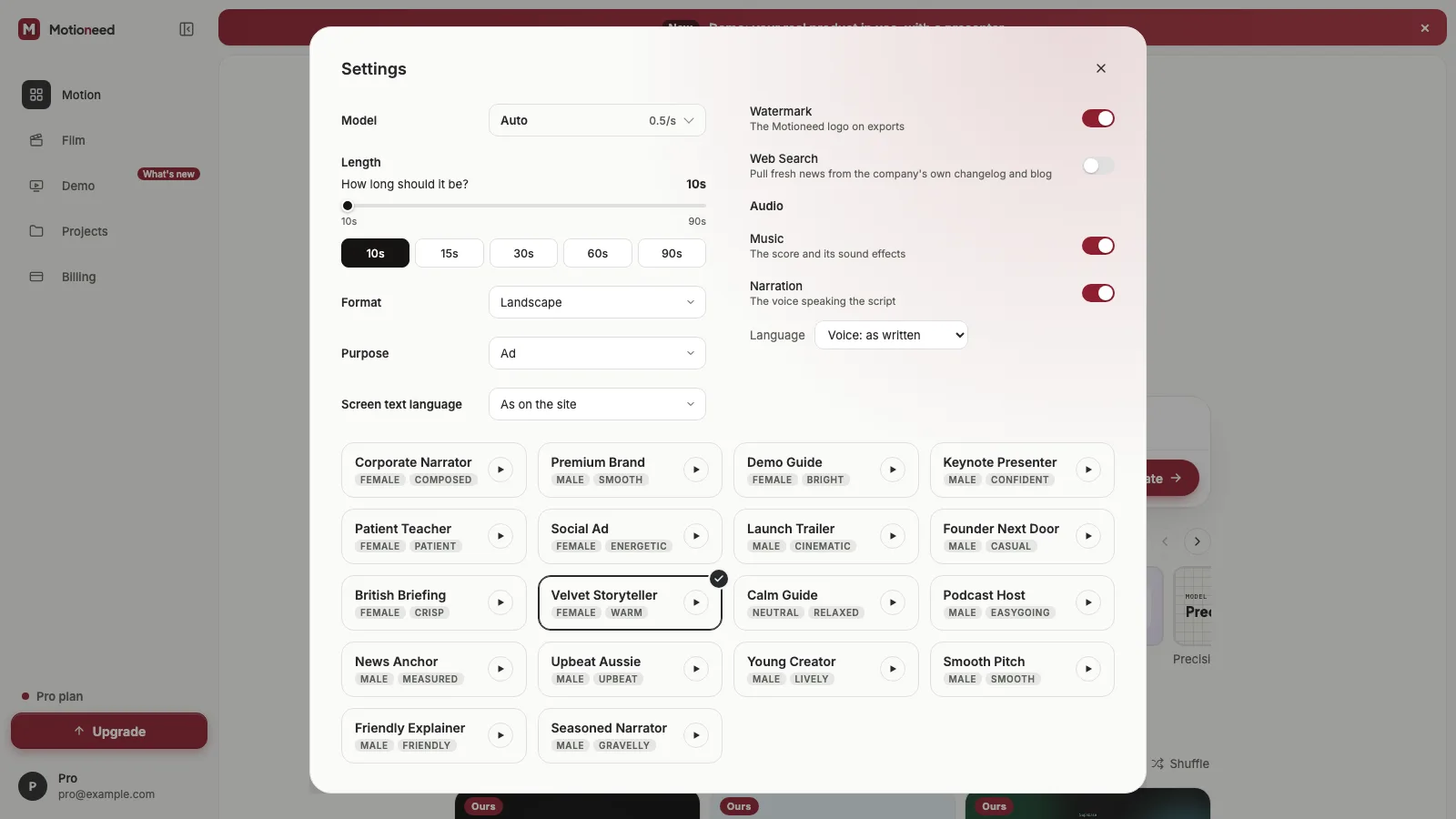
The cards are Motion, so they take the same settings: the model that writes them (Auto, Haiku, Sonnet or Opus), the card style, the screen text language, the watermark, Web Search and music. When you pick a screen language, the presenter speaks it too. Pick 16:9 or 4:3 and the page is recorded as a desktop shows it; pick 9:16 or 3:4 and it is recorded at a phone's width, so your mobile layout is what plays.
Once it is made, you can revise it in plain words like any Motion video. A note rewrites the cards; the recording and the presenter stay as they are.
What it costs
Before a Demo starts, the most it could cost is held from your balance, and the form shows that number next to Generate. When it is done you pay for what was made, and the rest goes back:
| Part | Charged |
|---|---|
| Screen recording | 3 credits |
| Presenter | 0.7 credits a second they are on screen |
| Cards | Motion's rate for the model, from 0.5 credits a second on Auto |
A 60 second Demo on Auto, with 40 seconds of cards and the presenter in the corner the whole time, costs 20 + 3 + 42 = 65 credits. Without a presenter the same video is 23 credits. If one part fails, that part's credits come back. Full rates are on the pricing page.
Where it stops
We would rather say this plainly than have you find out halfway:
- Public pages only. Demo does not log in, type passwords or payment details, pay for anything or sign up. If the screen you want to show is behind a login, put it on a public page first.
- Portrait shows the mobile site. In 9:16 and 3:4 the page is recorded at a phone's width.
- The presenter is made by AI. Use your own photo or one you have permission to use. When you post the video on YouTube, mark it as altered or synthetic content.
- Paid plans and credit packs. The free plan can't make a Demo.
How to try it
Open Demo from the sidebar, paste your page, and press Generate. Add a presenter from the Presenter button if you want one, and choose a layout there. Under the form you will find two examples made by Demo, one with an opening presenter and one with a presenter in the corner. The Demo page has the details, and our guide to making a product walkthrough video with an AI presenter covers which layout to pick and how to write the script.
FAQ
What is Motioneed Demo?
A video type that records your real public page being used, adds a presenter you choose, and closes on Motion cards made from the same page. One URL in, one 30 to 90 second 16:9 video out.
Do I need a presenter?
No. A Demo without a presenter is the recording followed by the cards. The presenter is optional and charged only for the seconds they are on screen.
Can Demo record pages behind a login?
No. It records public pages only and never types passwords or payment details.
How long does a Demo take?
Usually 5 to 15 minutes, longer for 90 seconds or with a presenter. You can leave the page; the video appears in Projects when it is ready.
Which plans include Demo?
Every paid plan (Pro, Max and Ultra) and credit packs. The free plan can't make one.
Can I change a Demo after it is made?
Yes. Describe the change and the cards are rewritten. The recording and the presenter stay the same.