Short answer: Film mode turns a public URL or one sentence into a live-action commercial of 5 to 45 seconds: generated people and places, voiceover, scene sound, and music. Motioneed writes the plan first, shows it to you, and only renders after you approve it. The picture comes from the video model you pick: Kling 3.0, Seedance or HeyGen Video. Planning is free; the render is charged by length and resolution, and a failed render gives its credits back.
Motion is how Motioneed shows your product: your real interface, rebuilt and animated. Film is the other job. Some ads need a kitchen at 7 a.m., a runner on a wet street, or a hand opening a box, and no screenshot can give you that. Film mode is for those ads.
This post explains what runs today, step by step, what it costs, and where it still falls short.
What you give it
One of two things, never both:
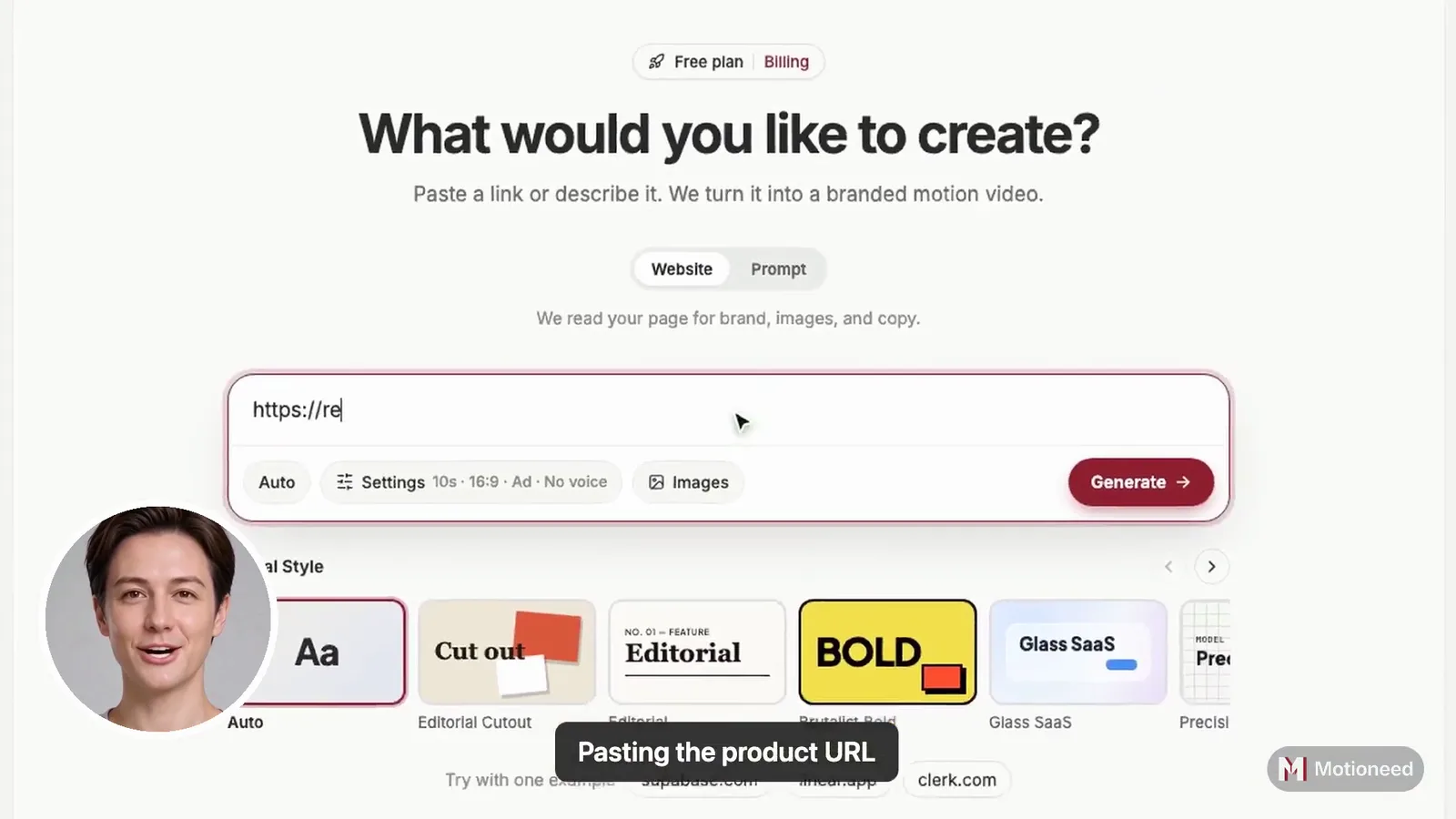
- A public URL. Film reads the page the way Motion does: the name, the claim, the colors, the words, and the logo. The logo is sent to the video model as a reference so the brand shows up where it should.
- One sentence. "A quiet coffee shop opens for the day, and our app takes the first order." When there is no page yet, the sentence is the brief.
You can also attach up to three reference images (PNG, JPG, WebP, or GIF, up to 8 MB each): the product itself, a mood, a material. The planner is told to match their look and shape in every shot. Small readable text in a reference is not copied on screen, because video models still render small text badly.
Step one: the plan
Before a single frame is rendered, a planning model writes the film:
- Brief – what the ad has to say, in one or two lines.
- Look – lighting, palette (leaning on your brand colors), lens and camera movement, film stock.
- Cast – the recurring people, with age, look, and wardrobe, or "none."
- Shots – what happens in each part of the film and how long it lasts.
- Narration – the voiceover lines, sized to the length you picked.
On the Free plan the planner is Claude Haiku 5.5; on paid plans it is Claude Sonnet 5.5. Planning costs nothing.
The plan comes back as a board you can read and edit. Change a line of narration, cut a shot, or rewrite the cast. This is the cheapest moment to change your mind, so Film stops here on purpose.
Step two: the render
When you approve, Film renders the plan on the video model you pick: Kling 3.0 (Pro or Standard), Seedance (2.0, 2.5, 2.0 Fast or 2.0 Mini) or HeyGen Video.
A video model makes short clips, so a longer film is split into clips of 3 to 15 seconds. Each clip starts on the last frame of the clip before it, and every clip repeats the same look, cast, and place in its instructions. That is how a 30-second film stays one film instead of three unrelated scenes.
Then the sound goes on:
- Narration – the voice speaking your script.
- Sound effects – room tone, footsteps, materials.
- Music – a track mixed under the picture.
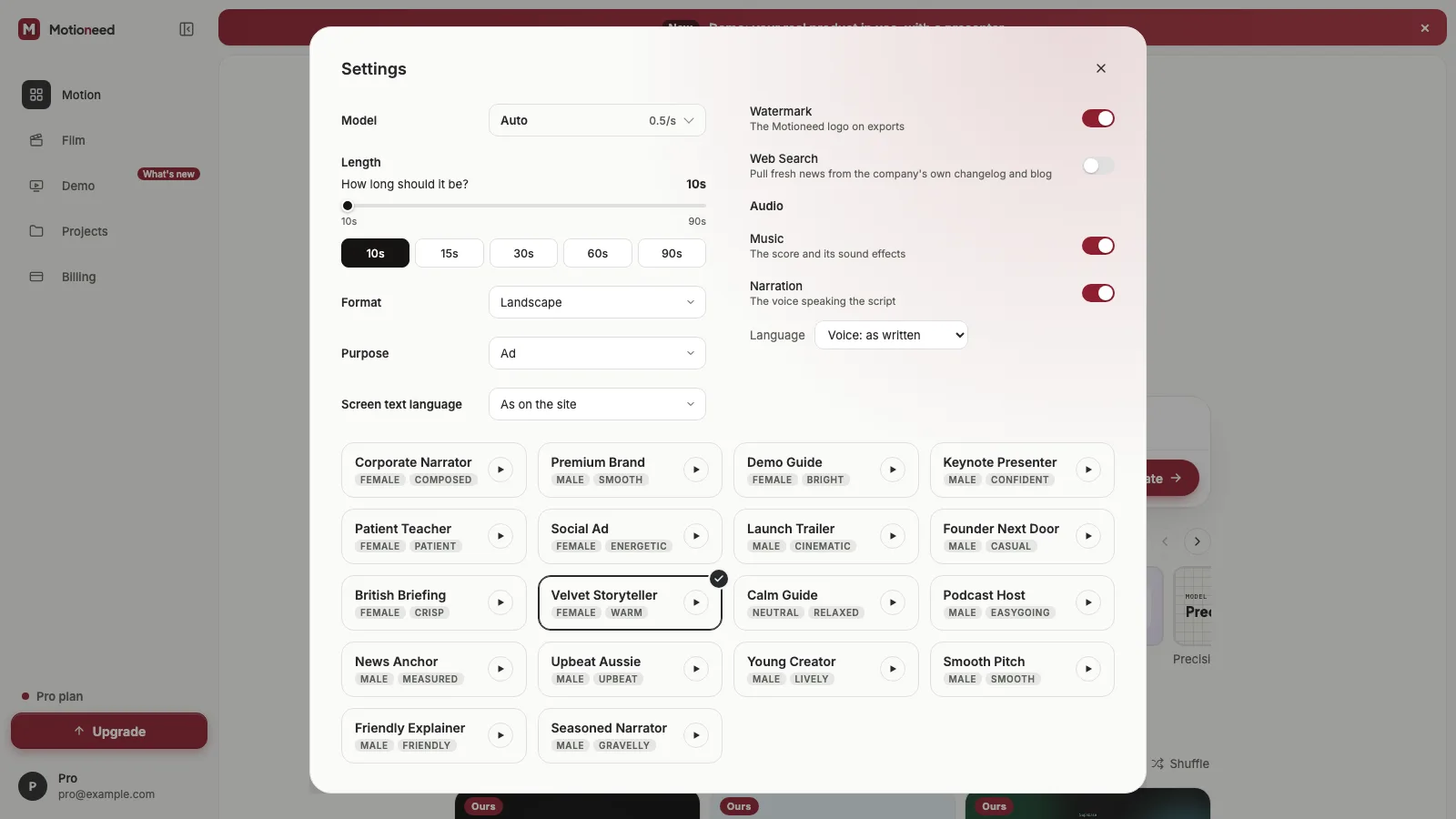
Each of the three has its own switch in Settings. Turn narration off for a silent social cut, or turn music off if you will add your own.
Settings that matter
| Setting | Options |
|---|---|
| Length | 5 to 45 seconds (Free: up to 10 seconds) |
| Resolution | 720p or 1080p (Free: 720p) |
| Frame | Landscape 16:9, Portrait 9:16, 4:3, 3:4 |
| Video model | Kling 3.0 (Pro or Standard), Seedance 2.0, 2.5, 2.0 Fast or 2.0 Mini, or HeyGen Video |
| Audio | Narration, sound effects, music, each on or off |
What it costs
Film is priced per finished second of video:
| Resolution | Credits per second | A 10 s film | A 30 s film |
|---|---|---|---|
| 720p | 2 | 20 | 60 |
| 1080p | 2.5 | 25 | 75 |
Credits are held when the render starts and charged when it finishes. If the render fails, the hold is released and you pay nothing. Planning, editing the plan, and re-planning are free.
The Free plan's one video can be a Film: up to 10 seconds at 720p, with the Motioneed mark on the picture, and it does not spend your Free credits. Paid plans unlock 1080p, films up to 45 seconds, downloads, share links, and changing a film with a note.
Changing a film
Write a note in plain words ("make it evening, and end on the product") and Film re-plans the whole film into a new plan. You see the new plan before anything renders again, and the version you had is kept. Re-planning is free; rendering the new version is charged like any render.
Motion or Film?
| Motion | Film | |
|---|---|---|
| On screen | Your product UI, kinetic type, brand colors | Generated people, places, and objects |
| Best for | Launches, feature demos, explainers | Brand ads, social spots, TV-style commercials |
| Length | 10 to 90 seconds | 5 to 45 seconds |
| Picture | 1080p preview; 4K export on paid plans | Up to 1080p |
| Sound | A score written for the cut; optional narration | Voiceover, scene sound, and music |
Rule of thumb: if the buyer needs to see your dashboard, use Motion. If the ad needs a person, a place, or a feeling, use Film. Many launches use both from the same link.
What Film does not do (yet)
- It does not edit your footage. Everyone and everything on screen is generated.
- Small text can come out wrong. Signs, labels, and screens inside a shot are not reliable. Put important words in the narration.
- It is not an avatar tool. There is no presenter reading a script to camera.
- Clips can drift. Starting each clip on the last frame keeps scenes close, but a face or a prop can still change slightly between clips. Shorter films drift less.
FAQ
Do I need a website to use Film?
No. One sentence is enough. A URL gives Film your brand's name, colors, words, and logo, so the plan starts closer to your brand.
Can I edit the plan before it renders?
Yes. The plan is the board you see first: brief, look, cast, shots, and narration. Nothing is rendered until you choose to render.
What happens if a render fails?
The credits held for it are released, the plan stays, and you can render again.
Which video model does Film use?
You pick: Kling 3.0 (Pro or Standard), Seedance 2.0, 2.5, 2.0 Fast or 2.0 Mini, or HeyGen Video.
Can I download and share a film?
On paid plans, yes: download the MP4 or turn on a share link that plays without an account.