Short answer: To ship a Product Hunt launch video from your URL, paste your live site into Motioneed in the week before launch, cut a short Motion video from your real UI, logo and colours, preview it free, and export the gallery cut once the story beats land. It complements your landing page; it does not replace it.
Product Hunt day is loud. Hunters skim the gallery in seconds. If your video looks like a paid-social avatar pitch—or a raw Loom that never brands the product—they bounce the moment the landing page feels different from the clip.
Who this is for: indie makers and SaaS teams shipping on Product Hunt this month (or next), growth leads prepping assets in the final week, and anyone who wants a gallery cut that shows the real UI, not a stock presenter.
Short answer: A Product Hunt launch video works best when hunters see your real product UI in under a minute. Motioneed turns the public URL you’re launching into a branded Motion cut—logo, colors, copy, and screens rebuilt and animated—not an avatar pitch over stock B-roll. Preview free with the Motioneed mark (Free: 6 credits, one-time); export without the mark on a paid plan or pack (owner-activated for now—self-serve checkout isn’t open yet).
In this post you will get:
- Why PH gallery videos fail—and how URL→Motion closes the trust gap.
- A practical T-7 → launch day timeline you can copy.
- Story beats that stay scannable under a minute.
- When to use Motion vs Film on launch week.
- Practice sites, Showcase Ours links, and FAQ—plus own-asset images to pair.
This post is the tactical narrative. For the conversion landing page (keyword-focused FAQ + hard CTA), use /product-hunt-launch-video. The two pages should cross-link; they should not be the same essay twice.
Why PH gallery videos fail (and how URL→Motion helps)
Product Hunt day rewards clarity: what you built, why it matters, how it looks. Hunters click through fast. A glossy talking-head ad that never shows the product creates a trust gap the moment they hit your site.
Three common failure modes:
- Avatar ad energy — reads as paid social, not a maker launch.
- Raw Loom — authentic, often under-branded for a gallery first impression.
- Agency timeline — beautiful, arrives after launch week.
Motioneed’s Motion path is built for the middle: branded motion from the live site, fast enough for last-week prep. Paste the URL hunters will visit; Motioneed rebuilds key screens, animates them, and scores the cut. The gallery then matches the marketing page—same logo, same colors, same product.
The trust-gap story (cover-style pain)
Imagine a hunter opens your gallery clip. It opens on a generic presenter promising “10x productivity,” then cuts to B-roll of a laptop that isn’t yours. They upvote out of habit—or they don’t—and land on a page that looks nothing like the video. That mismatch costs you maker credibility. URL→Motion exists so the first frames are your product.
A practical timeline (T-7 → launch day)
| When | Do this |
|---|---|
| T-7 to T-5 | Freeze the marketing URL hunters will visit. Paste it into Motioneed; generate a first Motion preview on Free if needed. |
| T-4 to T-3 | Revise in chat (paid): tighten the hook, name the feature, kill filler. Use version history to compare cuts without losing yesterday’s safer take. |
| T-2 | Export no-mark MP4 on a paid plan/pack. Prepare 16:9 for gallery / site; make a 9:16 cousin if you’ll post Shorts-style elsewhere. |
| T-1 | Upload to PH assets; sanity-check that colors/logo match the listing thumbnail and landing page. |
| Launch day | Pin the same story across PH, X, and the homepage hero—don’t surprise hunters with a different product. |
Plan activation before T-2
If self-serve checkout still isn’t open when you read this, ask the Motioneed owner to activate Pro / Max / Ultra or a pack before T-2 so export isn’t blocked. Prices: Free 6 credits (one-time) · Pro $29/100 · Max $99/500 · Ultra $950/5000 · packs from $15.
Optional Film on the side
Film (Kling 3.0) can supply a brand-feeling teaser beside the gallery Motion cut. Do not replace UI proof with Film alone on PH day. Free includes one 10-second 720p Film render; 1080p and longer films need a paid plan.
Story beats that work on PH
Keep it scannable—typically under a minute. A reliable arc:
- Hook (0–3s) — Outcome or tension in one line; show UI immediately if you can.
- Problem → product (next beat) — What broke in the old workflow; what you shipped.
- Proof of UI — 2–4 real screens, not metaphors.
- Soft CTA — “Try it” / “Live on Product Hunt” without a hard sell voice.
Mute-first and caption discipline
Many hunters watch with sound off. Prefer kinetic type Motioneed already scores into the Motion cut; keep on-screen claims identical to your PH listing.
Length guidance (practical, not a PH rulebook)
- Gallery / site hero: aim well under 60s; many makers land in the 30–45s range.
- Social cousins: 10–15s vertical loops that end on the mark.
- Avoid a long origin story before the first UI frame.
Motion vs Film on launch week
| Need | Use |
|---|---|
| Gallery + site demo that shows the product | Motion from your launch URL |
| Brand-feeling teaser with people/places | Film (Kling 3.0)—pair after or beside the UI cut, don’t replace proof |
Most PH launches should lead with Motion. Film is optional flavor, not the gallery substitute.
How Motioneed does the cut
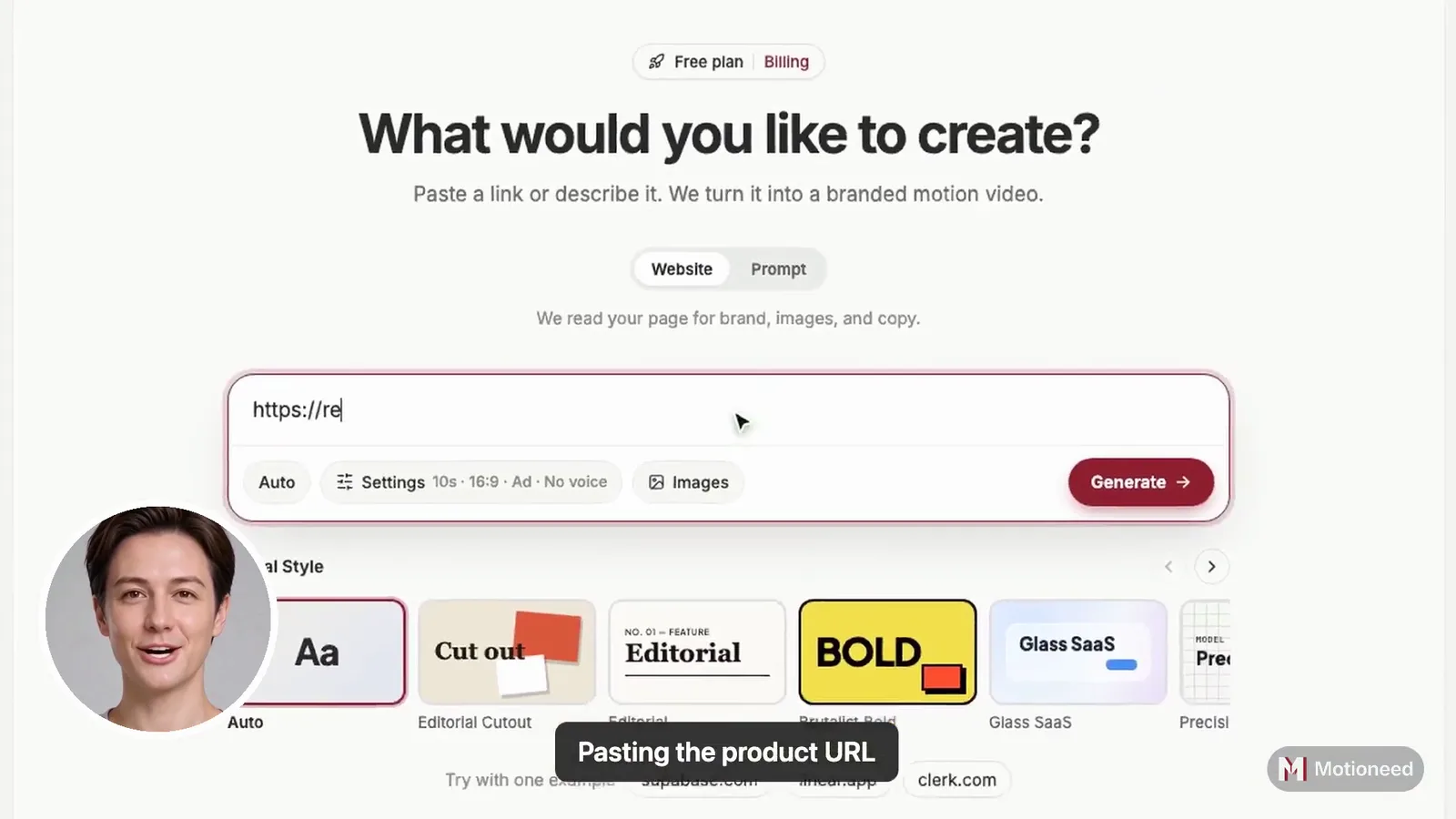
- Paste the URL you’re launching (marketing site or waitlist page).
- Motioneed reads brand + key screens from the live page.
- Rebuilds the UI as scenes, animates them, and scores the edit.
- Free plan: Motion preview with Motioneed mark (6 credits, one-time).
- Paid plan/pack: revise, version history, share links, no-mark export.
Deep conversion copy and FAQ: /product-hunt-launch-video. Related landers: /product-launch-video, /url-to-video, /product-demo-video.
Collaboration during T-4 → T-2
- Use share links so teammates can watch without an account (Motion).
- Leave a paused-frame note when a beat is wrong—“fix this moment,” not “make it better.”
- Restore an older take from version history if a revise overshoots.
Motioneed vs avatar UGC vs DIY capture
| Motioneed Motion | Avatar UGC tools | Loom / OBS | |
|---|---|---|---|
| Fit for PH gallery | High — branded motion | Low — paid-social feel | Medium — authentic, raw |
| Shows real product UI | Yes (rebuilt) | Often props / overlays | Yes (pixels) |
| Avatars / stock | None | Core | Optional webcam |
| Effort | Paste URL → preview → revise | Script + actor pick | Record + edit |
Avatar tools win for high-volume UGC tests. Loom wins for instant maker authenticity. Motioneed Motion wins when the gallery must look branded and product-true without a week in After Effects.
Practice before your URL is final
Warm up the format on polished public sites:
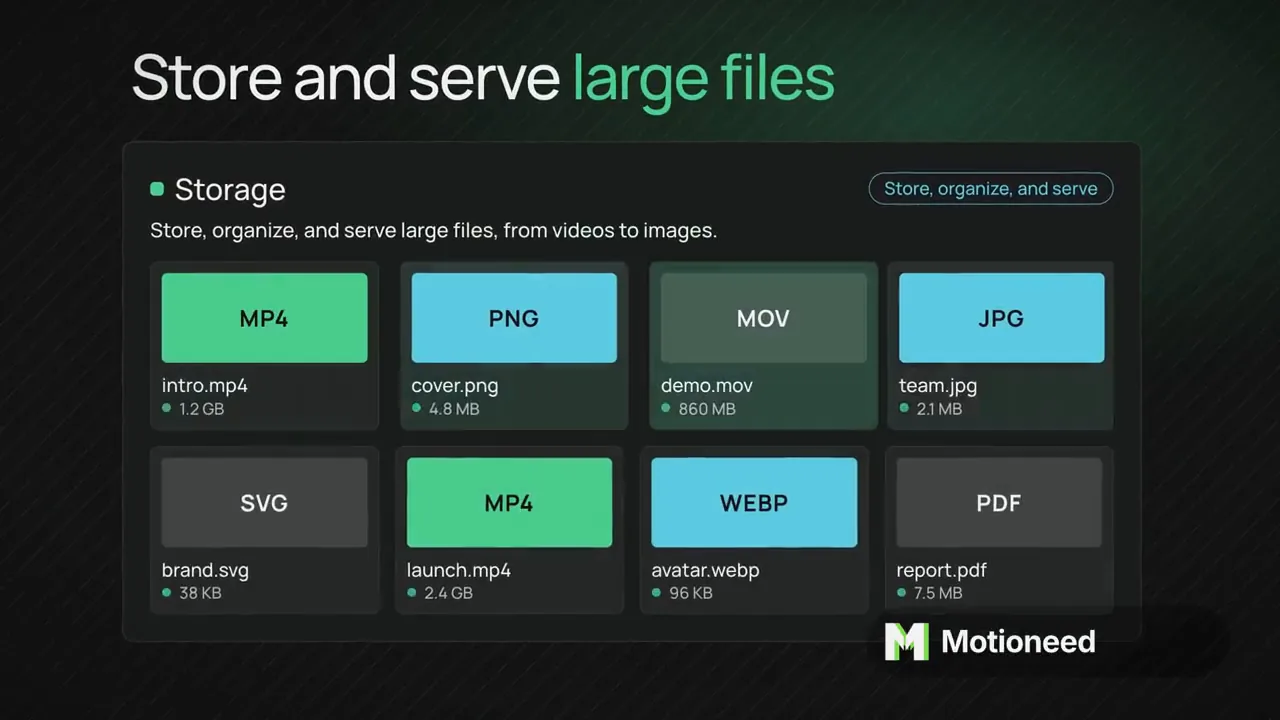
Or watch live Ours examples on Showcase (supabase / resend / clerk / vercel). Then paste your launch URL. Don’t publish competitor-site practice cuts as if they were your product.
Launch-day checklist (human work Motioneed won’t do)
- Listing copy, maker comment, and thumbnail brand match the video.
- Claims accuracy (the video won’t invent features that aren’t on the page—and neither should your PH text).
- Plan activation if checkout isn’t self-serve yet.
- If you cite Showcase examples, use live Ours cuts only (supabase / resend / clerk / vercel)—do not imply competitor stand-ins.
- Reply to comments; invite feedback; don’t spam “upvote please.”
CTA
Open motioneed.com, paste your Product Hunt destination URL, and preview a Motion cut from your real UI. When you’re ready to convert readers, send them to /product-hunt-launch-video. Billing detail: /billing. Showcase: /showcase.
FAQ
What length works best for a Product Hunt launch video?
Keep gallery videos short and scannable—typically under a minute. Lead with product UI, not a long origin story.
Can I use Motioneed if I’m still on a waitlist page?
Yes. Paste the live URL hunters will see. The cut reflects what’s on that page.
Do I need Final Cut or After Effects?
No. Motioneed generates the Motion cut from the URL. You preview, revise on a paid plan, then export.
Should I use Film for Product Hunt?
Optional. Lead with Motion so hunters see the product. Use Film (Kling) for a brand teaser if you want a second asset. Free includes one 10-second 720p Film render; 1080p and longer films need a paid plan.
Is checkout open?
Free Motion preview first (6 credits, one-time). No-mark export, revise, and share need a paid plan or pack. Upgrade any time from Billing; checkout runs on Stripe. Free 6 credits (one-time) · Pro $29/100 · Max $99/500 · Ultra $950/5000 · packs from $15.
How is this different from the /product-hunt-launch-video page?
That page is the SEO conversion lander (how-it-works + hard CTA). This post is the maker playbook (timeline, beats, failure modes). Use both; don’t paste one into the other.