Short answer: Every time you revise a Motion video, Motioneed keeps the cut it replaced as a version. You can play any version and restore it, and restoring never throws the current cut away. Share links play a video for anyone, without an account, until you turn the link off. The same release made Film mode live on Kling 3.0.
The first draft of a launch video is rarely the one you ship. Someone asks for a shorter opening, a different line, a calmer ending. Before this release, every revise replaced the video. If the new cut was worse, the old one was gone. This release fixes that, and makes it easy to send a cut to someone who does not have an account.
Version history
How versions are made
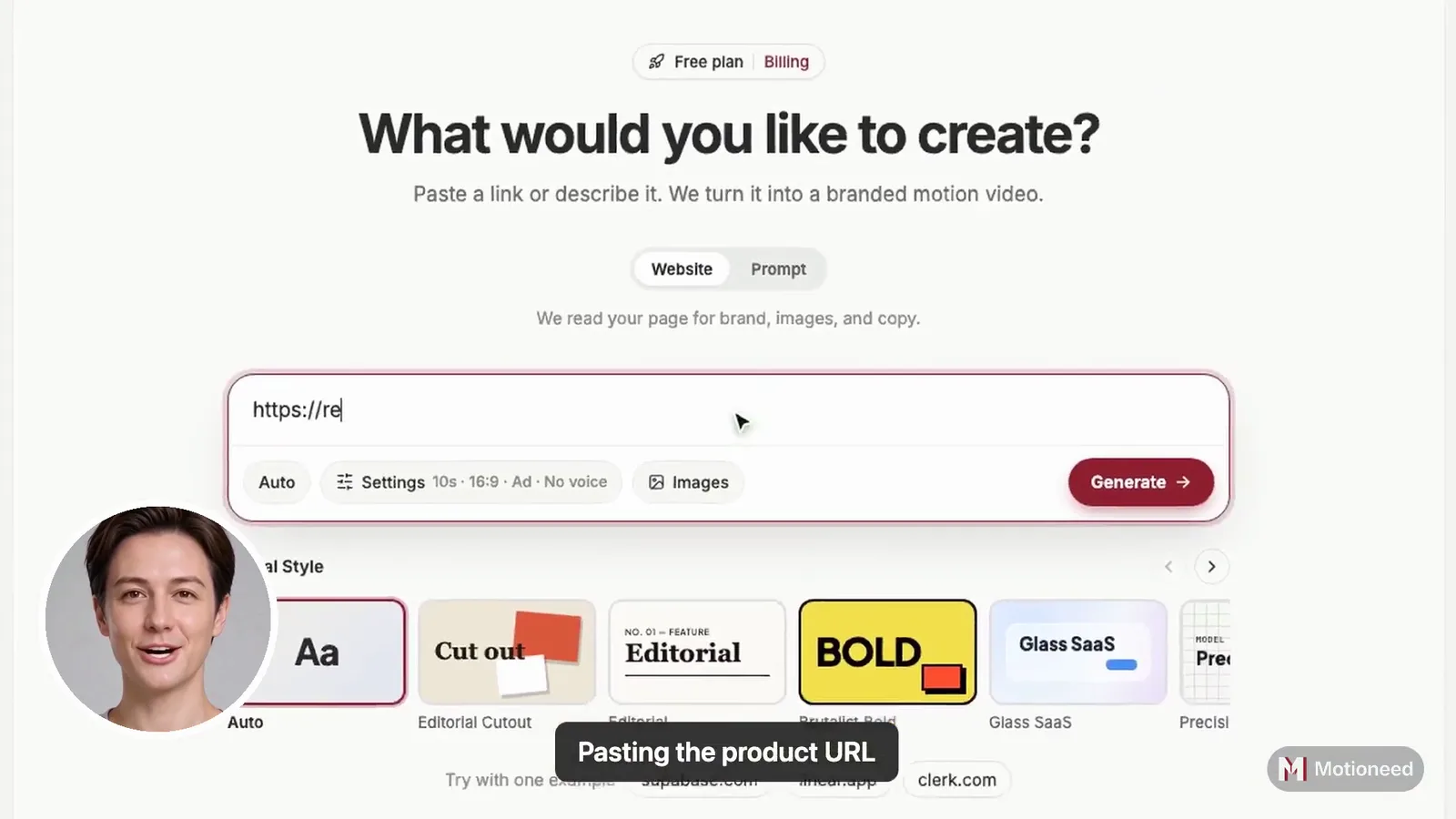
When the preview is ready, you can ask for a change in plain words: "make the opening faster," or "rewrite the pricing section." You can name a section to rewrite only that part, ask for a whole re-plan, and attach one image if the change needs a picture.
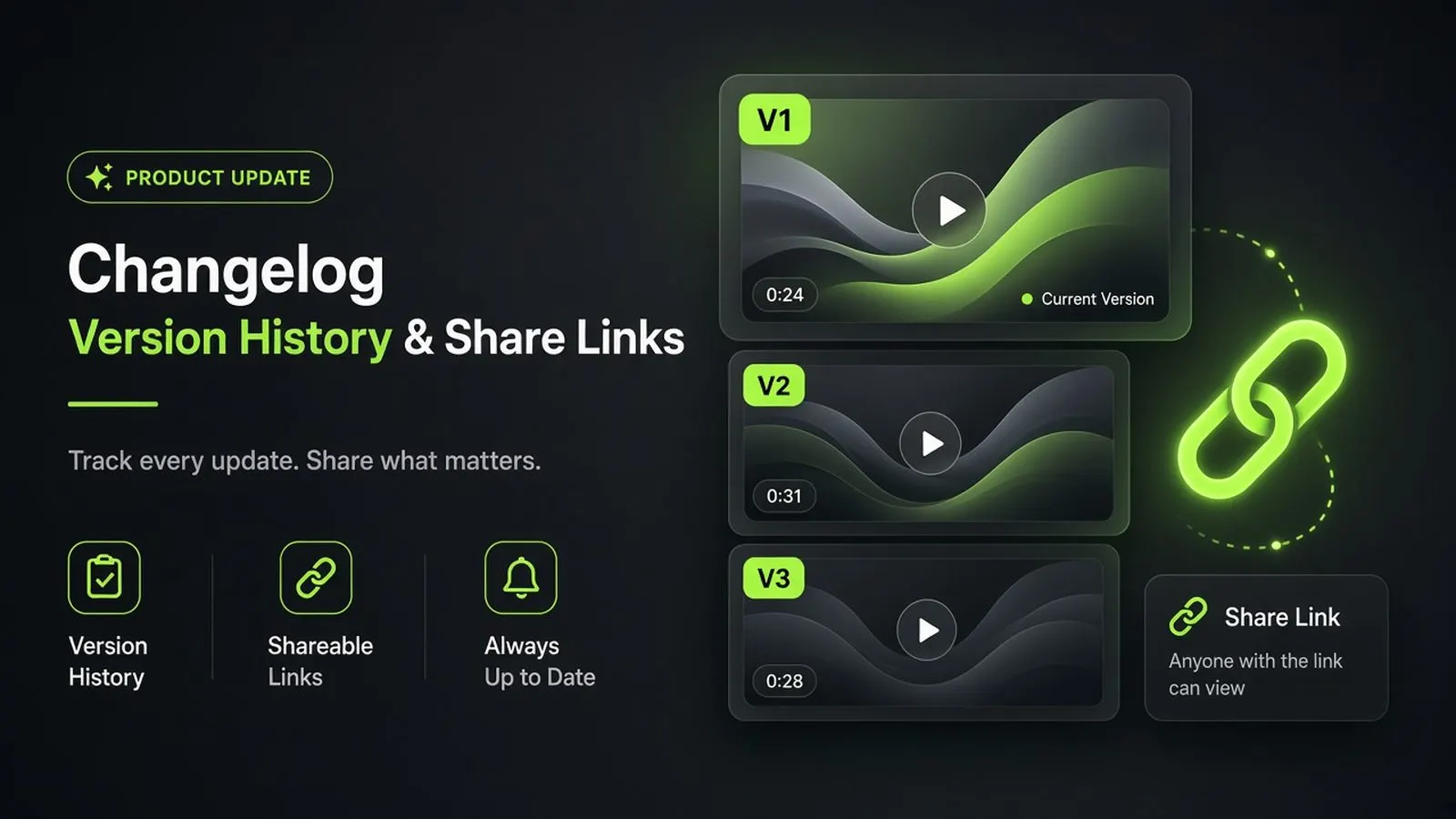
Before the new cut replaces the current one, Motioneed saves the current cut as a version. Each version keeps:
- the video itself,
- the note that produced it,
- its length and when it was made.
The newest twelve versions are kept per project.
Playing and restoring
The History panel lists every version with its note. Click one to play it. If it is the one you want, choose Restore.
Restoring is safe on purpose. Before an old version comes back, the cut you are looking at is saved as a version too. Nothing is lost by restoring, and you can restore back again. The restored cut is labeled "Restored v3" (or whichever number) so the history stays readable.
What it costs
Revising a Motion video does not spend credits. Revise, version history, and restore are part of every paid plan and credit pack. The Free plan is a single preview, so it has no revise and no history.
Share links
A video is often reviewed by people who will never sign up: a cofounder, a client, the person who runs your launch thread. A share link is made for them.
- Turn it on from the video and copy the link. It looks like
motioneed.com/s/…. - Anyone with the link can watch in the browser. No account and no login.
- Only the video is public. The page shows the video with its headline, domain, frame, and length. Your notes, versions, and settings stay private.
- Turn it off and the link stops working right away. Turning sharing on again makes a new link, so an old link never comes back to life.
Share links work for Motion videos and Film, and they come with paid plans and credit packs.
Film mode is live
The same release opened Film mode: live-action commercials from a URL or one sentence, rendered with Kling 3.0.
Film is planned before it renders. You see the brief, the look, the cast, the shots, and the narration, and you can edit any of it. Only then does the video model run. A note re-plans the film into a new version, the same way a revise works in Motion.
We call it "honest Film" because of what it does not claim. Everyone on screen is generated. Film does not edit your own footage, and small text inside a shot can come out wrong. If the ad needs your real interface, Motion is the right tool. The full walkthrough is in Film mode: what runs in Motioneed today.
Sound, for both
- Motion writes a score for each cut. The music is timed to the edit, so a section change lands on the beat. Narration is optional: English on Free, and 15 languages on paid plans.
- Film mixes voiceover, scene sound, and an optional music track under the picture. Each one can be turned off.
Why this matters for a launch
A launch video goes through rounds. Versions make each round reversible, so you can try a bolder idea without risking the cut that already works. Share links make each round quick to review, without asking reviewers to sign up. Together they turn "can you send me the latest one?" into one link that always plays the current cut.
What is not included
- No team workspace. A project belongs to one account; share links are how others see it.
- No comments on the video. Reviewers reply wherever you sent the link.
- No version branching. History is a single line: the current cut plus the saved versions behind it.
FAQ
Does a revise overwrite my video?
No. The cut it replaces is saved as a version first, and you can restore it later.
How many versions are kept?
The newest twelve per project.
Can people watch a share link without an account?
Yes. A share link plays in any browser without a login, until you turn it off.
What happens to a share link when I turn it off?
It stops working immediately. If you turn sharing on again, you get a new link.
Do revisions cost credits?
No. Revising a Motion video does not spend credits. Rendering a new version of a Film does, at the usual Film rate.