Short answer: Motioneed Film turns a public URL or one sentence into a live-action brand commercial: people and places, voice, scene sound and music. It writes the plan first, you approve it, then the video model you pick renders it. Free gets one 10-second 720p render; 1080p and longer films need a paid plan.
You already have a Motion path that turns your live product UI into a branded cut. That covers launch demos and explainers. It does not cover the other half of marketing video: the brand spot that needs a kitchen at 7am, a runner on a wet street, or a founder in a workshop—people and places, shot like a commercial, not a dashboard tour.
Who this is for: founders and brand marketers who need a live-action-style ad without booking a crew; growth teams testing YouTube / social cuts; anyone who already uses Motioneed Motion and wants the second path.
Short answer: Motioneed Film is the live-action path in Motioneed. Give it your website or a one-line idea. It reads your brand, writes a brief and shot list you can edit, then renders a finished commercial on the video model you pick (Kling 3.0, Seedance or HeyGen Video)—voiceover and scene sound with the picture, music mixed underneath. Films run 5 to 45 seconds, in 16:9, 9:16, 4:3 or 3:4, at up to 1080p. Film sits beside Motion (real-UI motion graphics). Neither path uses avatar libraries or stock footage packs. Free includes one 10-second 720p Film render; 1080p and longer films need a paid plan.
In this post you will get:
- Why we built Film next to Motion (and when each wins).
- A clear Motion vs Film decision table.
- Platform planning hints (TV / YouTube / Shorts / X) within Motioneed’s confirmed caps.
- A step-by-step Film workflow, plus honest billing and engine notes.
- FAQ you can cite, and a list of own-asset images to pair on publish.
Update (Oct 29, 2026): Film now renders on seven video models: Kling 3.0 Pro and Standard, Seedance 2.0, 2.5, 2.0 Fast and 2.0 Mini, and HeyGen Video. You pick one on the Film page, and each is priced per second at its own rate; the pricing page lists them.
Soft CTA: Open Film on motioneed.com when your account has Film unlocked. Preview Motion free on the Free plan either way. For UI-forward cuts, start from /url-to-video.
Why we built Film
Until Film, Motioneed’s Motion path did one job extremely well: paste a URL and get motion graphics from your real interface—logo, type, colors, screens—animated and scored. That is the right tool when the product UI is the proof: launch videos, feature demos, explainers, Product Hunt gallery cuts.
Plenty of advertising is not that. A brand spot, a YouTube pre-roll, or a social ad often sells a moment: someone somewhere, using the thing, with a feeling attached. You need people and places for that. Raw video models can hold a believable shot; they still leave you to write the brief, plan the shots, time the voiceover, and brand the ending.
Film is that missing half: plan first, then shoot—inside Motioneed, with your URL or sentence as the brief’s starting point. You stay in one product for both “show the product” (Motion) and “sell the moment” (Film).
A familiar Friday problem
It is Friday before a campaign week. Motion already gave you a clean UI cut for the homepage. Performance still wants a 15-second landscape pre-roll and a 10-second vertical loop. Booking a shoot is impossible. Prompting a raw generator gets you clips—not a brief, not timed voiceover, not a logo lock. Film exists for that gap: approve a plan, then spend a render.
Film or Motion?
Both start from a URL or a prompt. They make different videos.
| Motion | Film | |
|---|---|---|
| On screen | Your product UI, kinetic type, brand colors | Generated people, places, and objects, shot like live action |
| Best for | Launches, feature demos, explainers | Brand ads, social spots, TV-style commercials |
| Length | 10 to 90 seconds | 5 to 45 seconds |
| Aspect | 16:9, 9:16, 1:1, 4:3 or 3:4 | 16:9, 9:16, 4:3 or 3:4 |
| Picture | 1080p preview; 4K export on paid plans | Up to 1080p |
| Sound | Score written for the cut; optional narration | Voiceover and scene sound with the picture; music can mix under |
| Changing it | A note after preview rewrites the part you name | A note re-plans and re-renders into a new version |
| Account | Free plans: Motion video with the Motioneed mark (6 credits, one-time), downloaded and shared; paid: revise, export with no mark, and Film | Free: one 10-second 720p Film render; 1080p and longer films on paid plans |
Rough rule: if the ad needs your dashboard on screen, use Motion. If it needs a kitchen at 7am, a runner on a wet street, or a founder in a workshop, use Film.
Pairing tip: many launches ship both—a Motion gallery/demo cut plus a short Film teaser. Do not replace UI proof with Film alone when buyers need to see the product.
What you can make with Film
Platform specs change; treat the middle columns as planning hints, not Motioneed guarantees beyond what we render (5–45s, up to 1080p).
| Where it might run | Typical planning length | Aspect | Film settings that fit |
|---|---|---|---|
| Connected TV / brand spot | 15 or 30 seconds | 16:9 | 15–30s landscape |
| YouTube bumper | 6 seconds | 16:9 | 6s |
| YouTube skippable in-stream | Hook in first 5s | 16:9 | 15–30s |
| YouTube Shorts / Reels / TikTok | Short vertical | 9:16 | 10–15s |
| X video ad | Often ≤15s recommended | 16:9 or 9:16 | 10–15s |
| Homepage / launch film | Your call | 16:9 | 20–45s |
Brand and launch films
At 20–45 seconds, Film can open a homepage or announce a launch without showing every pixel of the UI. Pair it with a Motion demo when buyers need the interface next. Keep the logo lock and one clear line of voiceover; leave dense UI type to Motion.
Social and performance cuts
Keep vertical films short. Put the brand moment early. Design for loop when the platform loops sub-minute video. A 10–15s vertical that ends on the mark and cuts cleanly back to the first frame works well on repeat.
Mini case: when Film is the better first asset
- Local / service brand with little UI to show → Film from the site’s story and imagery.
- Consumer app teaser before a deeper demo → Film for feeling, Motion for the follow-up.
- Paid social test where avatar UGC feels off-brand → Film for commercial-style scenes without an avatar library.
What Film is not for
- Exact, typeset UI copy at any size → use Motion.
- A specific real spokesperson who must appear as themselves → shoot them for real.
- Avatar UGC volume testing → use tools built for presenters.
- Free-plan experimentation → Free includes one 10-second 720p Film render; use it (or a Motion preview) first, then move to a paid plan or pack for 1080p and longer films.
How to make a commercial in Film
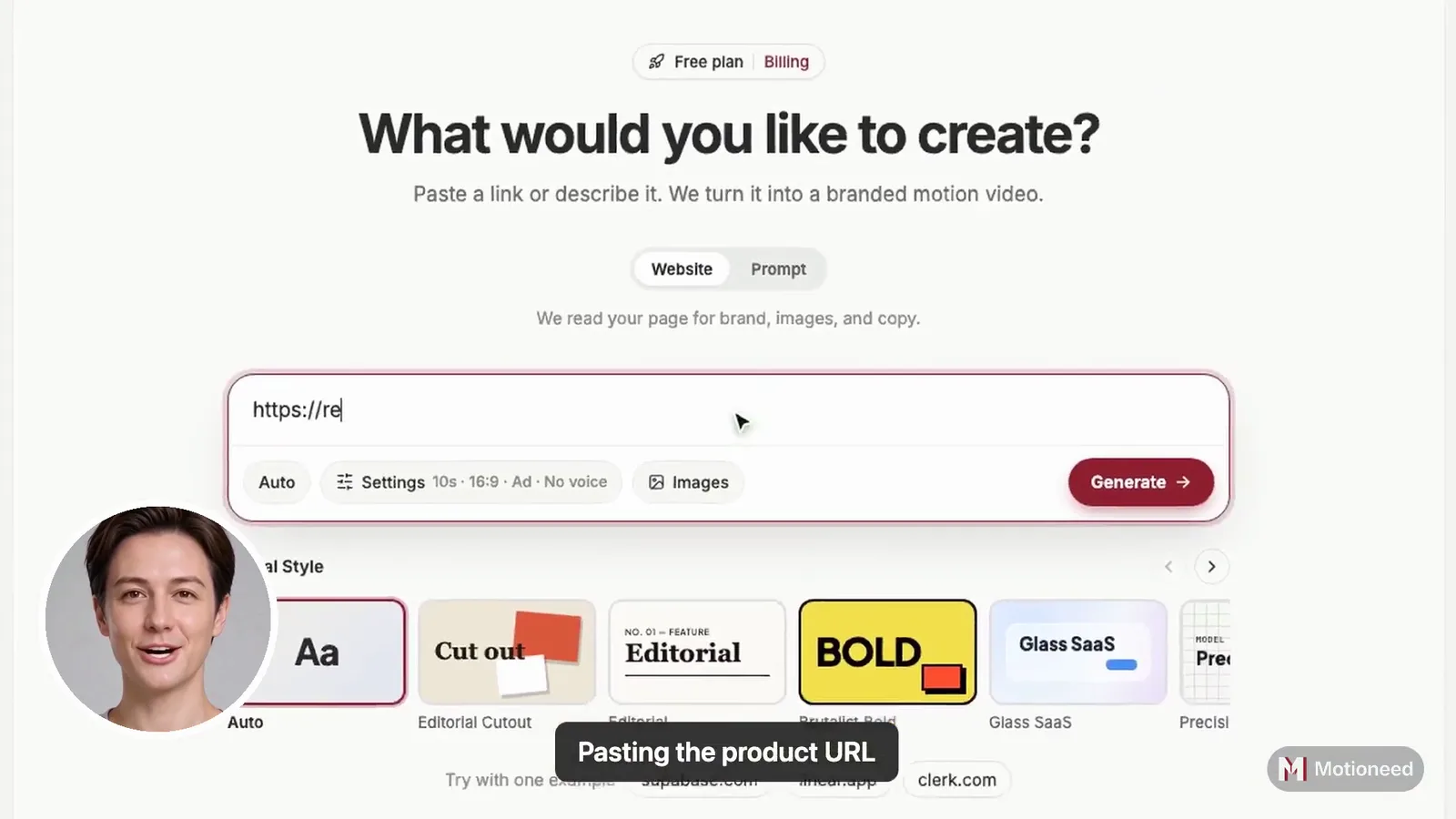
- Start with a URL or a sentence. Website mode reads brand, logo, and imagery from a public page. Prompt mode follows your description (prompt wins when it conflicts with defaults).
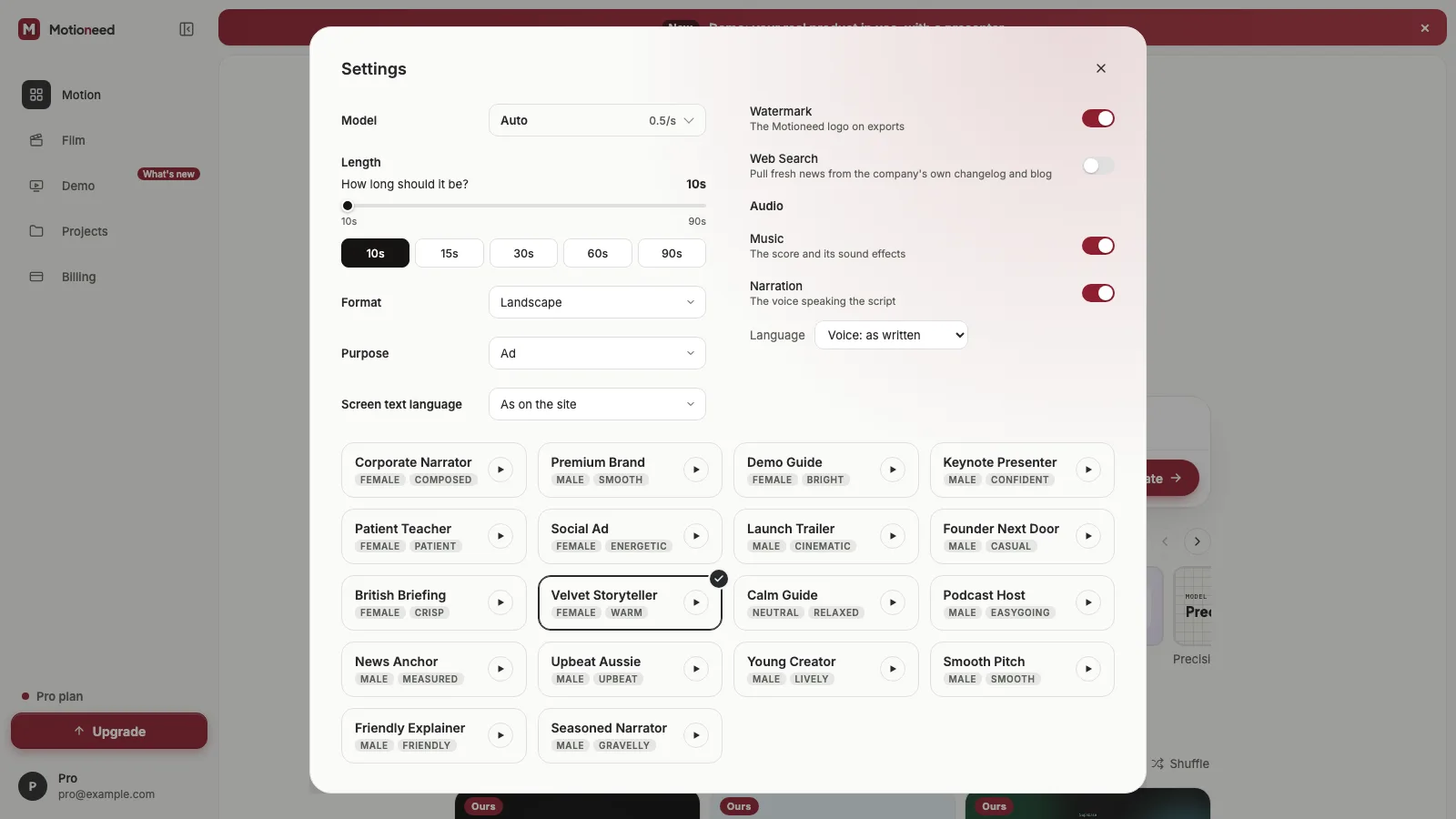
- Set format. 16:9, 9:16, 4:3 or 3:4; length from 5 to 45 seconds; up to 1080p. Pick the video model here too.
- Choose sound. Voiceover, scene sound, and music can be mixed per the Film controls on site.
- Add reference images if you have them (product shot, location, mood)—up to the limit shown in the Film UI.
- Approve the plan. Film writes a brief and shot list first. Review it before you spend a render—this is where you catch wrong tone, wrong place, or a line you must keep.
- Render. Watch the version on the board.
- Revise with a note. A change re-plans and re-renders a new version; remakes are charged again. Failed films refund credits when metering applies.
- Export on a paid plan or pack. Downloads follow your plan rules. Upgrade any time from Billing; checkout runs on Stripe.
Prompt scraps that travel well
Keep prompts short and directional. Examples of shape (not Motioneed guarantees of any specific render):
- “30-second landscape brand film for our launch. Warm morning light. Calm voiceover. End on logo.”
- “10-second vertical social cut. Hook in the first two seconds. Street sound, music under, no long copy on screen.”
- “15-second YouTube in-stream. Product manager buried in sticky notes → one clean laptop screen. Confident narration.”
Put must-keep lines in the prompt. Do not ask Film for exact dashboard chrome—that is Motion’s job.
Models and billing honesty
| Topic | Motioneed fact |
|---|---|
| Film video models | Kling 3.0 (Pro or Standard), Seedance 2.0, 2.5, 2.0 Fast or 2.0 Mini, or HeyGen Video |
| Film pricing | Credits per finished second, at each model's own rate; see pricing |
| Plan prices | Free 6 credits (one-time) · Pro $29/100 · Max $99/500 · Ultra $950/5000 · packs from $15 |
| Checkout | Stripe Checkout, from Billing |
| Film access | Free: one 10-second 720p render; paid plans / packs: 1080p and up to 45 seconds |
| Motion defaults (site copy) | Free writing model: Claude Haiku 5.5; paid Motion often defaults toward higher-tier writing models per Billing |
Motioneed Film vs raw generators vs avatar ad makers
| Kind of tool | What you get | Where Motioneed Film sits |
|---|---|---|
| Raw generators (prompt → clip) | Shots you must edit, brand, and voice yourself | Film adds brief + shot plan + packaged commercial workflow around the video model you pick |
| Avatar / UGC ad makers | Presenter-led ads from URL or script | Film aims at commercial-style scenes without an avatar library |
| Motioneed Motion | Real UI motion graphics | Use when the interface is the proof |
We don't publish a competitor price table here. If we add one later, every cell will carry a dated source link.
How this differs from “URL → avatar ad”
Many URL-to-ad tools default to a presenter. Motioneed’s bet is different: Motion rebuilds your real UI as motion graphics; Film plans a commercial and renders live-action-style scenes on the video model you pick. If you need volume UGC with talking heads, those other tools fit. If you need brand-feeling spots without an avatar library—and UI proof in the same product—stay here.
What Film doesn’t do (yet)
- Square (1:1) films.
- Perfect continuity on long multi-part renders—keep expectations realistic above ~15s.
- Frame-accurate single-shot edit without a re-render—changes rebuild the film.
- Tiny on-picture text—keep words short; use Motion for exact UI type.
- Free-plan Film beyond one 10-second 720p render.
Review every film before it runs, and follow each platform’s rules on disclosing realistic AI-generated content.
Try Film
Open Film on motioneed.com, paste your site or describe the spot, approve the plan, and render when Film is unlocked on your account. For UI-forward cuts, stay on Motion—or start from the URL to video landing page. See also the founder positioning post Why Motioneed and live Ours cuts on Showcase.
CTA: Make a Film from your URL when your account has Film unlocked; preview Motion free on the Free plan (6 credits, one-time) either way. Billing: /billing.
FAQ
What is Motioneed Film?
Film is Motioneed’s live-action path: a URL or short prompt becomes a planned commercial, then a render on the video model you pick, with voiceover, scene sound, and optional music under the picture.
Which video models does Film use?
You pick one: Kling 3.0 (Pro or Standard), Seedance 2.0, 2.5, 2.0 Fast or 2.0 Mini, or HeyGen Video. Each is priced per second at its own rate.
How long can a film be?
Any whole number of seconds from 5 to 45 on paid plans/packs. Free includes one 10-second 720p Film render.
Film vs Motion—which should I pick?
Motion for real product UI and exact type. Film for live-action-style brand moments with people and places.
Can AI make a TV-style commercial with Motioneed?
Film can produce 15- and 30-second landscape brand spots up to 1080p. Streaming/CTV acceptance depends on each platform’s creative specs; linear broadcast often still needs a post house for delivery conformance.
Is checkout available?
You can preview Motion on Free (6 credits, one-time). Paid features (including Film unlock, no-mark export, revise, share where available) need a plan or pack. Upgrade any time from Billing; checkout runs on Stripe. Prices: Free 6 credits (one-time) · Pro $29/100 · Max $99/500 · Ultra $950/5000 · packs from $15.
Do I need a script?
No. Film writes the brief, shot list, and voiceover from your website or prompt. Put must-keep lines in the prompt.
Can I try Film on the Free plan?
Yes, once: Free includes one 10-second 720p Film render; 1080p and longer films need a paid plan or pack, bought from Billing.