Short answer: Motioneed turns a public website URL into a branded marketing motion video built from your real logo, colors, copy, and UI. We capture live screens, rebuild and animate the interface, write a score for the cut, and hand you a finished MP4 path—preview first, export when you’re ready. We do not use AI avatars or stock libraries. If you need a talking-head performance ad, other tools already do that well; we built the other job.
I'm Zephyr. I built Motioneed.
I've been writing software for 20 years, and I still love code. Building a product and getting it seen are two different jobs. Most video tools ask you to become a motion designer—or to cast an AI actor—before they help with the second one.
So we built Motioneed from the other end. You give it a URL, or one sentence. It takes your real logo, your colors, your words, writes the video and its score, and hands it back finished. Creating and previewing stay free, because you shouldn't have to pay to see whether your idea looks good.
Someday one of these videos will be the reason a product finds its first thousand people. Thank you for trusting us with yours.
The problem we kept seeing
Founders and product marketers need a cut for the homepage hero, the launch thread, the Product Hunt gallery, the sales page. The brief is almost always the same: show the product.
What the market offered instead tended to fall into three buckets:
- Timeline editors — powerful, slow, and a second career.
- Screen recordings — honest, often raw, hard to brand.
- Avatar / UGC ad makers — fast at “person holds product and talks,” weak when the proof is a dashboard, a workflow, or a pricing table.
None of those is “wrong.” They’re optimized for different outcomes. We cared about the launch where the interface is the ad.
What “URL to video” means at Motioneed
When people search url to video, they often get tools that scrape a product page and wrap it in a presenter. That can work for ecommerce SKUs. It is a poor fit for SaaS where buyers need to recognize the product they’ll log into.
On Motioneed, URL → video means:
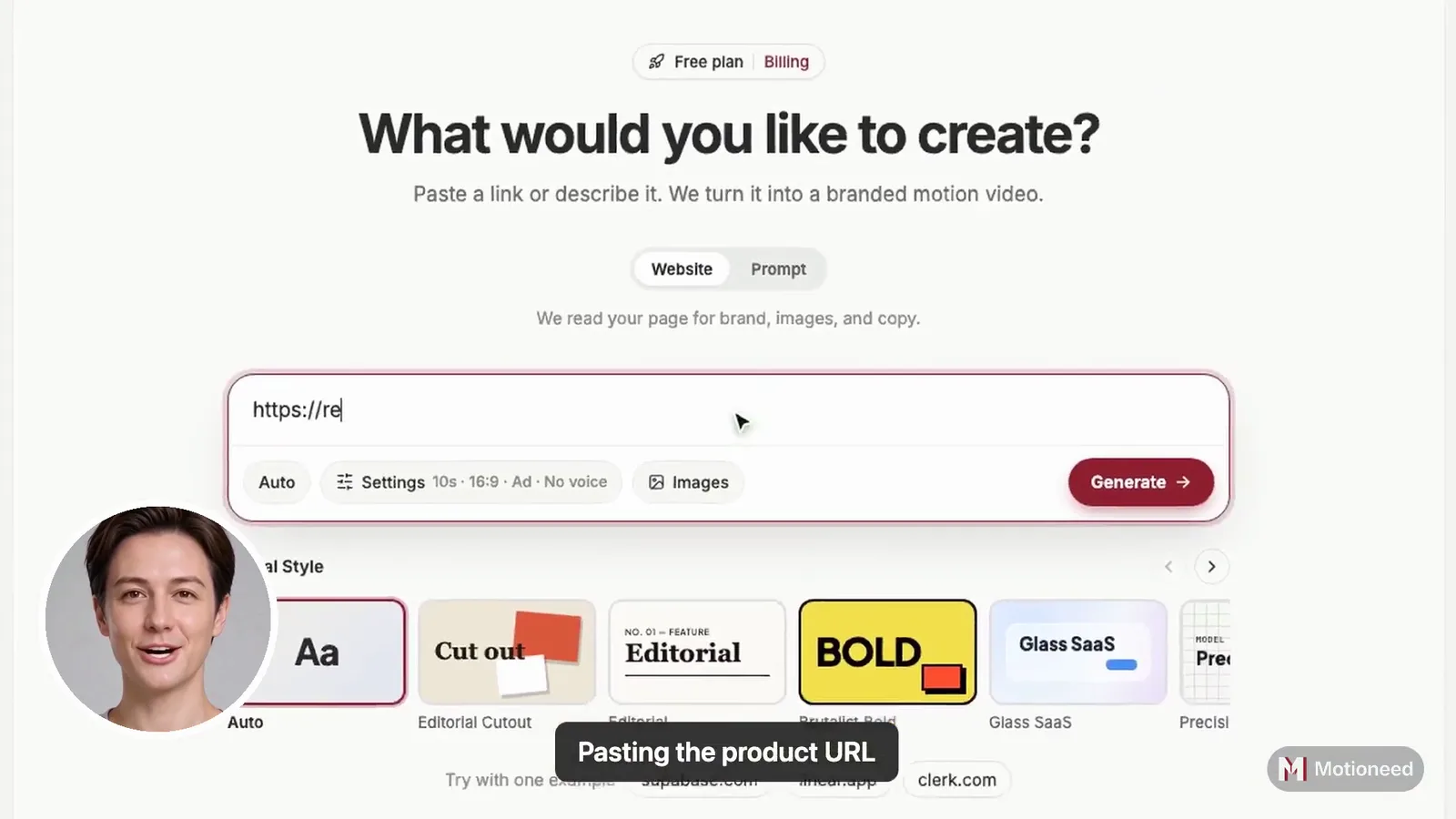
- Paste a public product URL (marketing site, public docs, public changelog).
- We read brand signals and capture real UI screenshots from the live page.
- We rebuild the interface as animated scenes—not slap a logo on a template, and not pass off stock dashboards as yours.
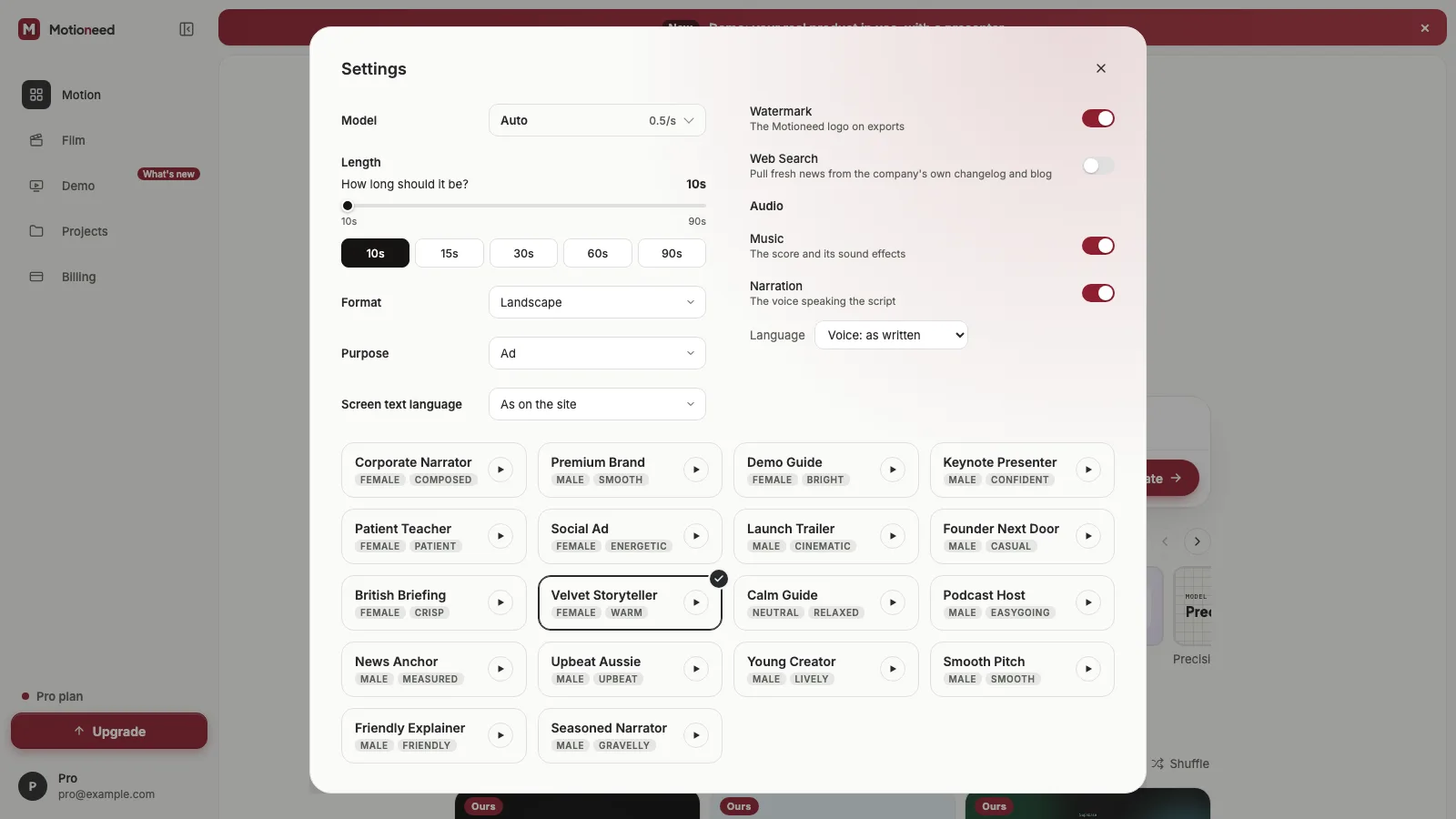
- We score the cut (music timed to the edit); narration is optional.
- You preview in the browser. Free Motion preview carries the Motioneed mark. Revising, no-mark export, version history, and share links need a paid plan or pack.
For a conversion-focused walkthrough of the same workflow, see the SEO page: URL to video.
How we differ from avatar tools (without the mudfight)
| Motioneed | Typical avatar / UGC URL→ad tools | |
|---|---|---|
| On screen | Your product UI, kinetic type, brand colors | AI presenter + product props / overlays |
| Best when | The interface is the proof | A face and a script carry the offer |
| Stock / avatars | None by design | Usually core to the product |
| Brand fidelity | High—drawn from the live site | Variable—often template-led |
| Feel | Marketing motion graphics | Performance / social ad |
We are not claiming avatar tools are low quality. They win when you need volume creative for paid social. We win when the cut has to look like your product shipped a film, not like a stock actor discovered your landing page.
How we sit next to other URL→motion products
Several products now paste a URL and return brand-forward motion. That category is real, and it’s crowded for a reason: the job is painful and frequent.
Motioneed’s bet inside that category is specific:
- Real UI rebuild as the default path from site → frame.
- Free preview first, so taste comes before payment.
- A founder letter tone—plain English, honest limits, no borrowed slogan theater.
We will not trash peers to sound clever. If another tool fits your workflow better, use it. If you want your actual screens animated into a scored marketing cut, Motioneed is built for that.
Motion vs Film (same link, two jobs)
Motioneed also offers Film: live-action brand commercials planned from a URL or sentence, then rendered with Kling 3.0.
| Motion | Film | |
|---|---|---|
| On screen | Your product UI, type, brand colors | Generated people, places, objects—shot like live action |
| Best for | Launches, feature demos, explainers | Brand ads, social spots, TV-style commercials |
| Length | 10–90 seconds | 5–45 seconds |
| Picture | 1080p preview; 4K export on paid plans | Up to 1080p |
Rule of thumb: if the ad needs your dashboard on screen, use Motion. If it needs a kitchen at 7am or a runner on a wet street, use Film. Film gets its own deep dive in Film mode: what runs in Motioneed today.
Pricing, stated plainly
Plans listed on Motioneed:
| Plan | Credits | Price |
|---|---|---|
| Free | 6 credits (one-time) | $0 — Motion preview with Motioneed mark |
| Pro | 100 / month | $29 |
| Max | 500 / month | $99 |
| Ultra | 5000 / month | $950 |
| Credit packs | 40 to 480 (up to 20% bonus) | from $15 |
Checkout: free preview first. Plans and credit packs open Stripe Checkout; a video is charged for the seconds it makes, and a failed one gives its credits back.
Credits are priced per finished second by writing model on Motion; failed jobs refund. Exact per-model tables live on Billing / Pricing— don’t memorize a stale screenshot.
What Motioneed does not do (yet)
- Authenticated app states behind login (use a public URL).
- Guaranteed perfect small text inside complex UI (tiny labels can render wrong).
- Replacing a live, tailored sales demo.
- Promising Showcase clips we didn’t render. Public Showcase cards are Motioneed Ours cuts (e.g. supabase, resend, clerk, vercel) or Coming soon—not competitor stand-ins.
Who this is for
Product marketers, founders, and growth teams who need launch, demo, Product Hunt, and feature-announce cuts that stay faithful to the live product. If your buyer’s first question is “what does it look like?”, start with Motion from your URL.
Try it
Paste a public URL—practice on supabase.com, resend.com, clerk.com, or vercel.com—or use your own site. See live Ours cuts on Showcase. Preview free. Export when your plan is active.
CTA: Open motioneed.com, paste your link, and preview a Motion cut rebuilt from your real UI.
FAQ
What is Motioneed?
Motioneed is a studio that turns a public website URL (or a one-sentence prompt) into marketing video: Motion for real-UI motion graphics, and Film for live-action commercials via Kling 3.0.
Does Motioneed use my real product interface or stock footage?
Real interface. Screenshots come from the live page you paste and are composed into scenes, so the video shows your actual UI rather than stock clips or a generic approximation.
Is Motioneed an avatar video tool?
No. Motion graphics never use avatars or stock. Film generates live-action-style scenes with Kling; it is not an avatar UGC factory.
How is this different from other URL-to-video products?
Same problem space—URL to brand video. Motioneed emphasizes real UI rebuilt as motion graphics, free Motion preview first, and founder-led, limit-honest messaging.
Can I try before I pay?
Yes. The Free plan makes a Motion preview in your browser with the Motioneed mark (6 credits, one-time). Revising, no-mark export, share links, and Film unlock on paid plans/packs. Plans and packs open Stripe Checkout.
Where should I go if I only care about conversion copy?
Use the SEO landing pages such as /url-to-video and /product-launch-video. This post is the narrative why; those pages are the conversion path.