Short answer: A good promo video for a SaaS product or app is 15 to 30 seconds long, opens on the problem, shows two or three real screens, lands one memorable line and ends on a single call to action. A promo video maker should let you use your own interface, brand colors and copy. Motioneed makes one from your website URL in 16:9, 9:16, 4:3 or 3:4, with music, and the first 10-second preview is free.
Most promo video makers are built for shops, restaurants and events: pick a template, drop in photos, add text. For software that falls flat, because the thing people need to see is the product, and a template doesn't know what your product looks like. Here is what a SaaS or app promo needs to show, and how to make one without a designer.
Promo vs explainer vs demo
| Video | Job | Length | Tone |
|---|---|---|---|
| Promo | Make people want it | 15 to 30 seconds | Punchy, one big line |
| Explainer | Make people understand it | 30 to 90 seconds | Calm, step by step |
| Demo | Show it working | 30 seconds to a few minutes | Concrete, real clicks |
A promo is the shortest of the three. It sells one idea, not the whole feature list. If you need the step-by-step version, see How to make an explainer video from your website.
What to show in 15 to 30 seconds
| Seconds (of 15) | Beat | Example |
|---|---|---|
| 0 to 3 | The problem, as a question or a jab | "Still clicking through five apps?" |
| 3 to 10 | Two or three real screens, one idea each | The command bar, the result, the shortcut |
| 10 to 13 | One proof point you publish | "99.8% reliable", a customer quote |
| 13 to 15 | Logo and one call to action | "Download free", "Start free" |
For 30 seconds, give each beat about twice the time and add one more screen, not more words.
App promo video: extra rules for mobile
- Make it 9:16. App promos live in Reels, Shorts, TikTok and app store previews. Motioneed renders 9:16 at 1080×1920.
- Put the phone screen first. Show the app in use before the logo.
- Captions, not voice. Feeds play muted; every line must read on its own.
- End on the store. "Download on the App Store" beats "Learn more".
The vertical video ad guide covers 9:16 sizes and safe areas.
How to make a promo video with Motioneed
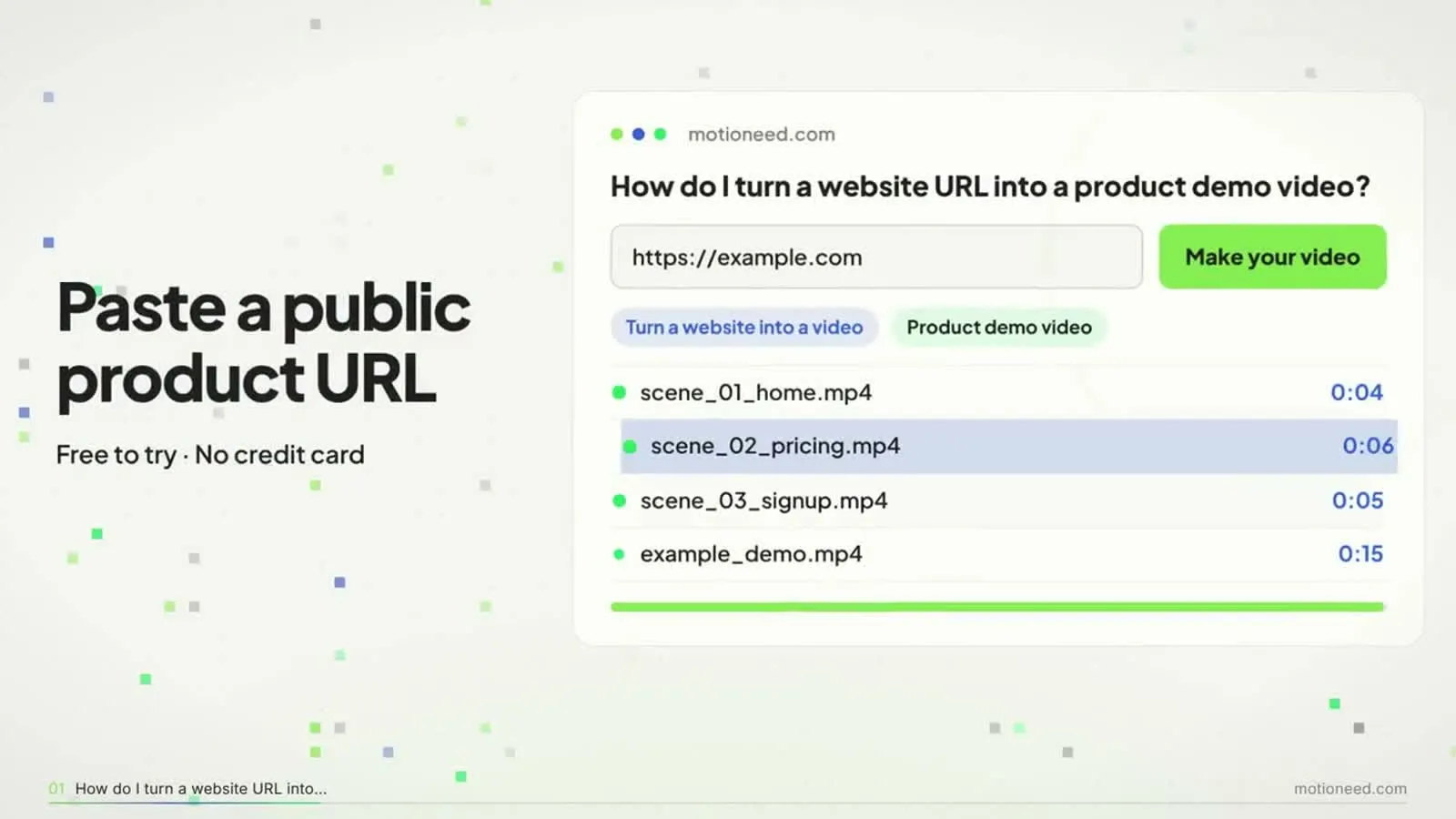
- Paste your homepage or product page URL.
- Choose 15 seconds and the shape: 16:9 for your site and YouTube, 9:16 for social and app promos.
- Add a line in the prompt box if you have an angle, for example "promo for the new AI command bar, punchy".
- Preview. Motioneed captures your logo, colors, copy and screenshots, rebuilds them as animated scenes and scores them.
- On a paid plan or credit pack, revise in plain words and export without the mark.
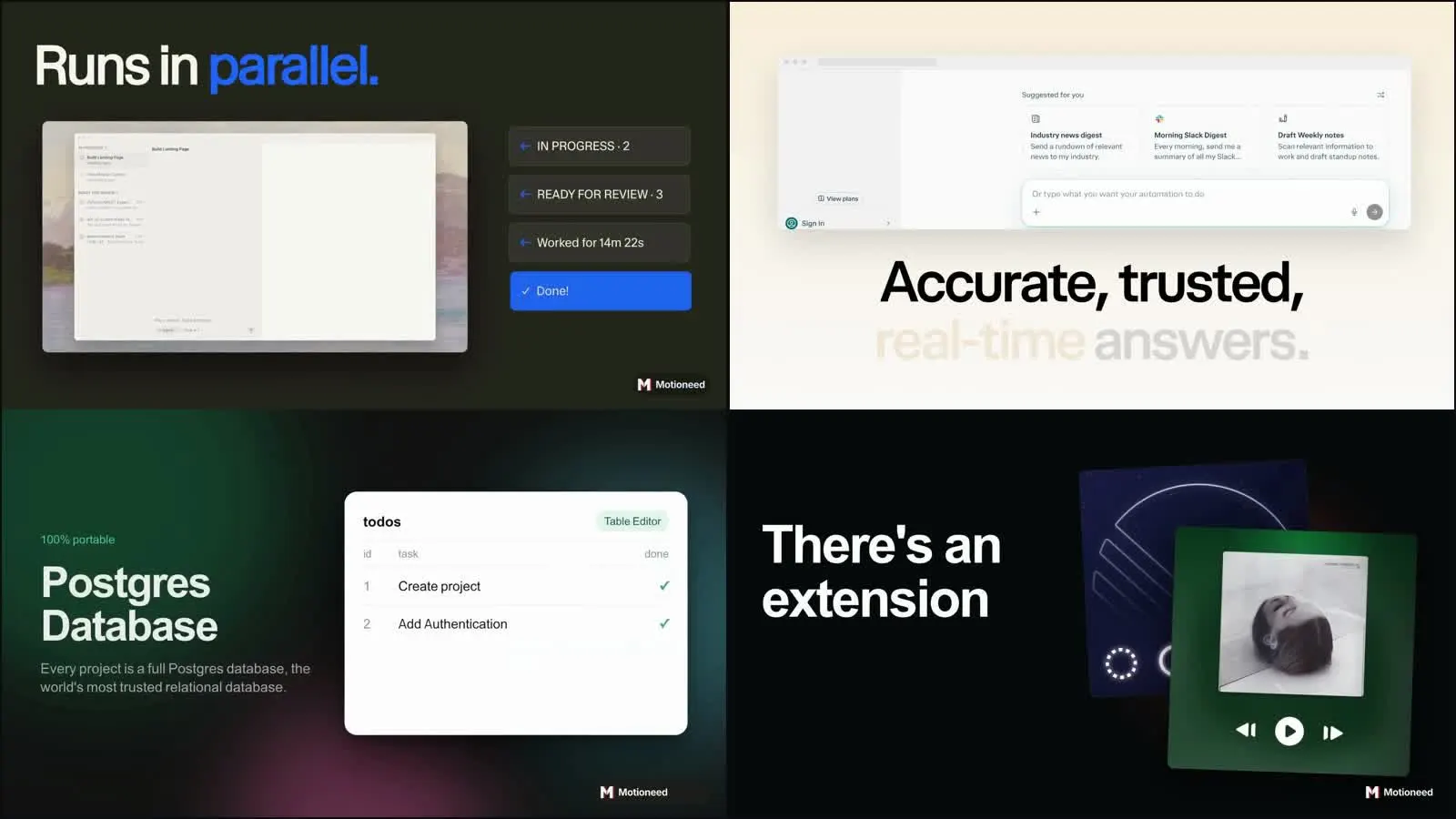
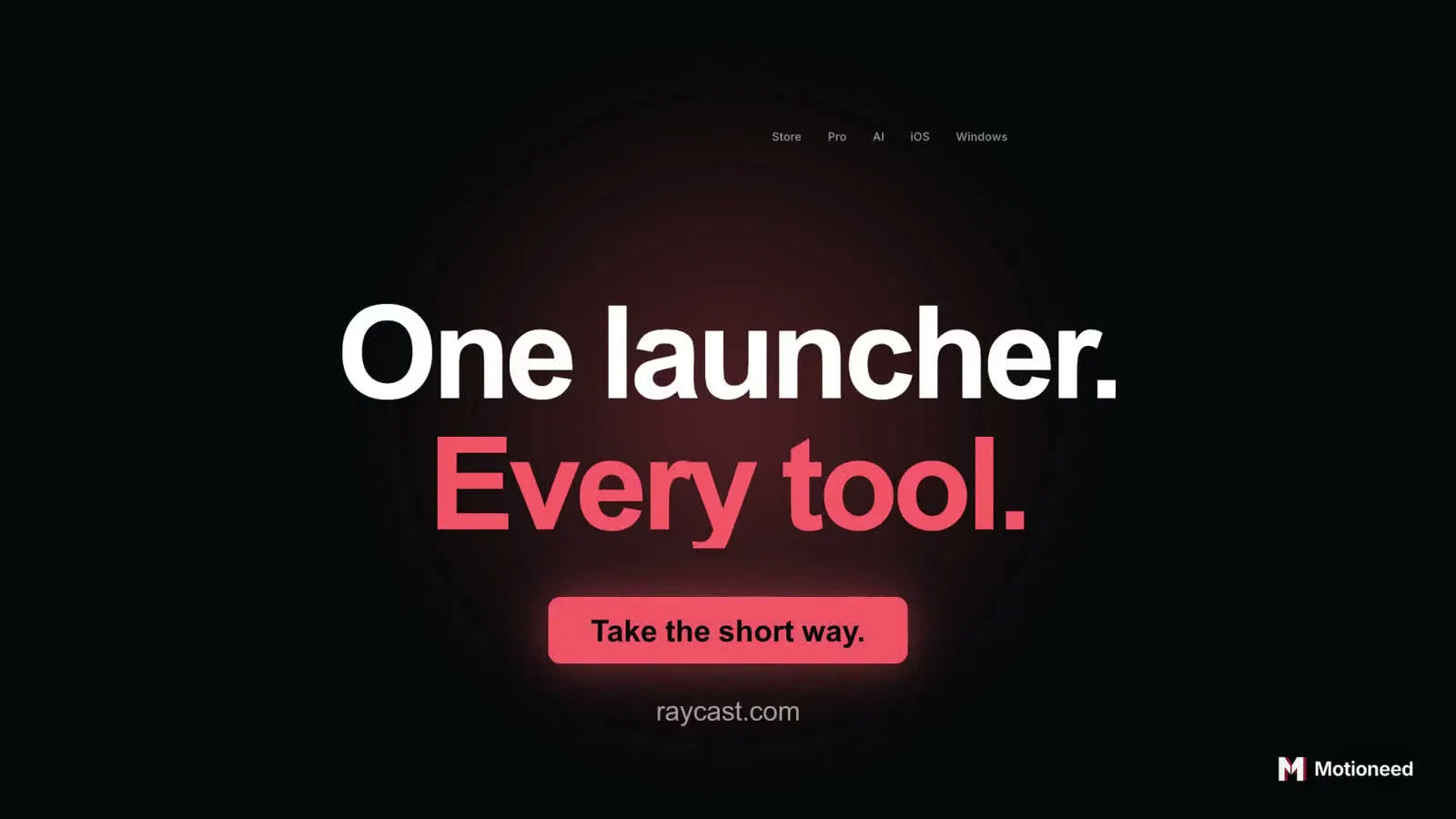
The Raycast cut on the cover runs 15 seconds: a jab ("Still clicking through"), an extension card, a reliability number, the tagline and the call to action, all taken from the raycast.com homepage. More cuts are in the showcase and in Product demo video examples.
Free promo video maker: what you get
New accounts get 6 credits with no credit card, enough for a 10-second preview with the Motioneed mark. That is enough to see whether your site makes a good promo. Exporting without the mark, revising and longer cuts need a paid plan (Pro is $29 a month for 100 credits) or a credit pack (from $15 for 40). A 15-second promo costs 7.5 credits on Haiku 5.5, 13.5 on Sonnet 5.5 or 27 on Opus 5.5. See pricing.
Common mistakes
- Listing every feature. Pick one; the rest belong in the explainer.
- A logo intro. Nobody waits three seconds for a logo. Lead with the problem.
- Stock footage of people on laptops. It could be any product. Show yours.
- Two calls to action. Pick the one you want most.
FAQ
How long should a promo video be?
15 seconds for social and ads, up to 30 seconds for a website or launch post.
What is the best promo video maker for SaaS?
One that uses your real interface and copy. Motioneed builds the video from your URL, so the screens are yours, not a template's.
Can I make an app promo video from my website?
Yes, if the site shows the app's screens. Choose 9:16 for mobile placements.
Is there a free promo video maker?
Motioneed's free credits make a 10-second preview with the mark, with no credit card.
Can I add a voiceover to a promo?
Yes. Turn on Narration in Settings; it costs no extra credits. For a 15-second feed promo, captions alone usually work better.
Can I make a promo for a product launch?
Yes. See Product launch video and the Product Hunt launch video guide.