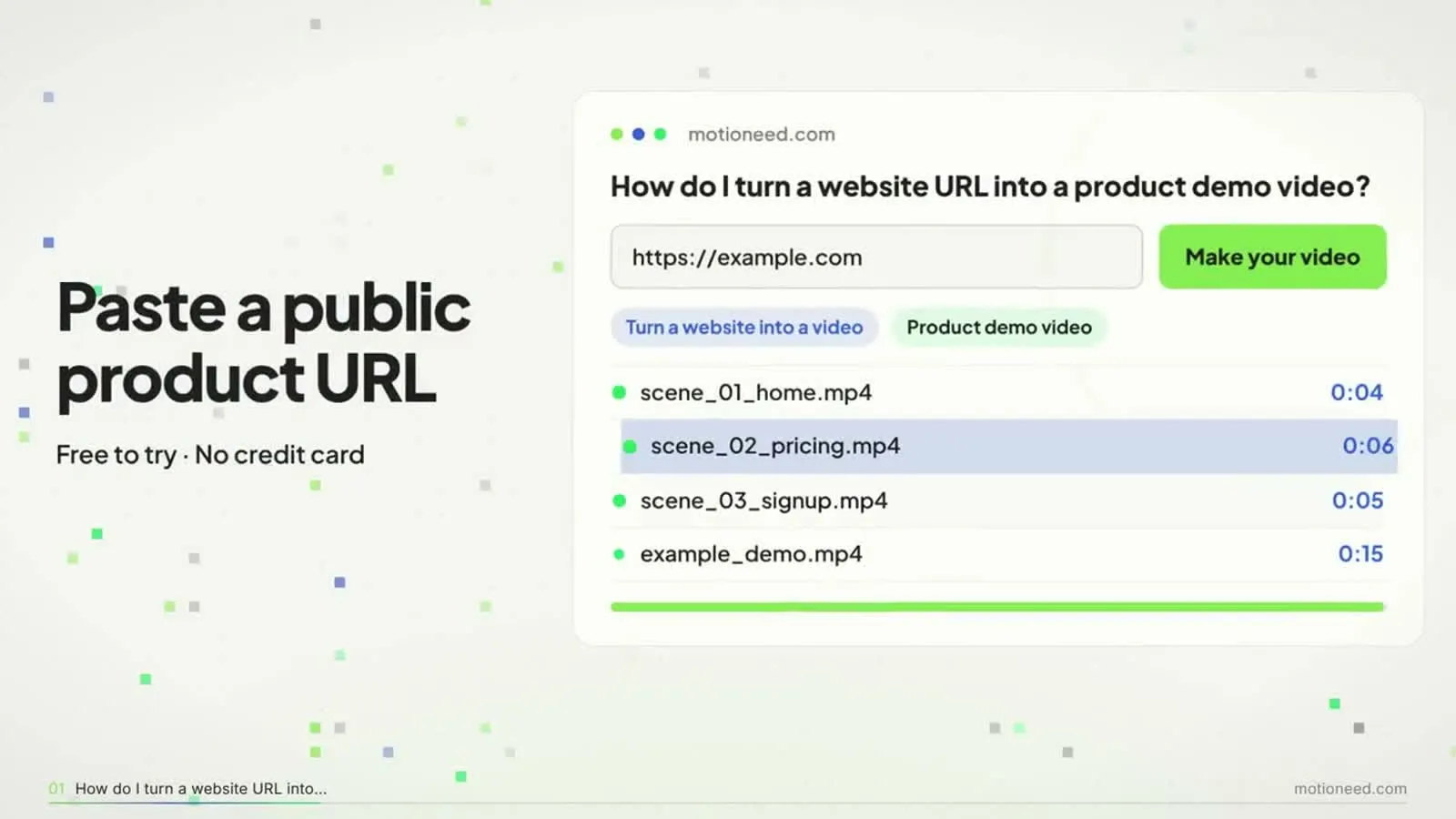
Short answer: To make an explainer video from your website, write four beats (the problem, how it works, the result, the next step), keep it to 30 to 60 seconds, and show your real interface instead of stock footage or cartoons. You can storyboard and animate it yourself, hire a studio, or paste your URL into Motioneed, which builds an animated explainer from your own logo, copy and screenshots, with music and an optional narrator, in minutes.
Explainer video makers usually start from a blank canvas: pick a template, write a script, choose characters, drag in icons. If you already have a website, most of that work is done. Your headline is the hook, your feature blocks are the scenes and your screenshots are the visuals. This guide shows how to turn them into an explainer.
The four beats of an explainer
| Beat | What it says | Where it comes from on your site | Share of the video |
|---|---|---|---|
| Problem | The pain, in one line | Hero subheadline, or the "why" section | About 15% |
| How it works | Two or three steps, each one a screen | Feature blocks, "how it works" | About 50% |
| Result | What the user ends up with | Outcome copy, a customer quote, a metric you publish | About 20% |
| Next step | One action | Your main call to action | About 15% |
If a beat has nothing to show on your site, that is a gap in the page as well as the video. Add the screenshot to the page first.
How long should an explainer video be?
| Where it plays | Length |
|---|---|
| Homepage hero, muted | 15 to 30 seconds |
| Feature page or "watch video" button | 30 to 60 seconds |
| Sales email, onboarding | 60 to 90 seconds |
| Social feed | 10 to 15 seconds, 9:16 |
A narrator speaks about two and a half words a second, so a 30-second script is roughly 75 words and a 60-second script about 150. If your script is longer, cut features, not pauses.
Animated explainer video: three ways to make one
| Way | Time | Cost | What it looks like |
|---|---|---|---|
| Template editor | A day or more | Subscription | Template characters and icons |
| Studio or freelancer | Two to six weeks | Hundreds to thousands of dollars | Custom animation |
| From your URL (Motioneed) | Minutes | Credits, from a free preview | Your real UI, animated |
Template editors and studios are the right choice for a character-led story. When the point of the video is to show your product, building from the product is faster and more accurate.
How to make one from your website with Motioneed
- Pick the page. A feature page or a "how it works" page often makes a better explainer than the homepage.
- Choose the shape and length. 16:9 at 30 or 60 seconds for your site; 9:16 at 15 seconds for social.
- Turn on narration if you want a voice. Open Settings, turn on Narration and pick one of 18 voices. Narration costs no extra credits; free accounts get one voice, paid plans get all 18. See AI voiceover for marketing videos.
- Preview. Motioneed plans the scenes, crops each screenshot to the part that makes the point, writes the captions and scores the cut. Music comes in 39 genres.
- Revise in plain words. "Make the second scene about the calendar view" or "end on Start free" works.
- Export without the mark on a paid plan or credit pack.
Tips for a clearer explainer
- One idea per scene. If a scene needs two captions, it is two scenes.
- Show the result early. Viewers decide in the first few seconds whether to keep watching.
- Write for no sound. Most autoplay is muted, so the captions must carry the story on their own.
- Use your own words. The best explainer lines are often already on your page; Motioneed reuses your copy instead of inventing claims.
- Keep the UI large. Fewer, bigger screens read better than a tour of every menu.
What it doesn't do
Motioneed doesn't draw characters, invent customers or add numbers you haven't published. Pages that need a sign-in can be filmed with the Chrome extension on paid plans. For people and places on camera, use Film.
What it costs
New accounts get 6 free credits for a 10-second preview with the mark. Motion costs 0.5, 0.9 or 1.8 credits a second depending on the writing model, so a 60-second explainer is 30 to 108 credits. Pro is $29 a month for 100 credits; packs start at $15 for 40. See pricing.
FAQ
What is the best way to make an explainer video for a website?
Start from what the site already says: headline, feature blocks and screenshots. Write four beats (problem, how it works, result, next step) and keep it under a minute.
How long should an explainer video be?
30 to 60 seconds for a website, 15 to 30 seconds for a muted hero, and 10 to 15 seconds for social.
Can I make an animated explainer video without an animator?
Yes. Motioneed animates your real interface from your URL. Template editors are another option if you want cartoon characters.
Do I need a script?
No. Motioneed writes one from your page, and you can change any line in plain words. If you have a script, paste it in the prompt box along with your URL.
Can the explainer have a voiceover?
Yes. Turn on Narration in Settings and pick a voice; it costs no extra credits.
Is there a free explainer video maker?
Motioneed's free credits make a 10-second preview with the mark, with no credit card. See also our SaaS explainer video maker guide.