Short answer: The best product demo videos are short, show the real interface within the first few seconds, give each scene one idea, use the product's own words, and end on one call to action. Below are seven short demos made with Motioneed from public websites (Cal.com, Cursor, Perplexity, Raycast, Supabase, Linear and BookOrbit), with what each one gets right and what you can copy.
A note first: these cuts were made by Motioneed from each company's public website for our showcase. They are not the companies' own videos, and the companies didn't commission them. They are useful examples because each one was made the same way you would make yours: from a URL.
The examples at a glance
| Example | Shape | Length | Pattern |
|---|---|---|---|
| Cal.com | 9:16 | 15 s | Problem question, then the steps |
| Cursor | 16:9 | 15 s | Hand-off, then proof |
| Perplexity | 16:9 | 15 s | Two-word promise |
| Raycast | 16:9 | 15 s | Jab, number, tagline |
| Supabase | 16:9 | 30 s | One feature per scene |
| Linear | 9:16 | 15 s | Manifesto lines over the product |
| BookOrbit | 16:9 | 30 s | Release notes as a video |
1. Cal.com: the problem as a question
It opens on "Still emailing back and forth to find a time?" over the Cal.com mobile page, then walks three steps from the site (connect your calendar, set your hours once, choose how to meet), shows a customer quote and ends on "Get started". Copy this: if your site has a "how it works" section, those steps are your middle scenes.
2. Cursor: hand it off, then show it working
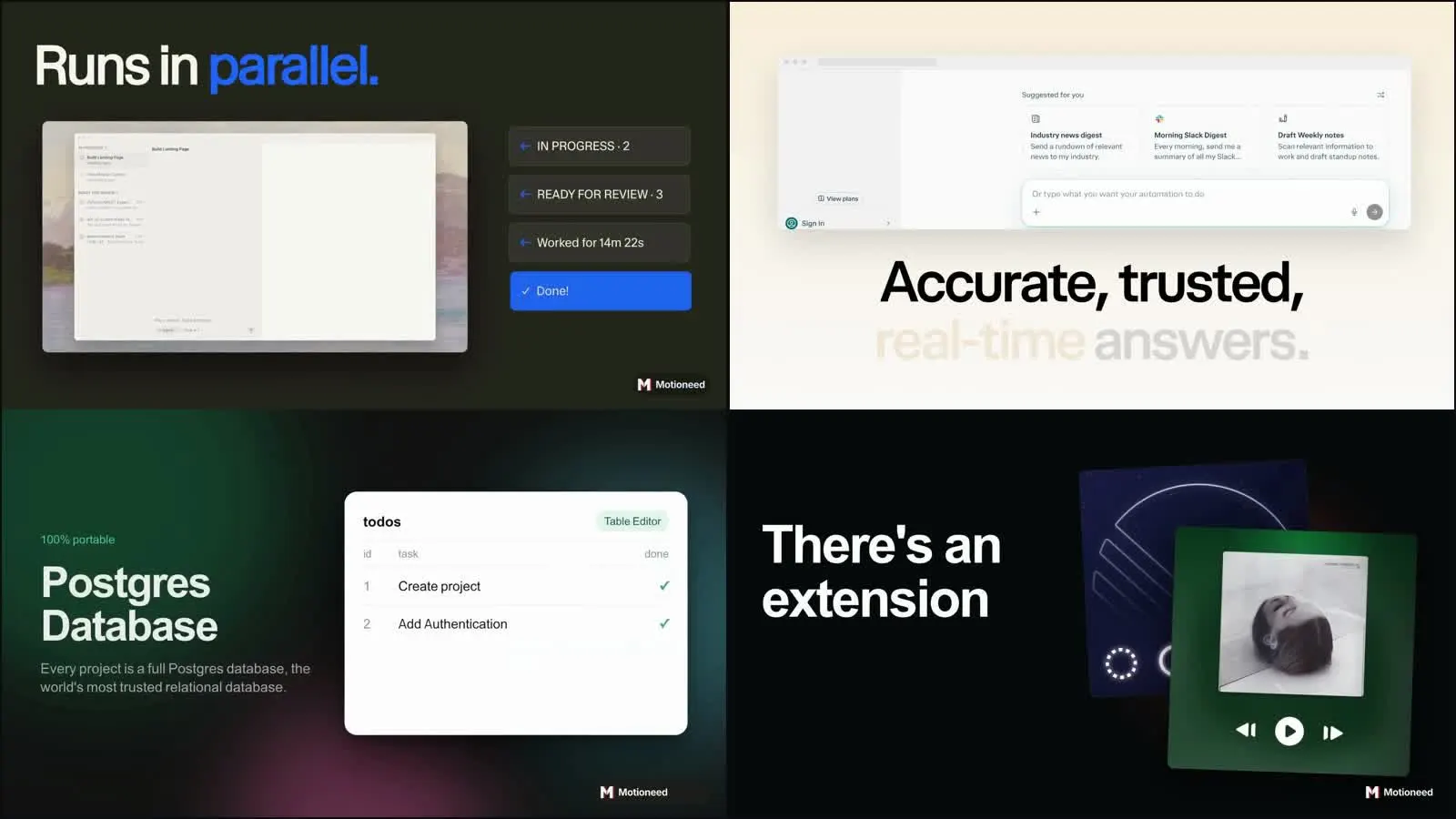
"Your backlog won't code itself. Hand it to Cursor." Then the agent panel: tasks in progress, ready for review, done. A quote from the site gives proof before the download button. Copy this: show the before state in words and the after state on screen.
3. Perplexity: a two-word promise
"Still digging" turns into "Just ask.", followed by the two main uses as cards, the product's suggestion screen, and a closing prompt: "What do you want to know?" Copy this: if your headline is short, let it carry a whole scene.
4. Raycast: jab, number, tagline
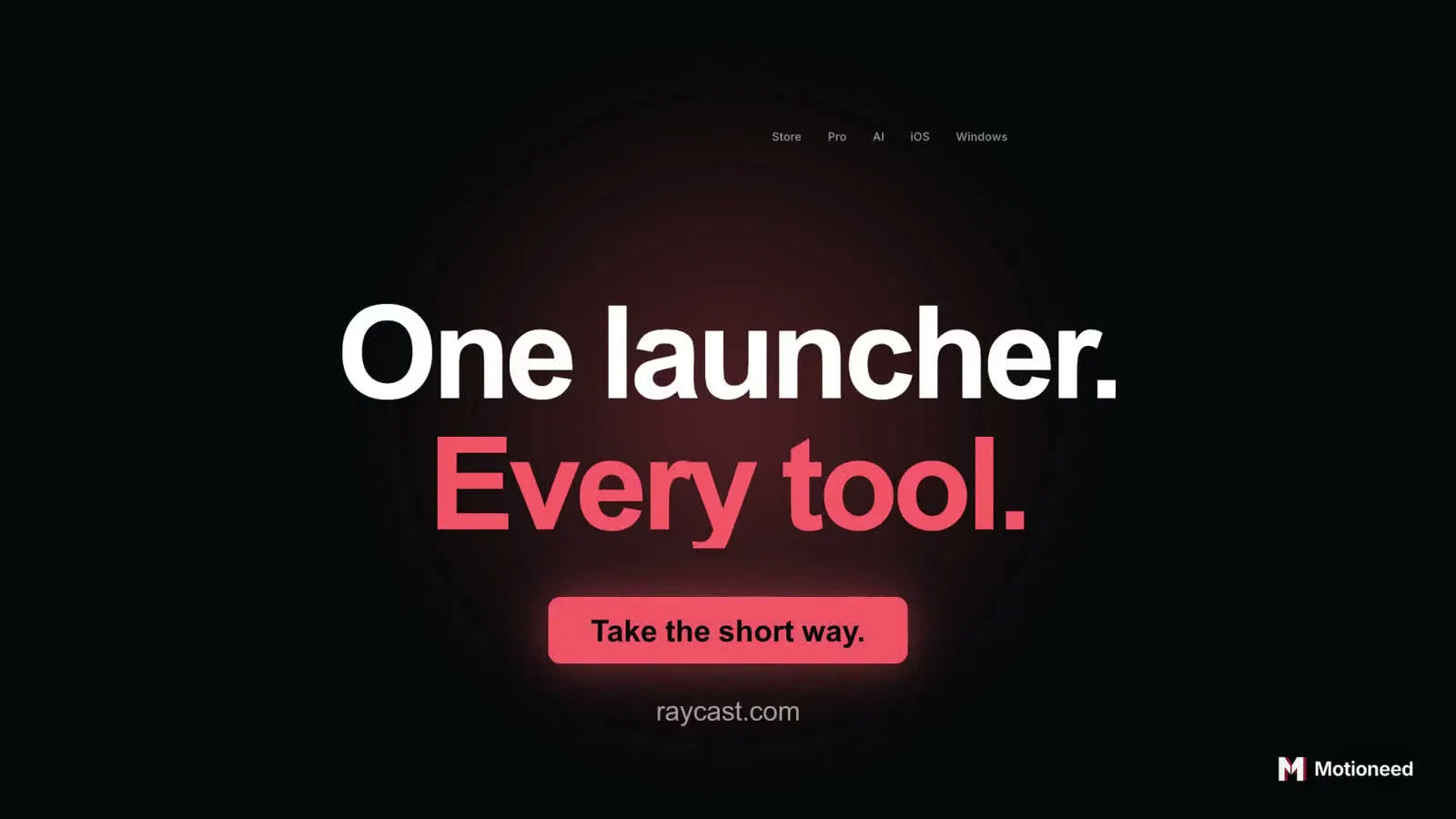
"Still clicking through" over a web of app icons, "There's an extension for that", a 99.8% reliability figure, then "One launcher. Every tool." and the call to action. Copy this: one published number is more convincing than three adjectives. See the promo guide for this structure.
5. Supabase: one feature per scene
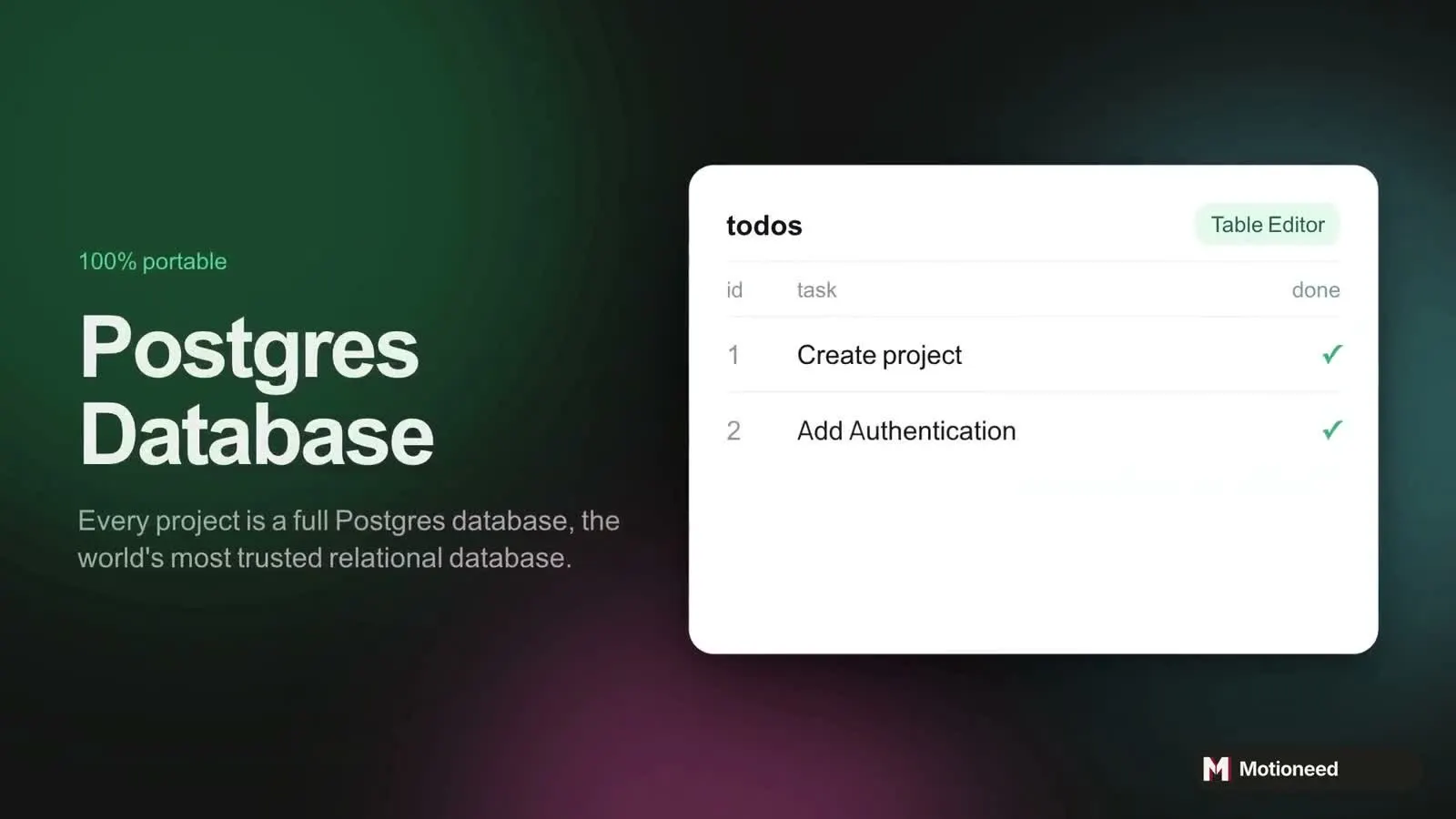
At 30 seconds there is room for a tour, but each scene still says one thing: Postgres database, authentication, edge functions, storage and realtime, React code, starter templates. Every scene pairs a short headline with one crop of the real UI. Copy this: for a platform with many parts, give each part its own scene and its own crop.
6. Linear: manifesto lines over the product
Vertical and calm: "Products are built differently now", "Teams and agents, together", "Plan. Monitor. Ship." over the mobile app, and the logo at the end. Copy this: a vertical cut can be a sequence of strong lines if each one sits on a real screen.
7. BookOrbit: release notes as a video
Made from the project's public GitHub release notes for v3.6.0. It opens on the problem ("Ebook. Audiobook. Never in sync."), shows the reading-space screens, then the news: "New in v3.6.0: Read Aloud books." Copy this: every release is a demo waiting to happen. See Release video.
What all seven have in common
- Real screens, early. None of them opens on a logo.
- One idea per scene. Each scene has a short headline and one crop of the UI.
- The site's own words. The lines come from the page, so they match what visitors read next.
- One call to action. Each ends on the site's main button.
- 15 seconds is enough. Five of the seven run 15 seconds.
Make your own
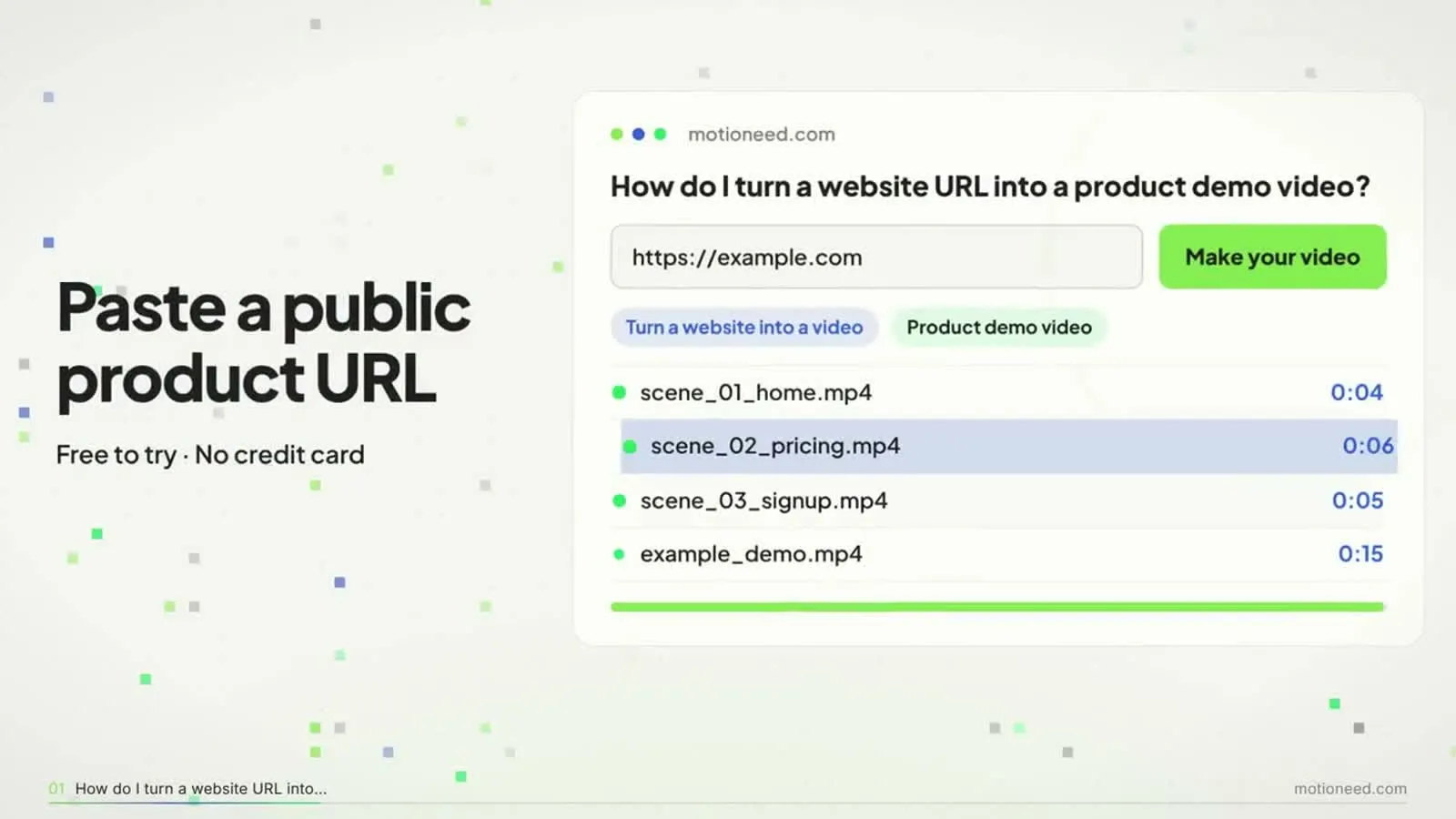
- Paste your URL at motioneed.com.
- Pick 16:9 for your website, or 9:16 for social.
- Pick 15 or 30 seconds.
- Preview, revise in plain words, and export.
For where the video goes on your site and how big the file should be, read Product demo video for website and Landing page video size. New accounts get 6 free credits for a 10-second preview; see pricing.
FAQ
What makes a good product demo video?
Real screens in the first seconds, one idea per scene, the product's own words and a single call to action.
How long should a product demo video be?
15 to 30 seconds for a website or social; up to 90 seconds behind a "watch demo" button.
Where can I see more demo video examples?
All of our cuts are on the showcase page, in 16:9, 9:16 and square.
Are these the companies' official videos?
No. Motioneed made them from public websites as examples.
Can I make a demo like these from my own site?
Yes. Paste your URL; the free preview is 10 seconds with the Motioneed mark.
Can a demo show a presenter?
Yes. Motioneed Demo films your page being used with a presenter in the frame.