Short answer: For landing page video size, aim for 1280×720 to 1920×1080 at 16:9 (or 1080×1920 for 9:16 mobile), an H.264 MP4 with a WebM fallback where you can, no audio track for autoplay, and a small file: a few megabytes for an autoplaying hero loop and well under 10 MB. Keep autoplay loops short, roughly 10 to 30 seconds.
"Landing page video size" is one of those queries where people want a number, and the honest answer is a range. Pixel size, file size and length all trade off against each other. Below are the practical defaults, where they come from, and how to get a video that fits them.
Landing page video size at a glance
| Setting | Recommended | Why |
|---|---|---|
| Resolution (landscape) | 1280×720 to 1920×1080 | 720p is enough for most embeds; 1080p for full-width heroes |
| Resolution (portrait) | 720×1280 to 1080×1920 | For mobile-first pages and vertical sections |
| Aspect ratio | 16:9, 9:16, 4:3 or 3:4 | Match the container so there are no black bars |
| Codec / container | H.264 in MP4, plus WebM (VP9) if you can | MP4 plays everywhere; WebM is often smaller |
| Audio | None for autoplay | Autoplay is muted anyway; dropping audio saves bytes |
| Length | 10 to 30 seconds for loops | Shorter loops stay small |
| File size | A few MB for a hero loop, under 10 MB | Every visitor downloads an autoplaying video |
Where these numbers come from
These aren't our invention. A few public references agree closely:
- The University of Warwick's web video guide recommends H.264 MP4, resolution up to 1280×720 for most purposes, variable bitrate, "web optimised" fast-start encoding, autoplaying files under 10 MB, and no audio track for autoplay.
- MDN's guide to video performance recommends compressing every video and offering both WebM and MP4/H.264 sources.
- Web production guides for looping hero videos commonly target files of around 3 MB or less and loops of roughly 15 seconds or less to stay there.
The common thread: the heavier the file, the more it slows the page, and an autoplaying hero video is downloaded by everyone who lands.
Picking the right resolution
Resolution should match how big the video actually appears.
| Where it plays | Suggested size |
|---|---|
| Full-width desktop hero | 1920×1080 |
| Contained hero or feature block | 1280×720 |
| Small card or grid tile | 854×480 or 960×720 (4:3) |
| Mobile vertical section | 1080×1920 |
If the video sits in a 700-pixel-wide column, a 4K file only adds weight. Export at the highest quality you have, keep that master, and encode a web copy sized to the container.
Getting the file size down
- Shorten it. Length is the biggest lever. A 12-second loop is far lighter than a 45-second one.
- Drop the audio track for anything that autoplays.
- Use variable bitrate / constant quality. Calm scenes use fewer bits.
- Encode WebM as well and list the smaller source first in your
<video>tag. - Enable fast start so playback begins before the whole file arrives.
- Add a poster image so the first frame appears instantly.
- Use
preload="metadata"or"none"for videos below the fold.
For longer demos (a minute or more behind a "watch demo" button), consider a video host or adaptive streaming rather than one big MP4.
Motion matters too
Busy, fast-moving footage compresses worse than clean interface animation. Animated UI scenes with flat colors and crisp text usually compress well, which is one reason a motion-designed product video suits a hero section better than handheld footage. Keep autoplaying motion gentle; it shouldn't fight the headline above it.
How Motioneed exports fit landing pages
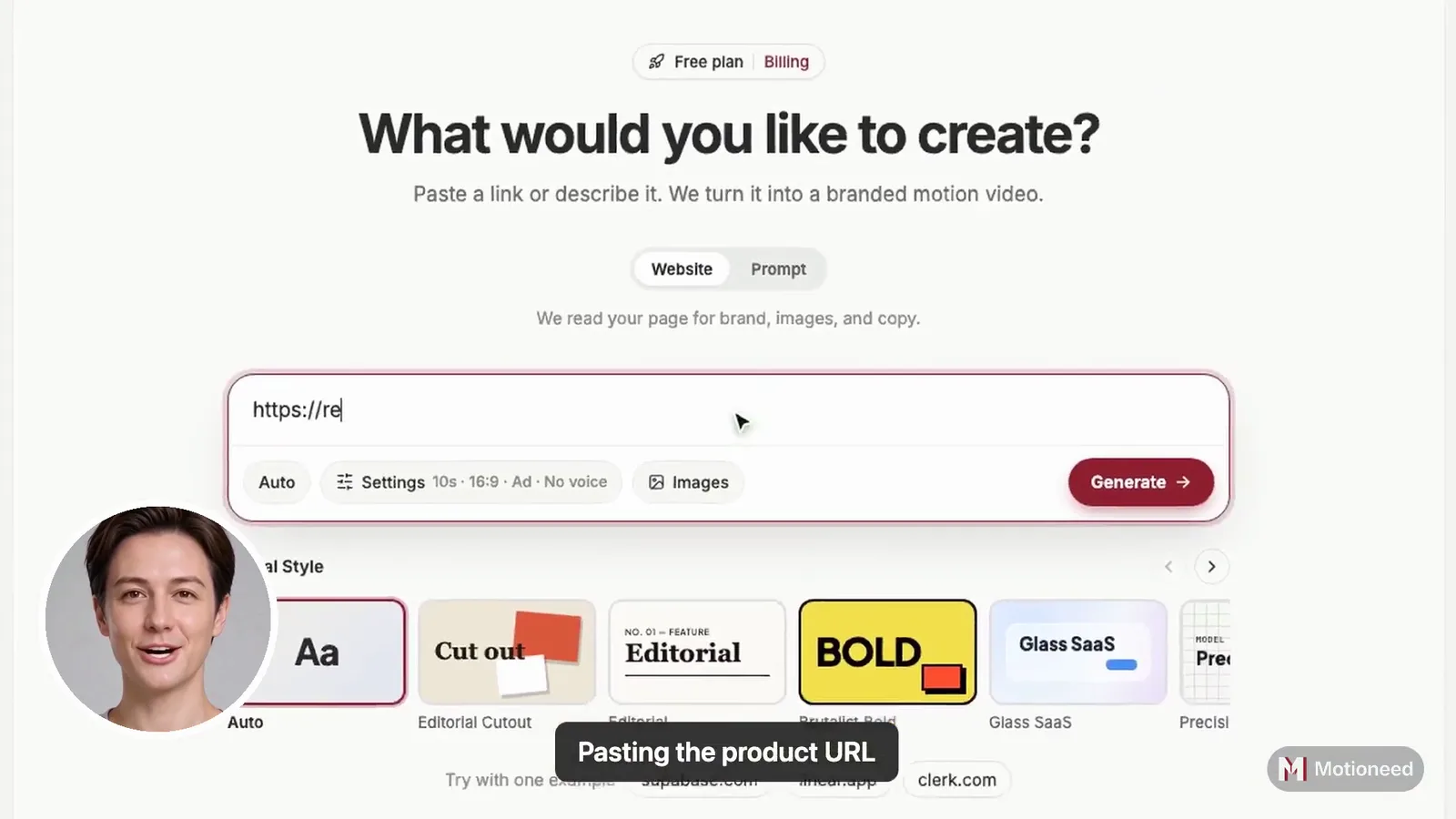
Motioneed builds short product videos from your URL using your real logo, colors, copy and UI. Its output lines up with the sizes above:
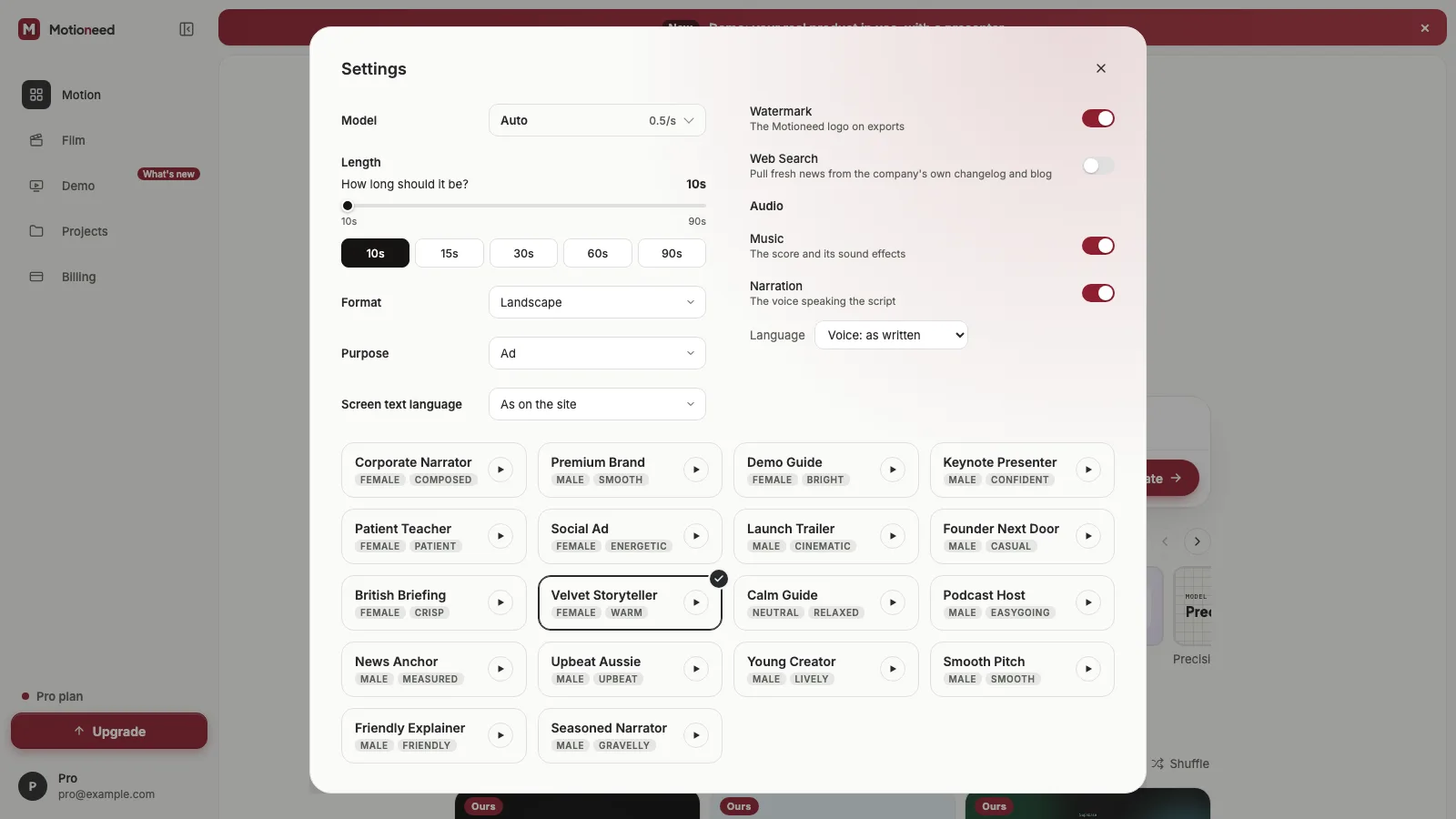
- Aspect ratios: 16:9, 9:16, 4:3 and 3:4, so you can match the container.
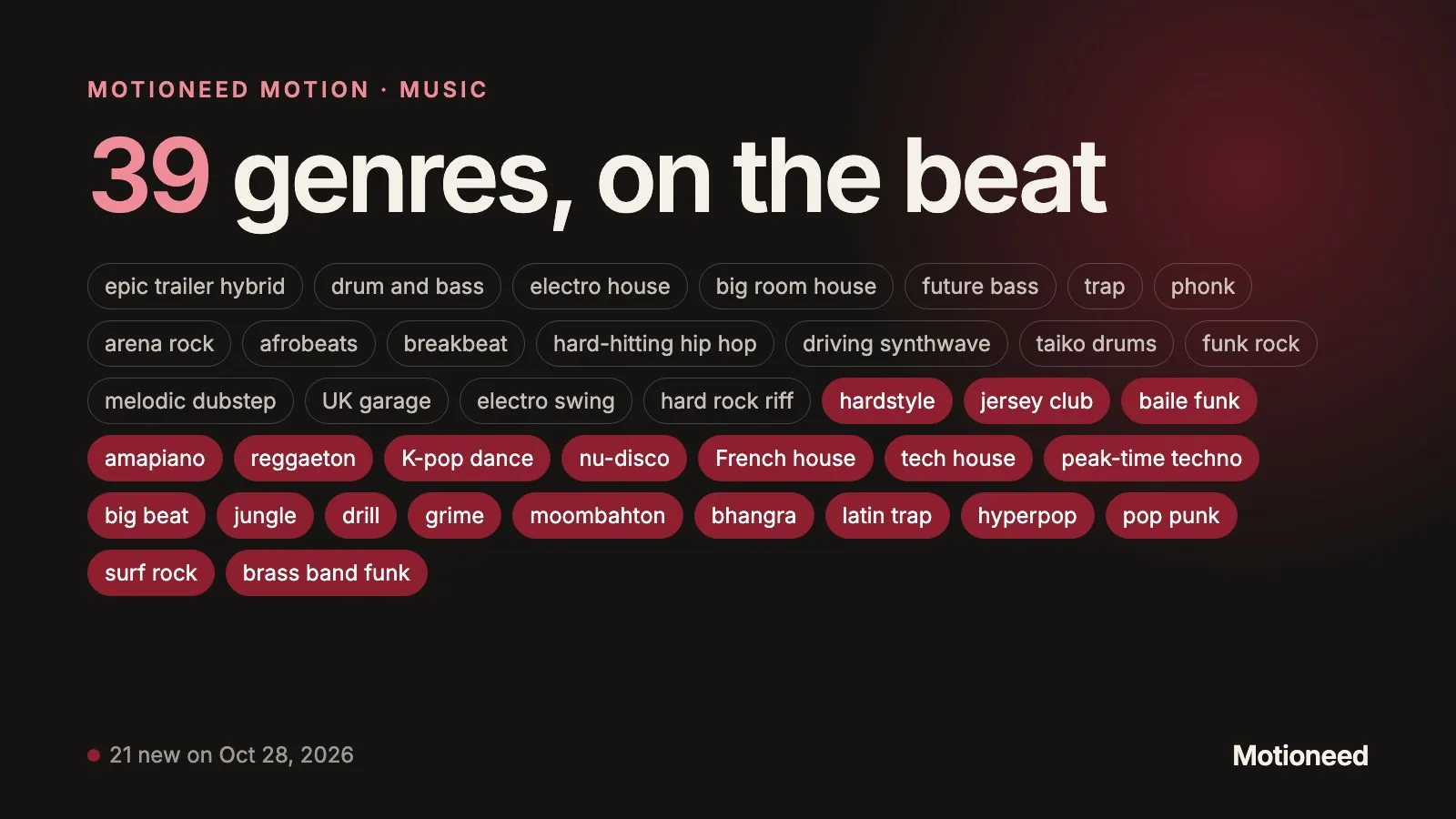
- Lengths: 10, 15, 30, 60 or 90 seconds for Motion. 10 to 15 seconds is a natural hero loop.
- Scenes: flat-color animated scenes, which compress well.
- Music: every cut has a music bed. For an autoplaying hero, strip the audio track when you encode the web copy.
Export without the Motioneed mark needs a paid plan or credit pack; the free preview lets you check the cut first. To decide what goes in the video, read Product demo video for website. If you're starting from scratch, How to turn a website into a video with AI walks through the whole flow.
A copy-paste embed
<video autoplay muted loop playsinline preload="metadata" poster="/hero-poster.jpg" width="1280" height="720">
  <source src="/hero.webm" type="video/webm">
  <source src="/hero.mp4" type="video/mp4">
</video>
muted and playsinline are what let the video autoplay on mobile browsers. Setting width and height reserves space so the layout doesn't jump.
FAQ
What is the best landing page video size? 1920×1080 for a full-width hero, 1280×720 for most contained videos, and 1080×1920 for vertical mobile sections, all as H.264 MP4 with an optional WebM.
How big should a landing page video file be? For an autoplaying hero loop, a few megabytes, and under 10 MB at most. Longer "watch demo" videos can be larger if they load only on click.
What is the website home page video size for mobile? Use a 9:16 version at 720×1280 or 1080×1920, or serve the 16:9 version at a smaller size. Keep it muted with playsinline.
Should landing page videos have sound? Not when they autoplay; browsers mute autoplay. Put sound in a click-to-play demo.
MP4 or WebM? Both if you can. MP4 (H.264) plays everywhere; WebM is often smaller. List the smaller one first.
How long should a landing page video be? 10 to 30 seconds for loops. Motioneed's 10, 15 and 30 second options fit that range. See pricing to export.