Short answer: To turn a website into a video with AI, paste the public URL into Motioneed. It reads the page, captures your real logo, colors, headlines and interface, rebuilds them as animated scenes, adds music, and gives you a 10 to 90 second video you can preview, revise and export. You don't need a script, a screen recording or a timeline editor: that is what "turn website into video AI" should mean.
People search "turn website into video ai" for a simple reason: the website already says everything the video should say. The positioning is written, the brand colors are picked, the screenshots exist. Rebuilding all of that by hand in a video editor feels like doing the work twice. This guide explains what a website-to-video tool actually does, where the results tend to go wrong, and how to get a cut you would put on your own homepage.
What "turn website into video AI" actually means
The phrase covers three quite different kinds of tool, and it helps to know which one you want before you start.
| Approach | What you get | Typical weak spot |
|---|---|---|
| Scroll recording | A capture of the page scrolling, sometimes with zooms | Looks like a screen recording, not a story |
| Avatar or stock generator | A presenter or stock clips reading a script pulled from your page | Your actual product barely appears |
| Real-UI rebuild (Motioneed) | Scenes built from your real logo, colors, copy and interface, animated and scored | Needs a public page with real content to work from |
Motioneed is the third kind. We wrote about why we chose that path in Why Motioneed turns a URL into real-UI video. In short, a viewer trusts what they can recognise, so the video should look like your product and not like a generic ad.
How to turn a website into a video with AI in Motioneed
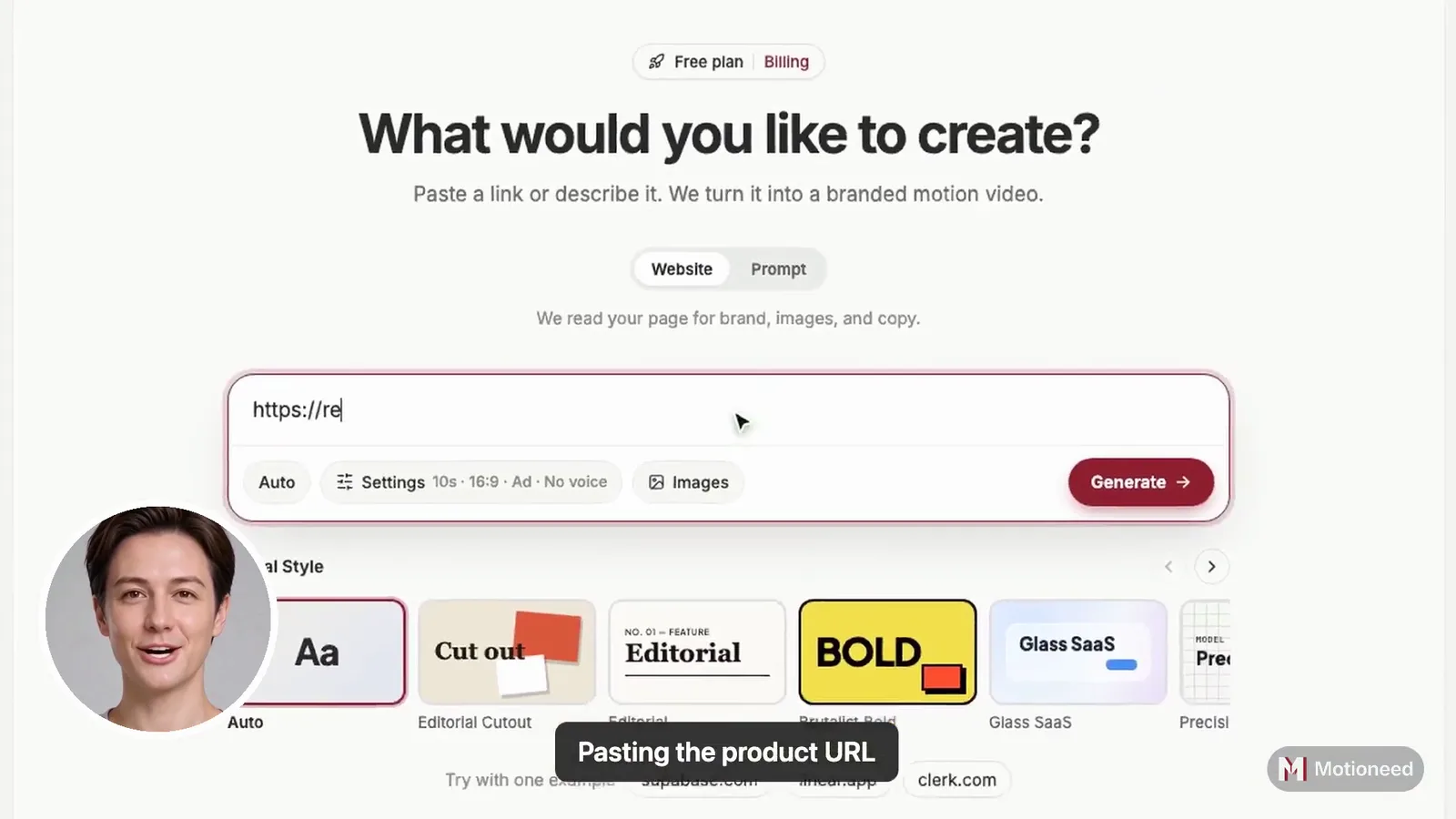
- Paste a public URL. Your homepage, a feature page or a launch page all work. You can also type a sentence instead of a URL if the page isn't public yet.
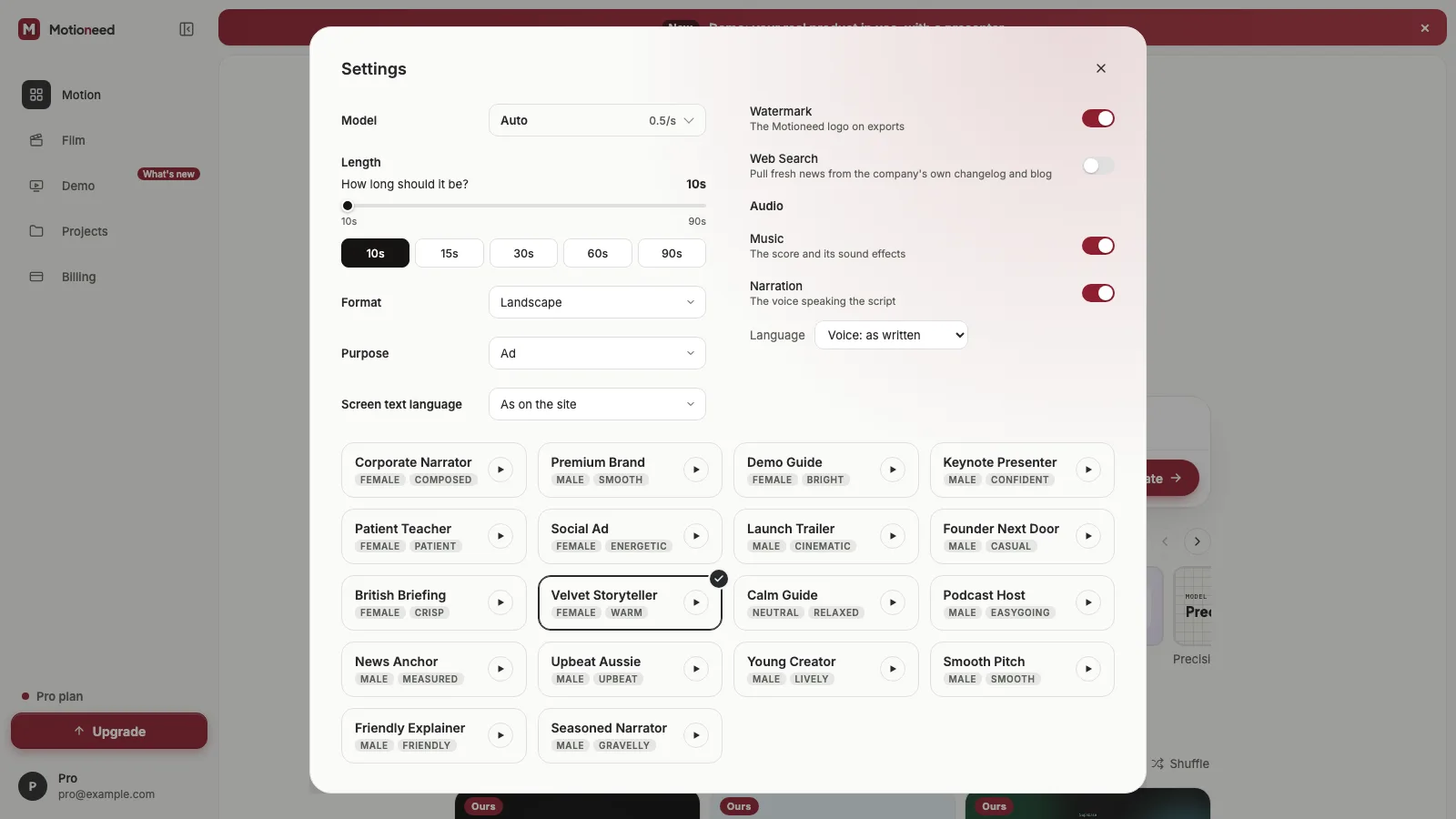
- Pick a format and length. Landscape (16:9) for your site and YouTube, portrait (9:16) for Reels, Shorts and TikTok, 4:3 for slides and decks, 3:4 for feed posts. Motion videos run 10, 15, 30, 60 or 90 seconds.
- Let it capture. Motioneed loads the page, pulls the logo, palette, headline copy and interface screenshots, and plans a short storyboard around them.
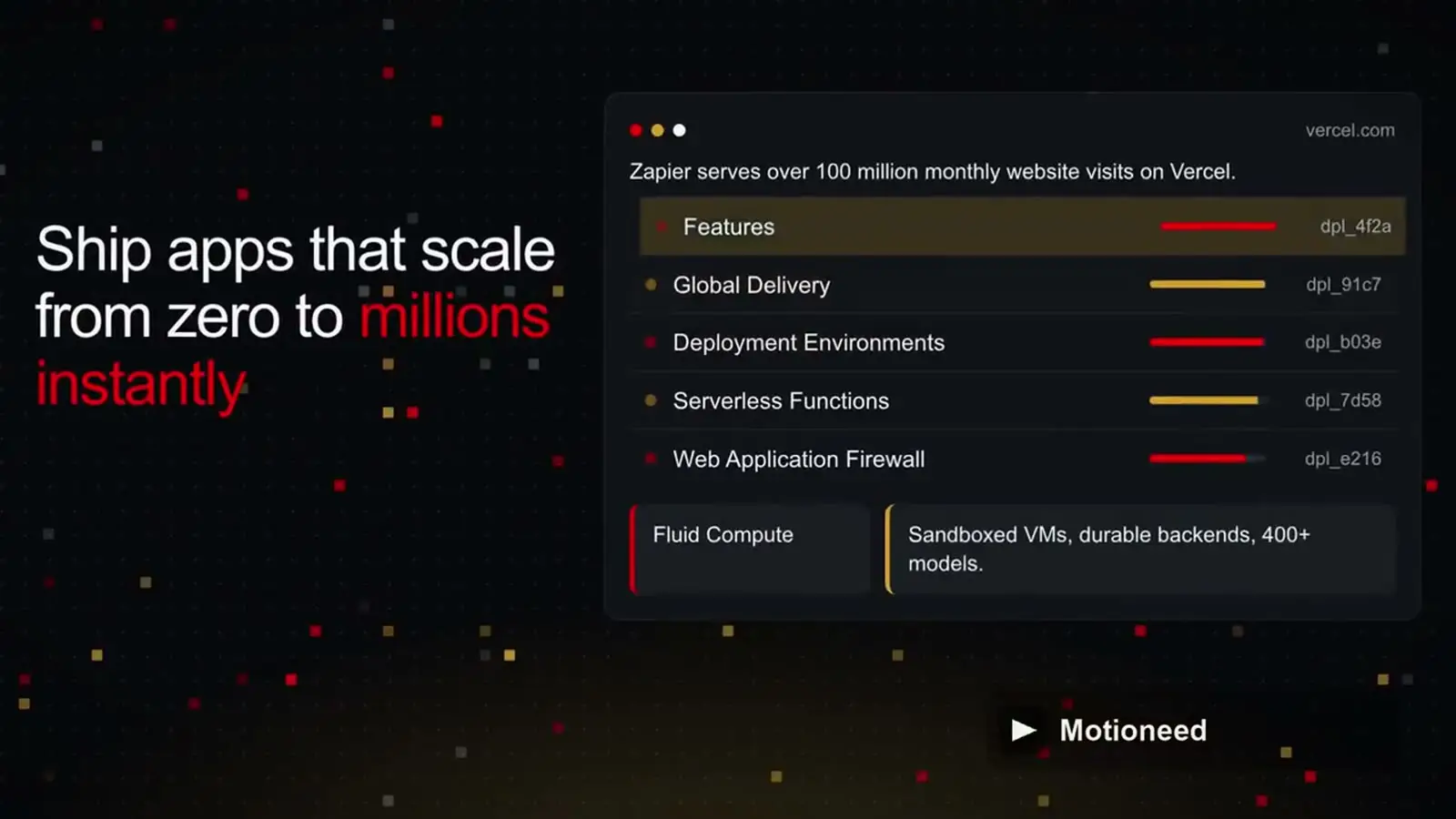
- Preview the cut. Scenes are rebuilt as motion graphics and animated, then rendered with a music bed. The free preview carries the Motioneed mark.
- Revise and export. On a paid plan or credit pack you can ask for changes in plain words, keep version history, share a link and export without the mark.
If a job fails, its credits are refunded, so a bad crawl doesn't cost you anything.
Why real UI beats stock for website videos
When the video uses your real interface, three things get easier:
- Recognition. Someone who has seen your site recognises the video, and the other way round.
- Accuracy. The words on screen are words you already approved for your homepage.
- Reuse. One cut can sit in a hero section, run as a social clip and go into a launch post.
Motioneed decides which part of each screenshot to show, so a 9:16 frame doesn't shrink a whole dashboard into an unreadable strip. We explain how in Shot intent and real screenshot crops.
Getting a better result from your URL
The output can only be as good as the page it reads. A few things help:
- Use the page with the clearest message. A focused feature page often makes a tighter 15-second cut than a busy homepage.
- Make sure the key UI is visible without logging in. Motioneed captures public pages. If your best screens sit behind a login, put a screenshot or product image on the public page.
- Match the length to the channel. 10 to 15 seconds for social, 30 seconds for a hero loop or launch post, 60 to 90 seconds when you want to walk through a few features.
- Choose a pacing. Calm, standard and energetic profiles change how long each scene holds. Read more in Film pacing and quality gates.
When you want live-action instead
Some launches need a cinematic shot rather than interface scenes, for example a mood opener or a lifestyle moment. That's what Motioneed Film is for: 5 to 45 second live-action clips generated from a prompt. See Film mode. For most "turn my website into a video" jobs, though, Motion is the right fit because it shows the product itself.
What it costs
You can try one Motion preview free with the 6 starter credits. Paid plans start at $29 a month for Pro (100 credits a month), with Max at $99 and Ultra at $950, and one-off credit packs from $15. Current details are on the pricing page.
A quick checklist before you paste the URL
| Check | Why it matters |
|---|---|
| Page is public and loads fast | The capture needs to see it the way a visitor does |
| Headline says what the product does | It usually becomes the opening line |
| Logo and brand colors are on the page | They set the look of every scene |
| At least one clear product screenshot | Gives the video real UI to show |
| You know where the video will play | Decides format and length |
FAQ
Can AI really turn a website into a video? Yes. Motioneed reads a public URL, captures the real brand and interface, and builds an animated, scored video from them. You review the preview and ask for changes before exporting.
Do I need to write a script? No. Motioneed drafts the storyboard from the copy on your page. You can steer it with a short note, and revise in plain words afterwards on a paid plan.
Does it use avatars or stock footage? No. Motion videos are built from your own logo, colors, copy and UI. There are no presenters and no stock clips.
What formats can I export? Landscape 16:9, portrait 9:16, 4:3 and 3:4, from 10 to 90 seconds for Motion.
Is it free to try? Yes. New accounts get 6 credits, enough for a Motion preview with the Motioneed mark. Export without the mark needs a paid plan or a credit pack.
What if my page is behind a login? Motioneed can only capture what a logged-out visitor sees. Add a product screenshot to a public page, or describe the product in a sentence instead of a URL.
Ready to try it? Turn your URL into a video.