Short answer: A good product demo video for website visitors is short (about 15 to 60 seconds for a hero or feature section), shows one real workflow in your actual UI, and ends with one clear next step. You can record and edit it yourself, or paste your URL into Motioneed to get a scored demo built from your real logo, copy and interface in 16:9, 9:16, 4:3 or 3:4.
Founders asking how to make demo videos keep landing on the same advice in threads like r/SaaS: keep it short, show one real use case instead of every feature, and don't let it drag. Everyone agrees on that much. Where people get stuck is the work in between: scripting, recording a clean take, cutting dead time, adding zooms and music. This guide covers the decisions you need to make and the fastest ways to get there.
Where a product demo video for website visitors goes
Where the video sits on the page decides most of the other choices.
| Placement | Suggested length | Sound | Format |
|---|---|---|---|
| Hero section, autoplaying | 10 to 30 seconds, loops well | Muted by default | 16:9 |
| Feature section | 15 to 30 seconds per feature | Muted, with optional unmute | 16:9 or 4:3 |
| "Watch demo" button / modal | 30 to 90 seconds | On, the visitor chose to watch | 16:9 |
| Mobile-first page or social | 10 to 15 seconds | Muted with on-screen text | 9:16 |
These are starting points, not rules. If you can say what the product does in 20 seconds, don't stretch it to 60.
What to show in a website demo
The demos that work best follow one thread from start to finish:
- The situation. A one-line problem, usually your headline.
- The first action. The visitor sees where they start.
- The result. The screen that makes someone think "oh, that's useful."
- The next step. Start free, book a call, or read more.
Skip the login screen, the settings page and the menu tour. The navigation between important screens should be cut, not narrated.
Three ways to make a product demo video for your website
| Method | Effort | Result |
|---|---|---|
| Screen recording (Loom-style) | Low | Honest and quick, but raw. Fine for a docs page |
| Recording + editor with auto-zoom | Medium to high | Polished, but takes scripting, retakes and editing |
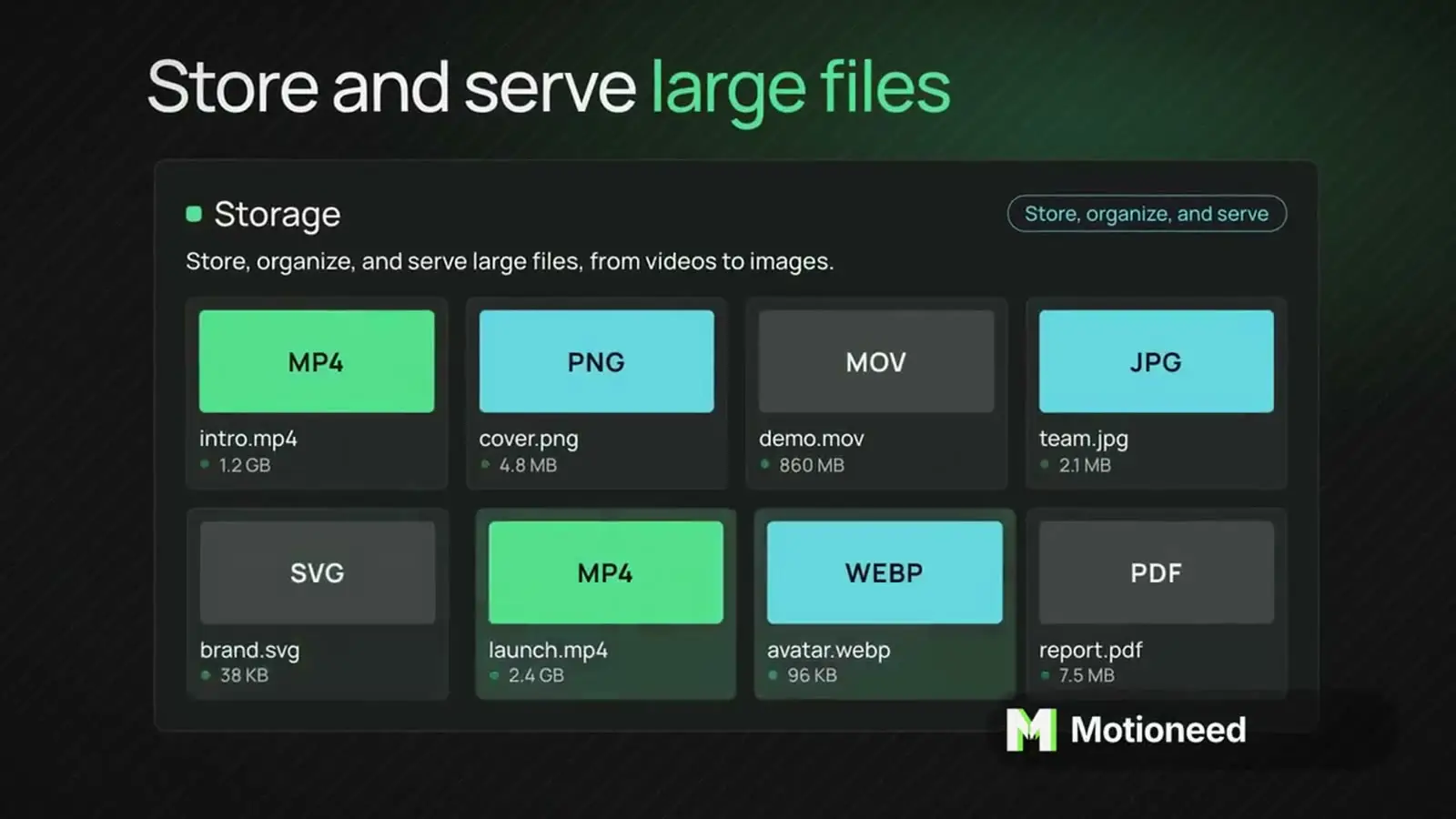
| Generate from URL (Motioneed) | Low | Animated scenes from your real UI, with music, in minutes |
Recording yourself is great when you want to show a live, click-by-click workflow. Motioneed is better when you want a polished, motion-designed demo of the key screens without a recording session.
How to make one from your URL with Motioneed
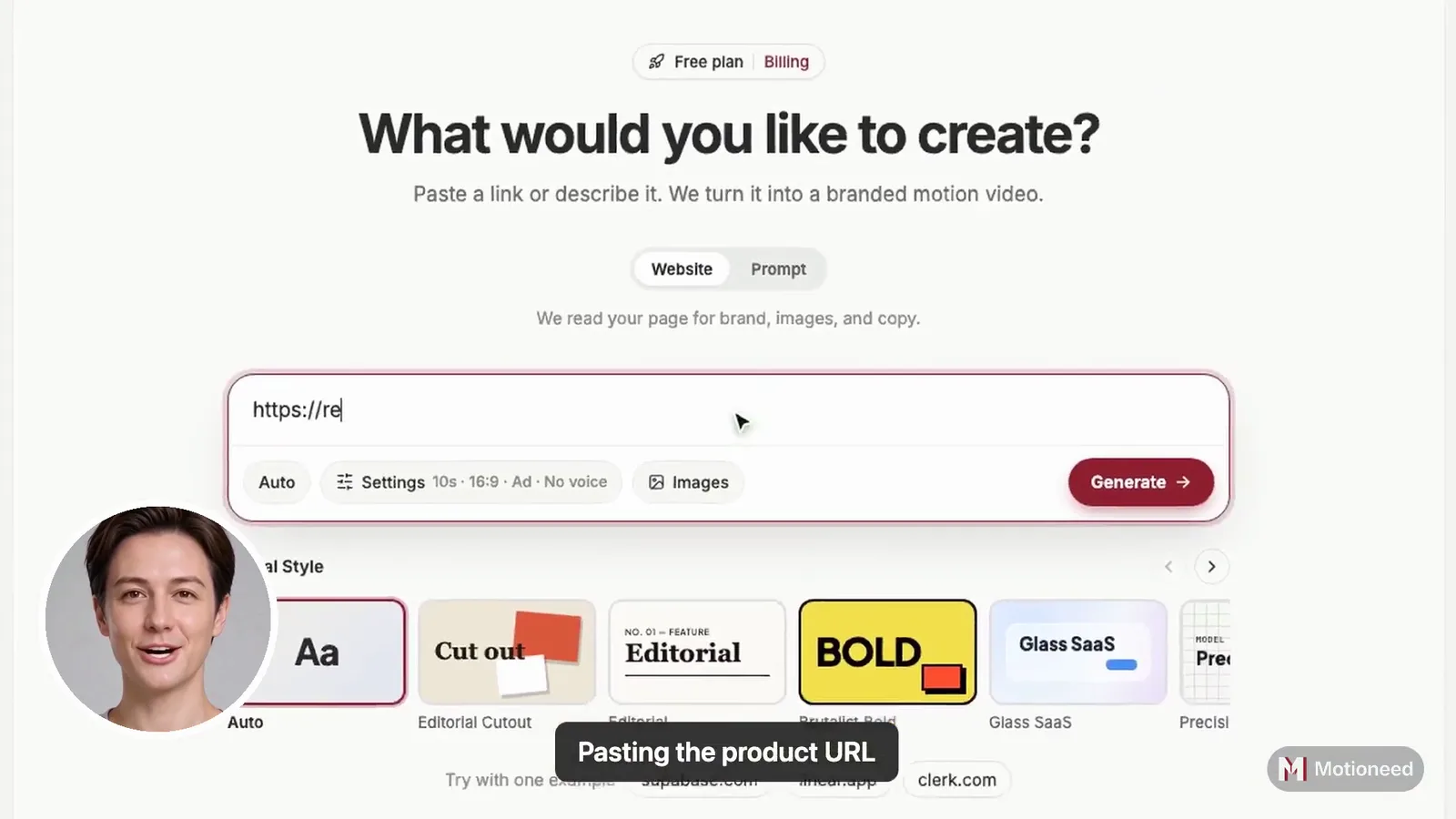
- Paste your homepage or feature page URL.
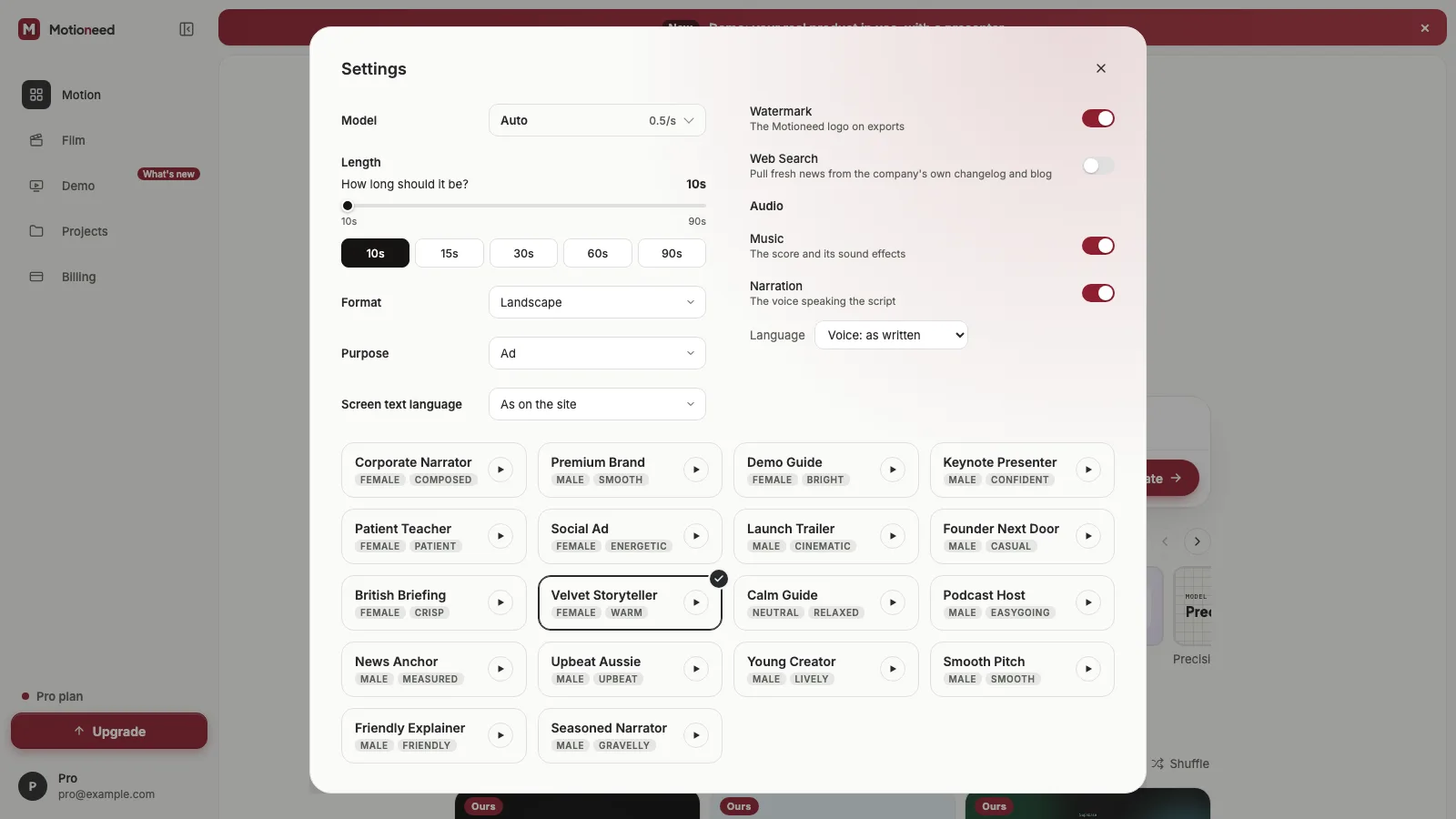
- Choose 16:9 for the site, 9:16 for mobile and social, 4:3 for a feature grid, or 3:4 for a feed post.
- Choose 10, 15, 30, 60 or 90 seconds.
- Preview. Motioneed captures your logo, colors, copy and screenshots, rebuilds them as animated scenes and adds music.
- On a paid plan or credit pack, revise in plain words, export without the mark and share a link.
Each scene is cropped to the part of the screen that matters, so a small control isn't lost in a full-page screenshot. See Shot intent and real screenshot crops. For how we keep scenes readable, see Film pacing and quality gates.
Making the demo fit the page
- Keep the file light. An autoplaying hero video is downloaded by every visitor. We cover sizes and encoding in Landing page video size.
- Add a poster image. The first frame shows instantly while the video loads.
- Design for no sound. Most autoplay is muted, so the words on screen must carry the message.
- Keep the UI legible. Show fewer, larger screens instead of many tiny ones.
Honest limits
Motioneed captures public pages, so screens behind a login won't appear unless you put a screenshot on a public page. It won't invent customers, quotes or numbers. And if you need a cursor-level walkthrough, Motioneed Demo records your public page being used, with a presenter if you want one; for a flow behind a login, a screen recording is still the right tool.
FAQ
How long should a product demo video be? For a website hero, 10 to 30 seconds. For a "watch demo" modal, 30 to 90 seconds. Detailed walkthroughs belong on a docs or YouTube page.
Should a website demo video autoplay? Only muted, and preferably short and looping. If it has narration, let the visitor press play.
What format is best for a website demo? 16:9 for desktop hero and feature sections, 9:16 for mobile-first pages and social, 4:3 for grids.
Can I make a product demo video with AI? Yes. Motioneed builds a demo from your URL using your real UI, with no avatars or stock footage.
Is it free? New accounts get 6 credits for a free Motion preview with the Motioneed mark. Paid plans start at $29 a month; packs from $15. See pricing.
What should I do with the demo once it's made? Use the 16:9 cut on your site, a 9:16 cut on social, and the same story for launches. See How to make a Product Hunt launch video from a URL.
Make a demo video from your URL, or see the product demo video page.